ZBrushCentral

unwanted errors after "new from polypaint"

hello,

all the textures i create, are bugy.

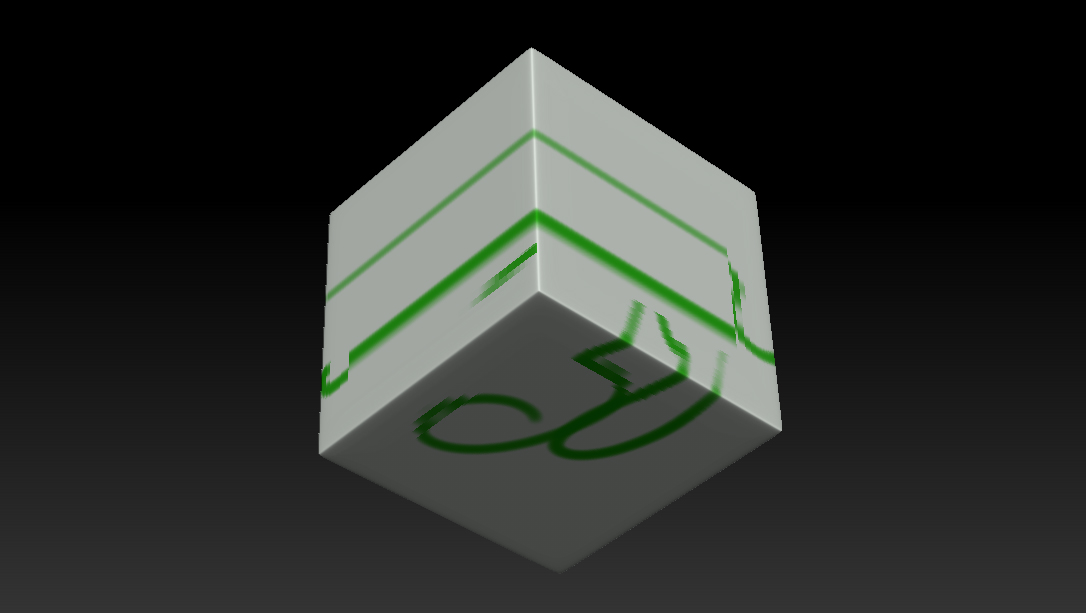
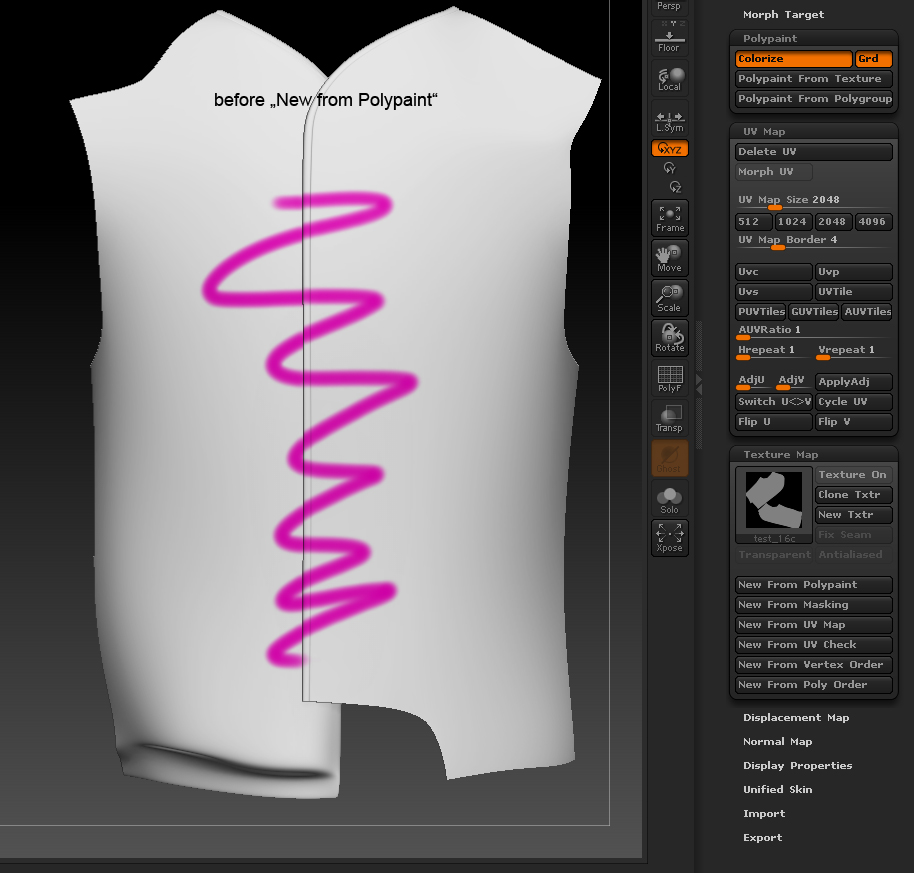
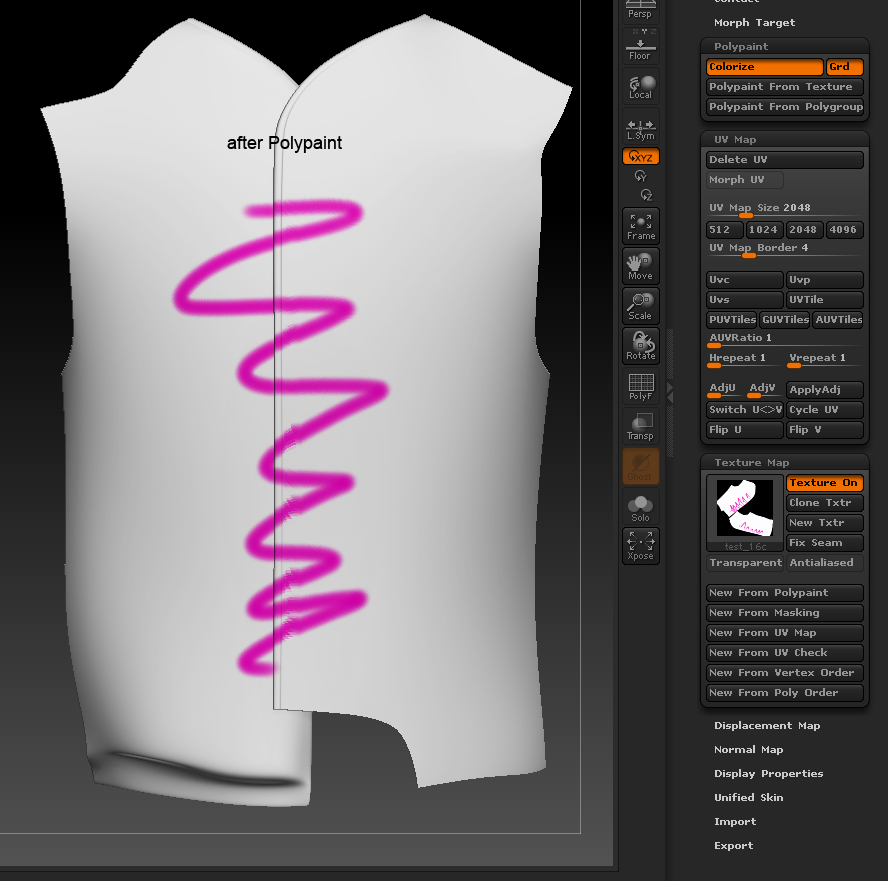
the best thing is to write down my steps and put 2 pictures, one after painting, the other one, after pressing “new from polypaint” with unwanted errors, like you can see.

  1. import maya obj file

  2. “edit” mode

  3. divide subdivision levels

  4. change material, “fillobject”

  5. change color, paint

  6. tool -> texture map -> new from polypaint

im pretty sure, im the one who make some mistakes here and its easy to resolve, but where to search?

Attachments
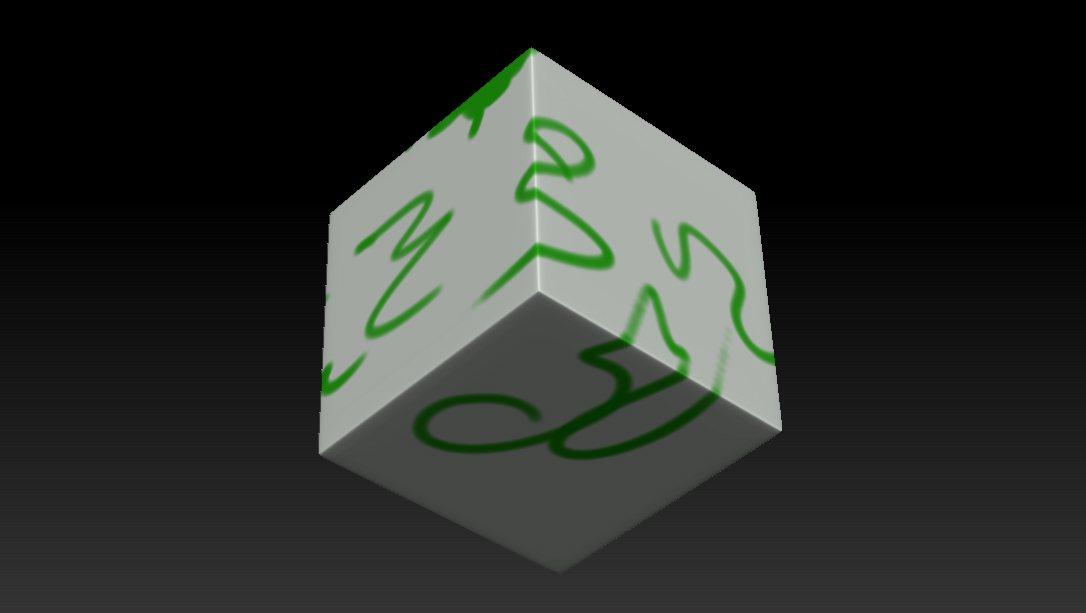
zb4r2a.jpg

zb4r2b.jpg

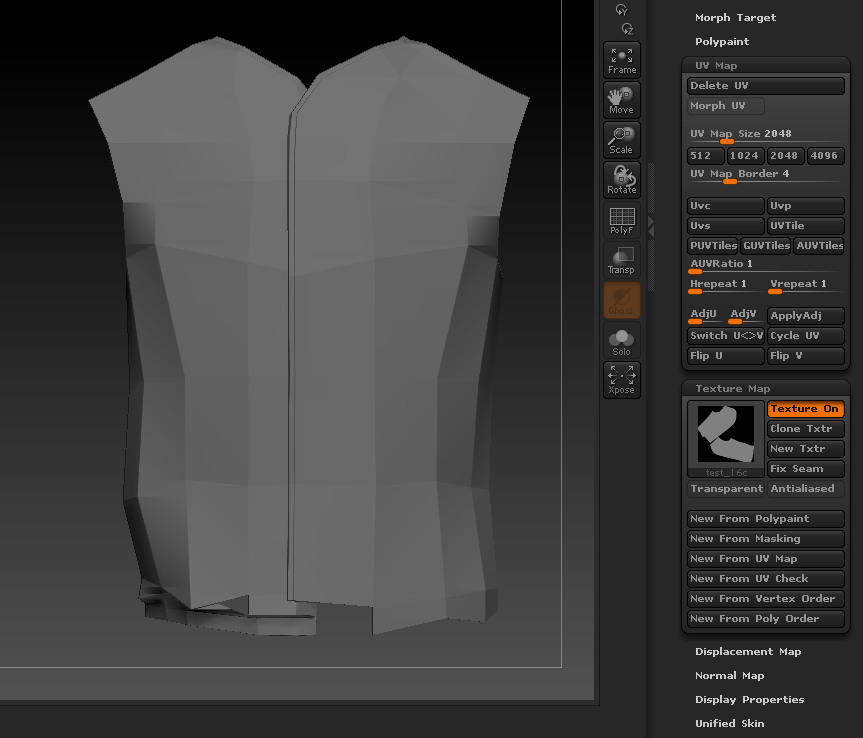
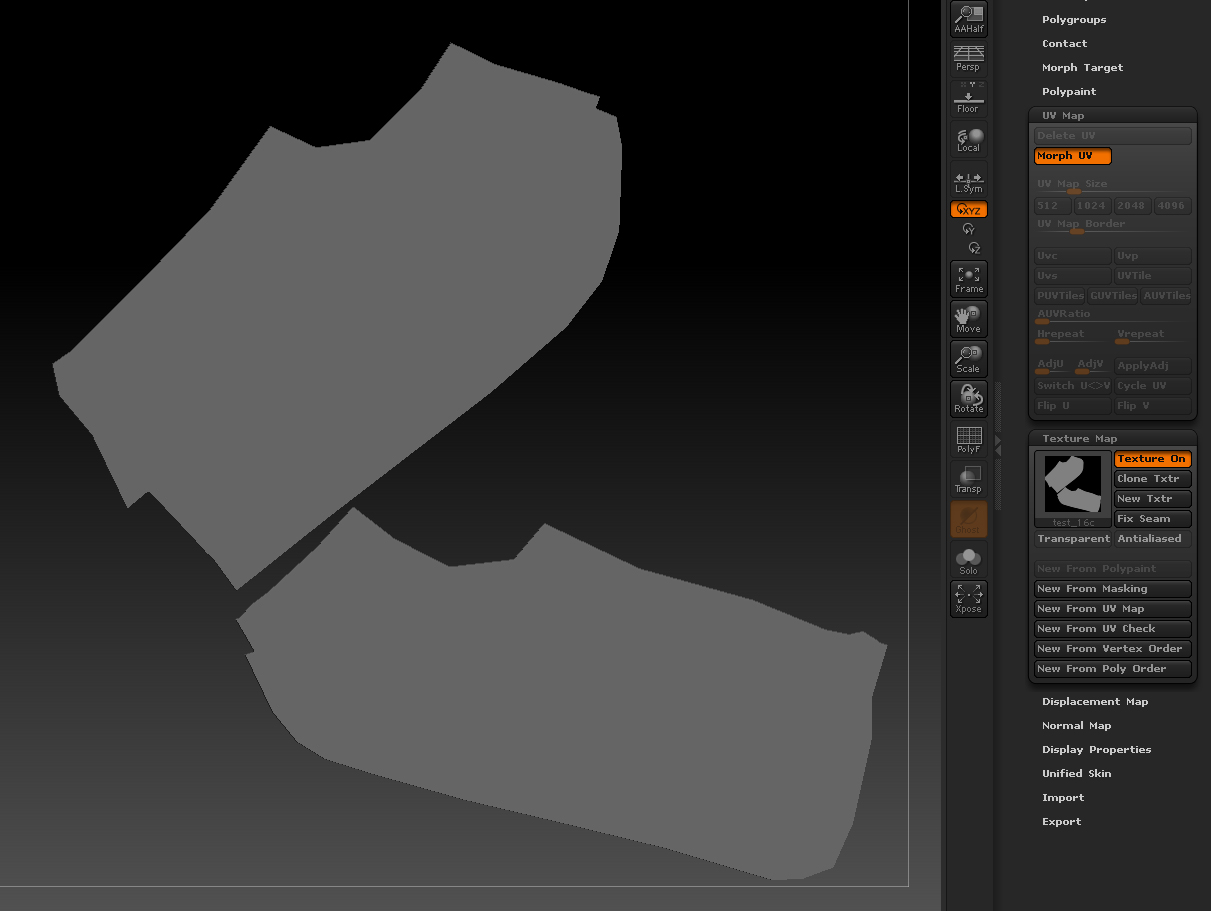
What kind of UVs are you using? Standard Cube UV from Maya, or one of the ZBrush Tile UV methods?

standard maya cube without any UV changes

I’d check the UV map from Maya if you think it is still on the Cube. It looks like you have planar mapping going on but you need a six sided Cube UV map on it instead. Or use Zbrush’s UV Tile methods.

http://www.pixologic.com/docs/index.php/Tool:Texture_Subpalette

I’ve had issues with texture from polypaint too. Haven’t had the time to test things further, but it was a complete failure a few days ago.

(Dynamesh object. UV tiles in zbrush.)

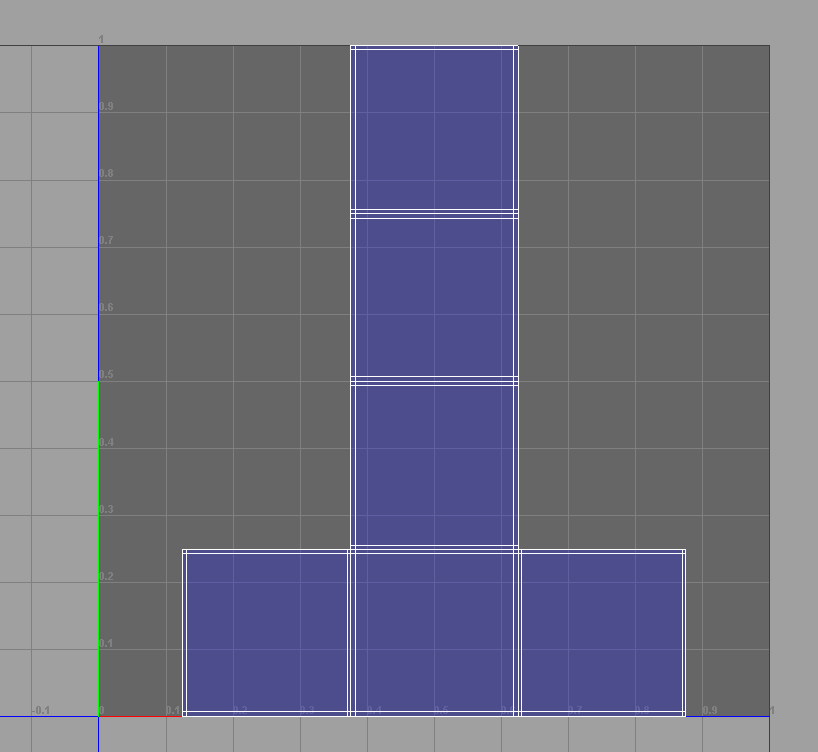
i think the UV is looking good for me. planer mapping would looked as one quad at all.

uv tile method is unfortunately not editable in photoshop. there are maybe other techniques to get the result, but for me it is important to understand and solve this “small” problem

Attachments

cube.jpg

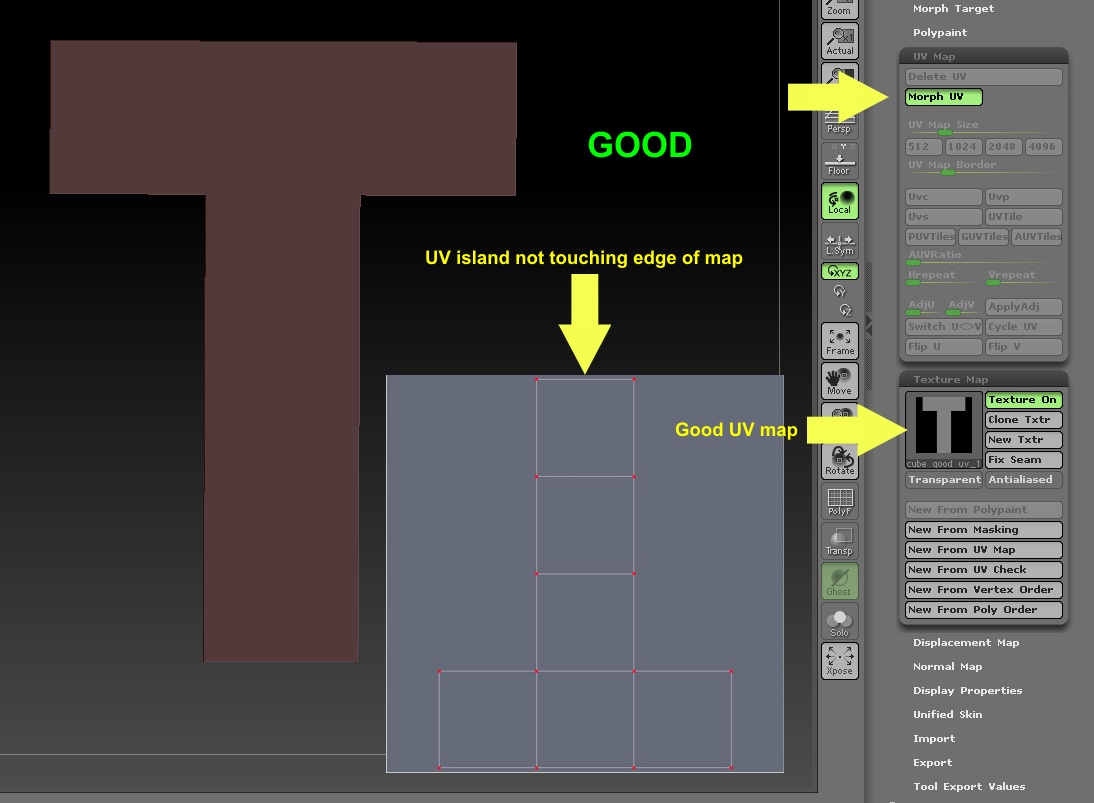
ZBrush doesn’t like the UV islands touching the edge of the UV map. Scale the islands down a bit so they are in from the edges.

i have tested it, but no effect, artefacts still there.

Have you pressed Tool>Texture Map>New From UV Check? This is the best way to see if ZBrush is having problems with your UVs. If there is any red in the result then your UVs are getting wrapped/overlapped.

goo uv mapJPG.jpg

bad uv map.JPG

This is fantastic information. I had no idea. :+1:small_orange_diamond:+1:small_orange_diamond:+1:

hello forum,

i was testing for hours. so the errors from my first post in this thread, are resulting from the touching of UVs to the edge UV map. even the tip about “new from UV check” is fantastic.

thanx a lot guys. unfortunately it is only a part of the whole problem, coz some errors are gone but some are still there.

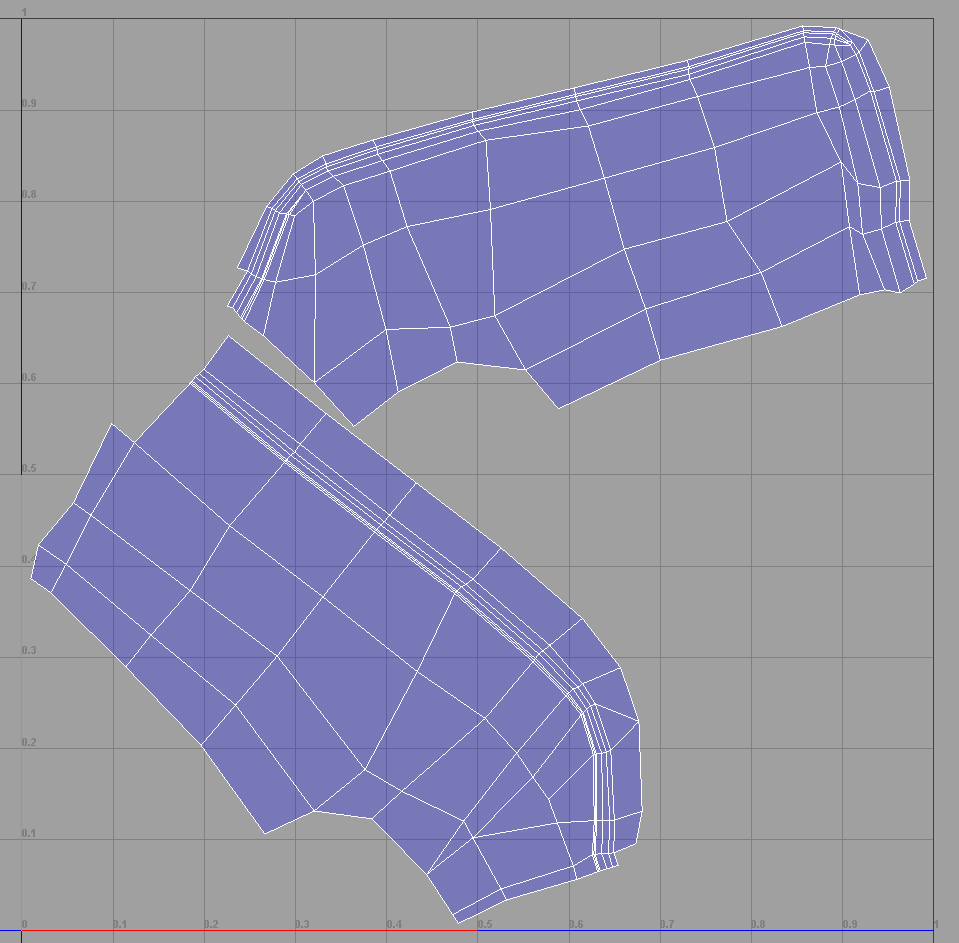
no overlaping, no touching the UV map edge. the size of texture is 2k and the size of polygons 3,3mil. anyway, as you can see, something is still wrong here.

Attachments

js_pic_1.jpg

js_pic_2.jpg

js_pic_3.jpg

js_pic_4.jpg

js_pic_5.jpg

js_pic_6.jpg

That’s not a problem of ZBrush. It’s just that you don’t have very good topology for polypainting. Polypainting likes to have square, even sized polys, not elongated rectangles. You can paint directly onto the texture if you use Projection Master or ZAppLink to avoid improper topology, but polypainting requires good topology. IMO

well if we had proper UV painting projections we wouldn’t have to worry so much about topology and wouldn’t need to use poly paint all the time. For example when we create low poly game assets, we shouldn’t have to use square polygons everywhere. It is true though I still have issues with poly paint maps correctly following the curvature of the normal and displacement map. I think Pixo should simplify the process a tad to ensure the color and and displacement projections are lining up with each other.

Which is why I think many people go the Xnormal route. It’s fast and its projections are cleaner than the Zbrush ones. So yes, this IS typical Zbrush behavior with irregular or even halfway decent topology I’m afraid. Projection master, 3Dcoat or Xnormal may be more up your alley when painting your color maps. But this kinda defeats the purpose of the conceptual artist approach where you sculpt and paint at the same time. In which case I would use the Dynamesh route. That way your topology is always clean and you can retopo for animation later if you need to.

ah ok, i get it, the topology of the low poly model is the clue. even to watch to not touching the island with the us edges.

i think theres no need for third-party tools, zbrush gives me all the tools i need to detail and paint the model, even the export of needed maps. only i have to test uvLayout and uv master together.

i would say problem solved. thanx a lot @all

so i have to create all the details in zbrush. did anyone have any idea how to create clothing stitches and seams? or know any tutorial or alpha map for? this would be great help for me.

Originally posted by overclock

so i have to create all the details in zbrush. did anyone have any idea how to create clothing stitches and seams? or know any tutorial or alpha map for? this would be great help for me.

Check this thread out.

very inspiring, thx :slight_smile:

Did you download Ryan’s stitch brushes?

ehm, im back at home 10 min ago, i had no time yet to read the whole thread. is there any link and its also free?

im sorry, right in the first post is the clothing brush set to download… cool, even from mr. kingslien

proper topology is very important for creating the painting map. even for normal and displacement maps?