ZBrushCentral

uneven subdivisions

Hello everyone,

I am new to zbrush and, I have some old props that I want to add some extra detail and polypaint.
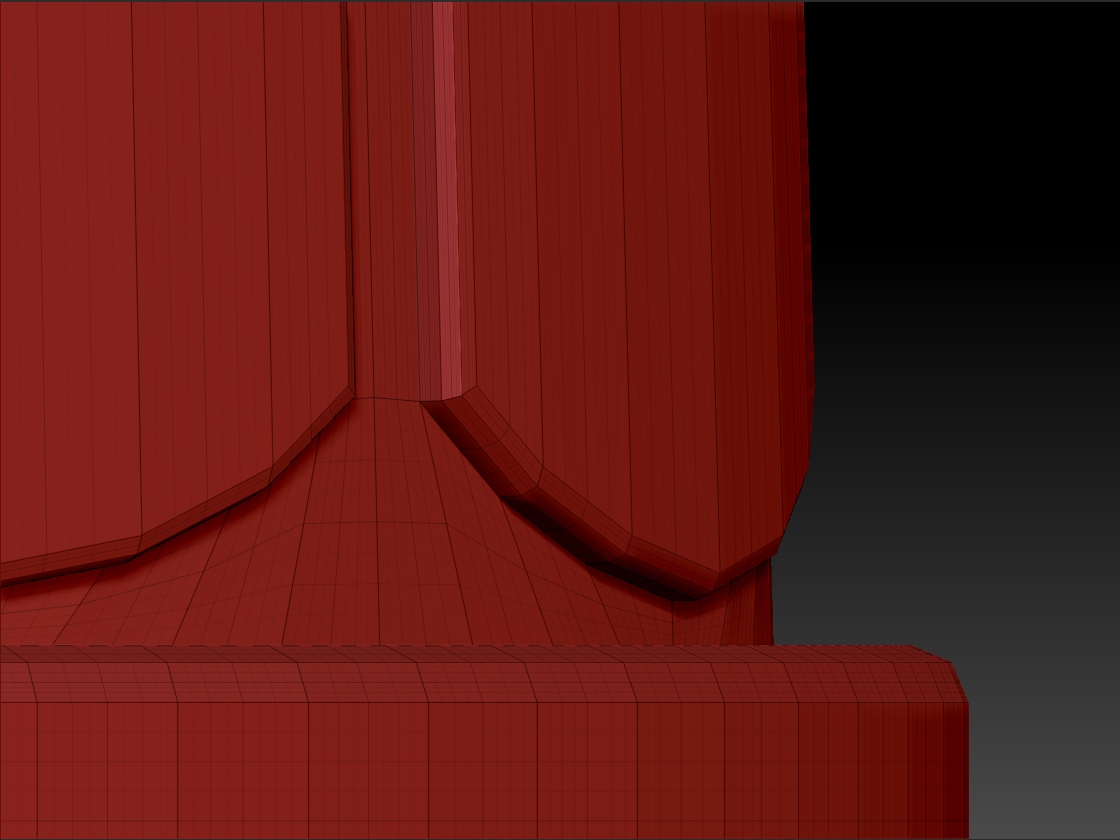
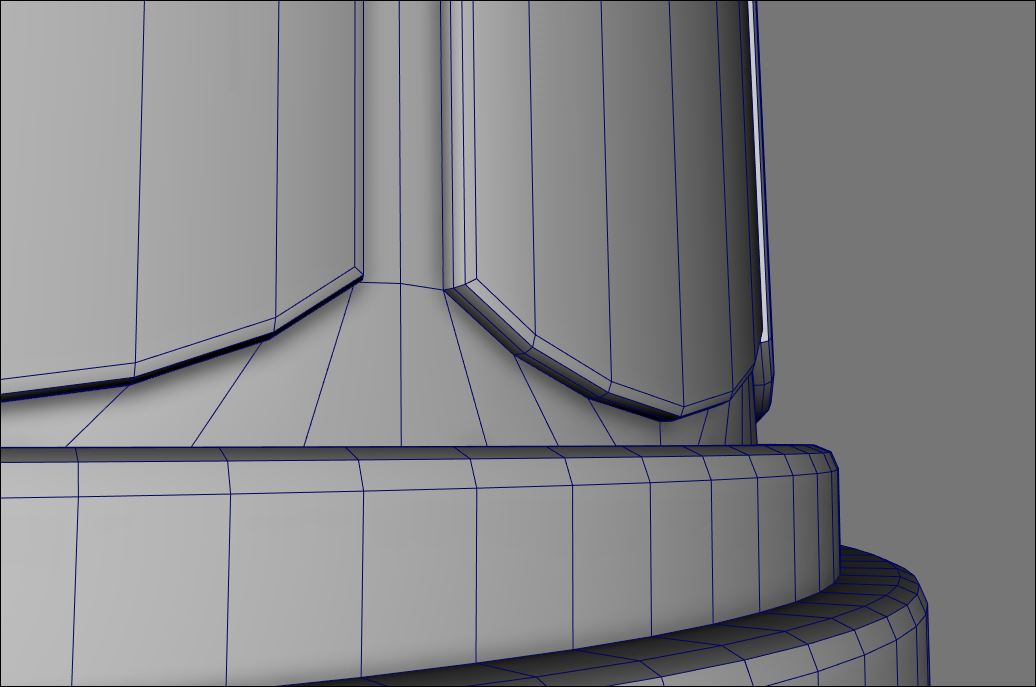
The issue I am having is that the subdivision levels are uneven due to the nature of the geometry.
I would like to know if there is a way to remesh props in Zbrush that can allow a more even subdivision?

The best solutions I have found are either adding extra loops on external applications or DynaMesh. I still would like to ask the community if I am missing something.

Thank you everyone

Attachments
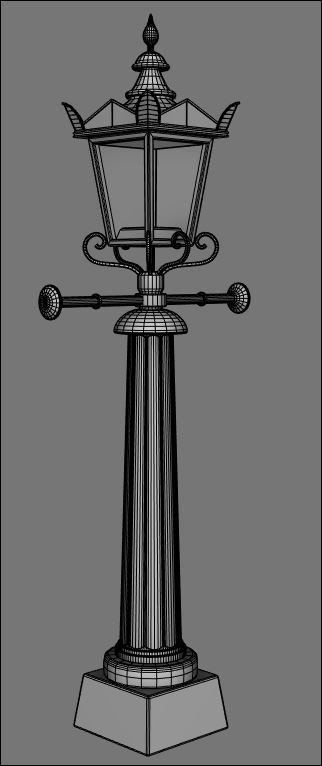
1.JPG

2.jpg

3.JPG

2.jpg

3.JPG

dynamesh or zremesh are your options there inside of Zbrush. Or adding extra loops externally.

For a shape this cylindrical, the slice brushes are a quick way to add in more edgeloops while still keeping the rest of the edge flow.

It’s possible in Zbrush but I think it’d be better and faster to do it externally.

something like this is where i imagine the button “equalize surface area” might come into play, but it doesn’t seem to do anything everytime i’ve clicked it.