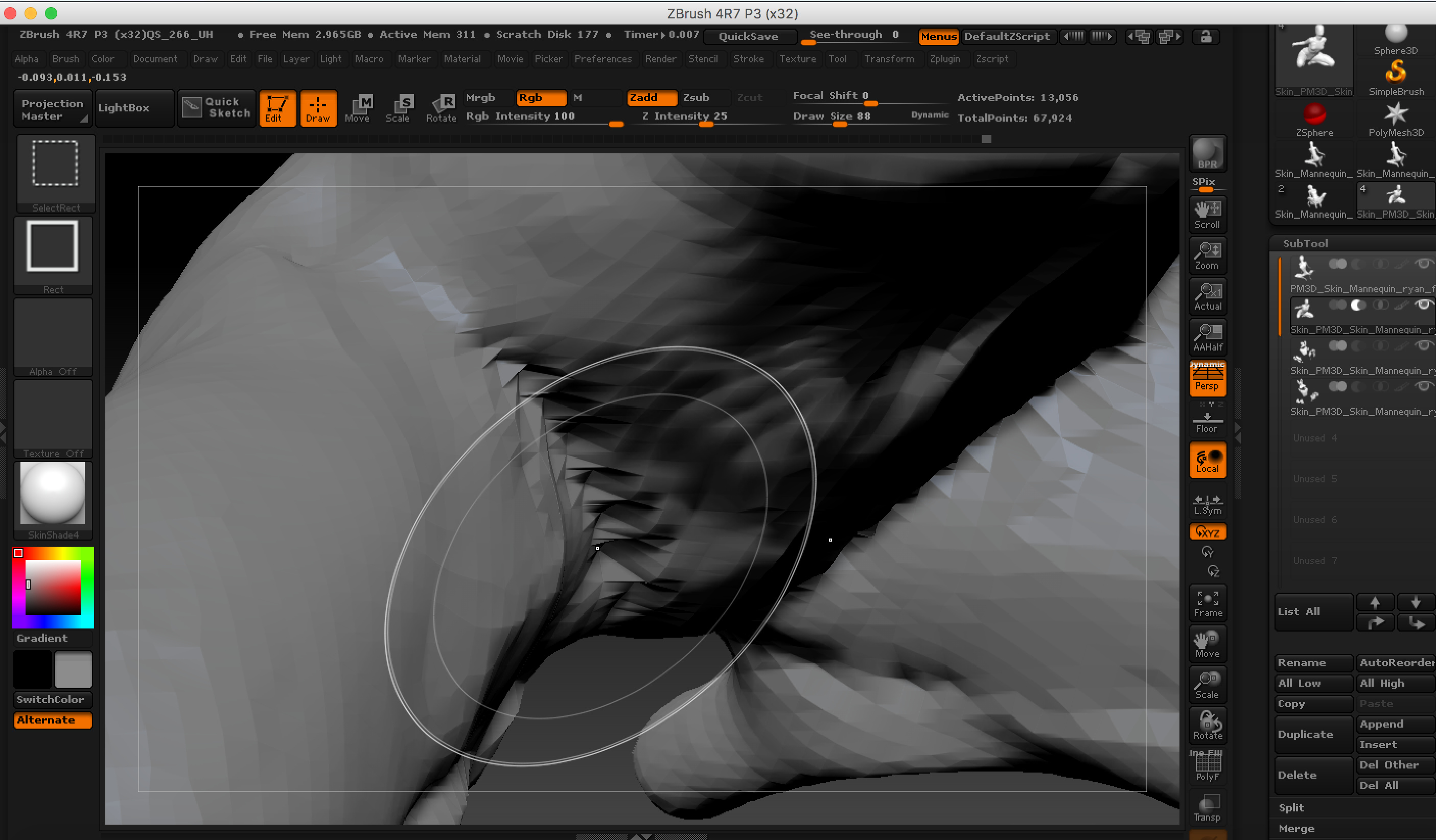
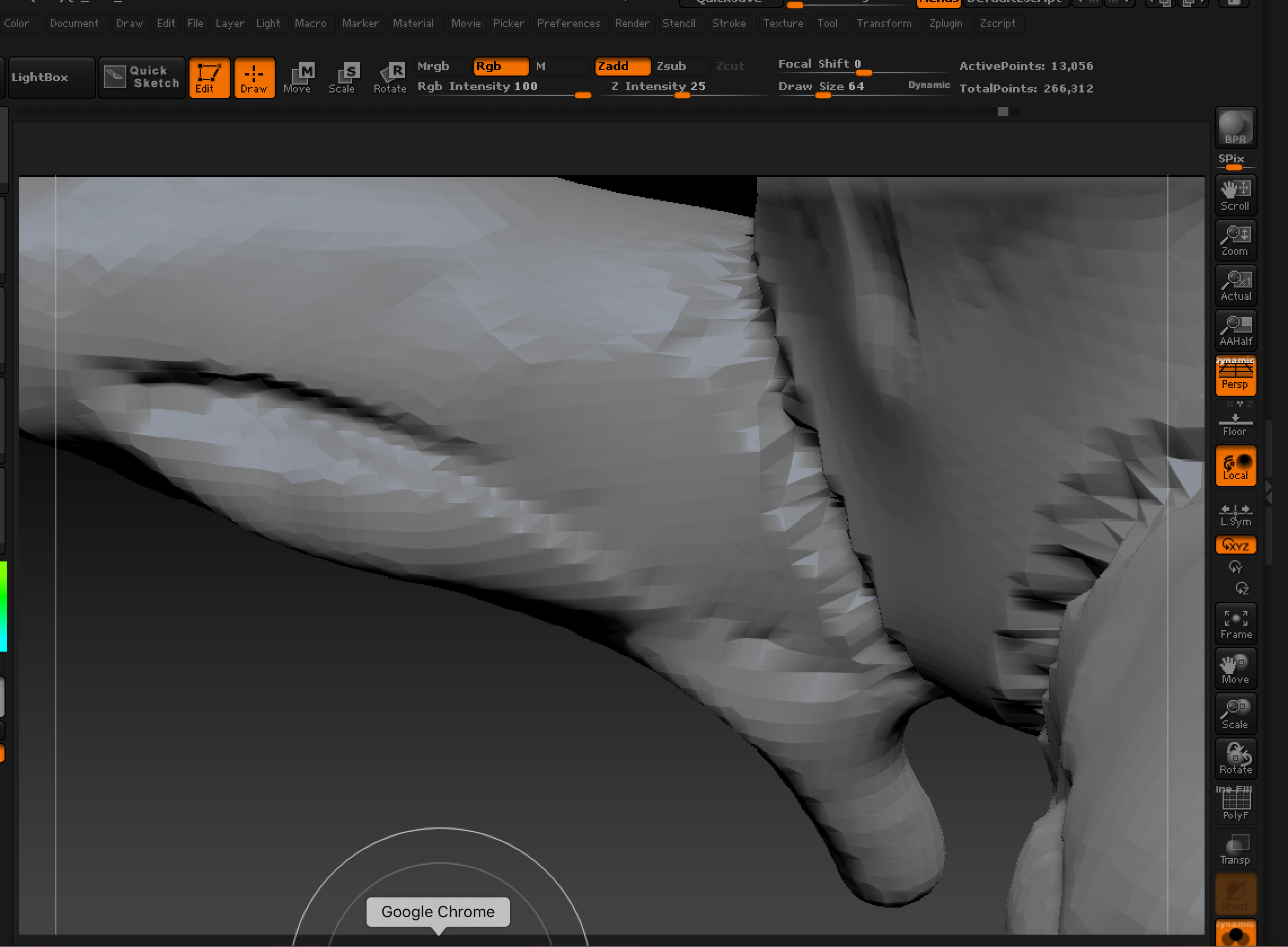
Have been trying to make a bent thai fold but every time I try to carve it out I get super wrinkly texture. When I try Smooth tool on it it just bounces right back to its pre-carved shape. I tried changing Lazy Steps to no avail.
Attachments
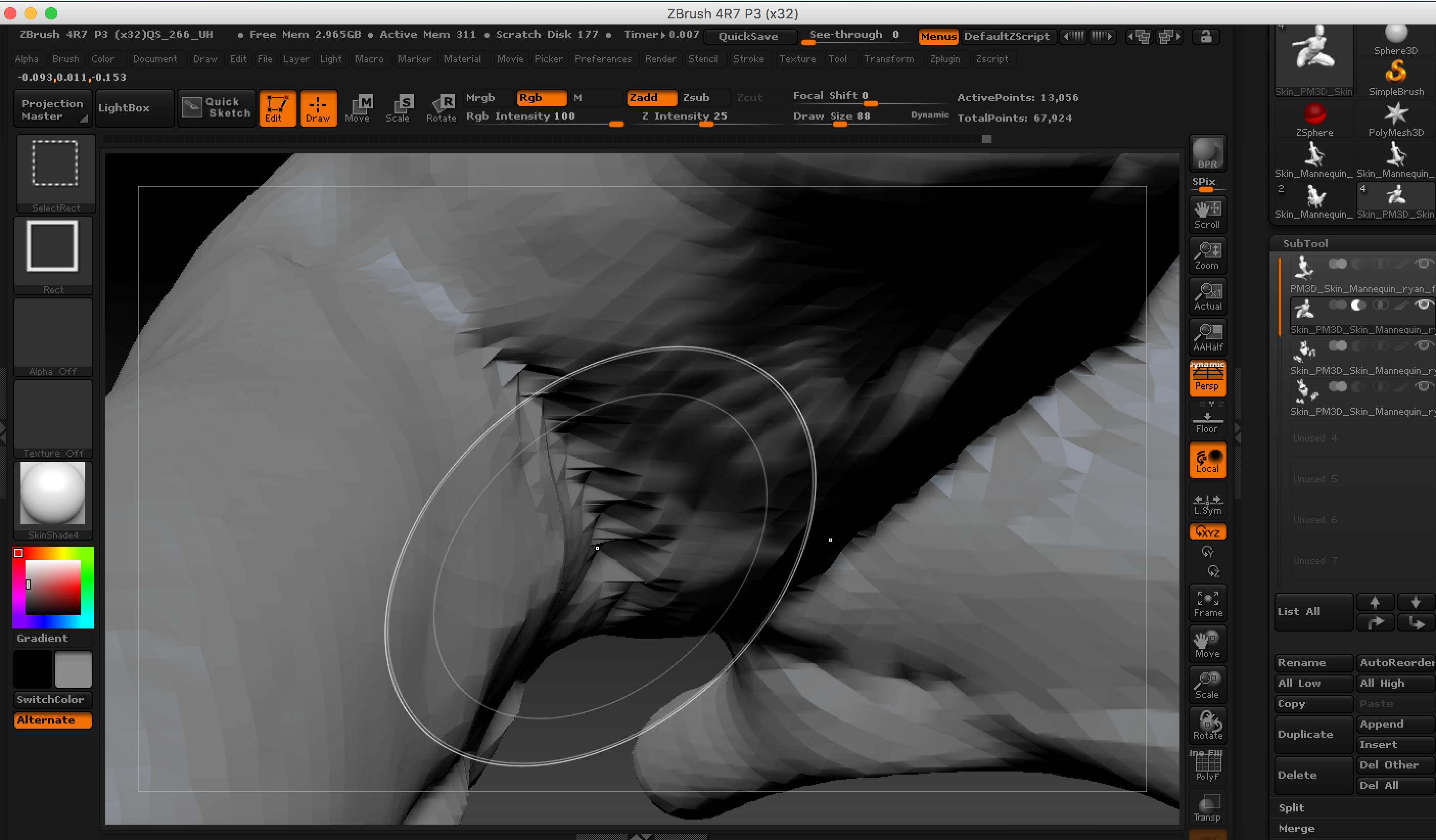
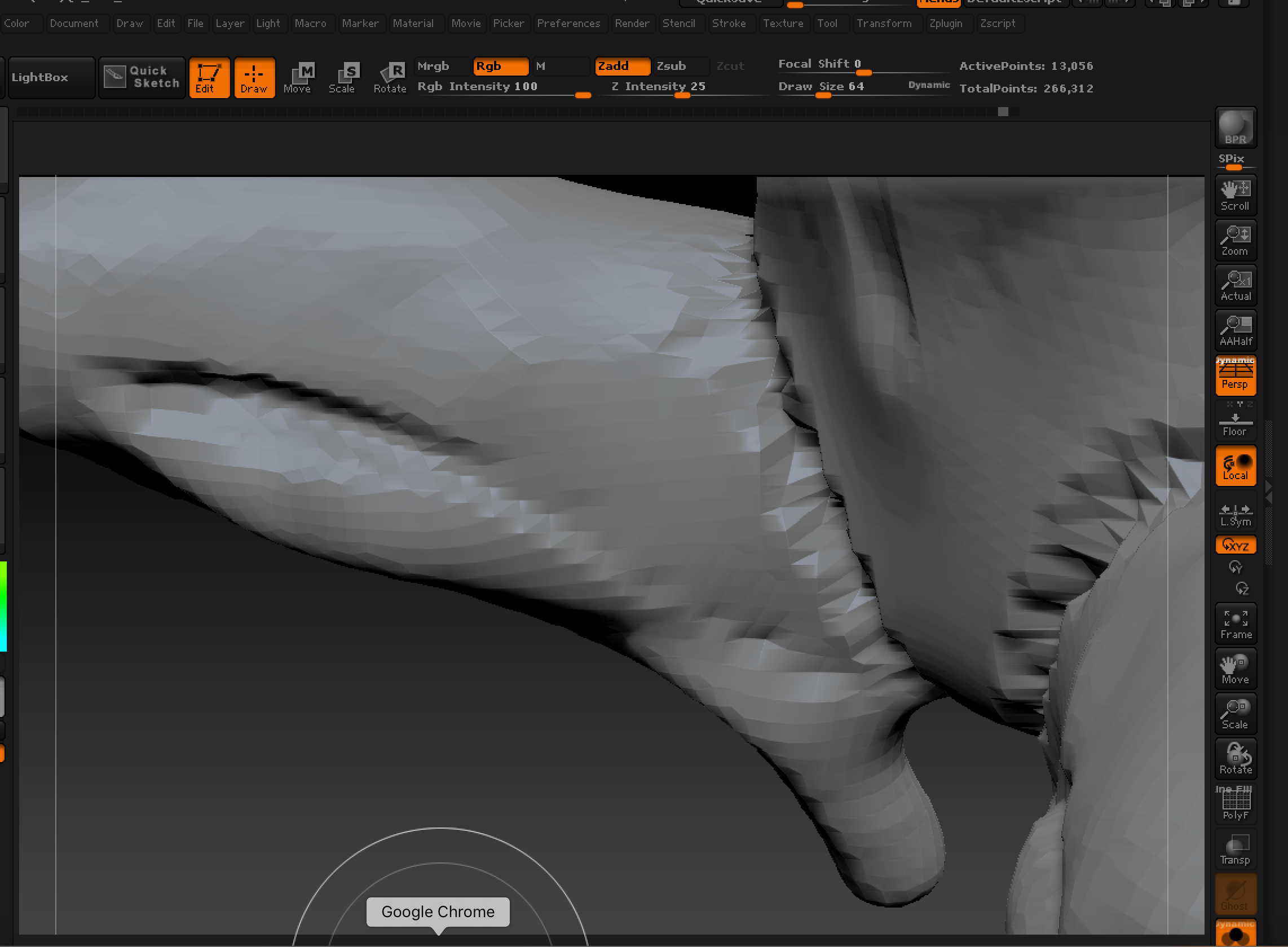
Have been trying to make a bent thai fold but every time I try to carve it out I get super wrinkly texture. When I try Smooth tool on it it just bounces right back to its pre-carved shape. I tried changing Lazy Steps to no avail.
Your mesh resolution is too low. You need to subdivide the mesh more (Tool > Geometry > Divide).
 Changed Lazy Step - ready to give up:(
It looks like you never undid what you had prior to changing the mesh resolution. Change the mesh resolution before you lay down strokes. Which brush were you using? It looks like you never did anything after you changed the mesh resolution.
It kind of looks like you should be watching some tutorials to get a grasp of how ZBrush works. You have to know when to add resolution to achieve the desired detail you need at the time. Follow some tutorials. Get some practice. Youtube is a great resource.
Thank you for your reply. I undid the previous brushwork completely. This is brush applied after the change of resolution. No matter what number of lazy steps I set the brush still paints with spacing. Can you recommend any specific tutorial names?
your mesh is still not dense enough for what you’re trying to achieve.
I would recommend using Zremesher with guides to help control where you want your edge flow to go to help you support the shapes you want at the end.
Is there a way to turn on brush modifiers? They are greyed out no matter what brush I choose. I’d like to try changing Spacing option.
You have to click Lazymouse, then the modifier options will be available.