Hi
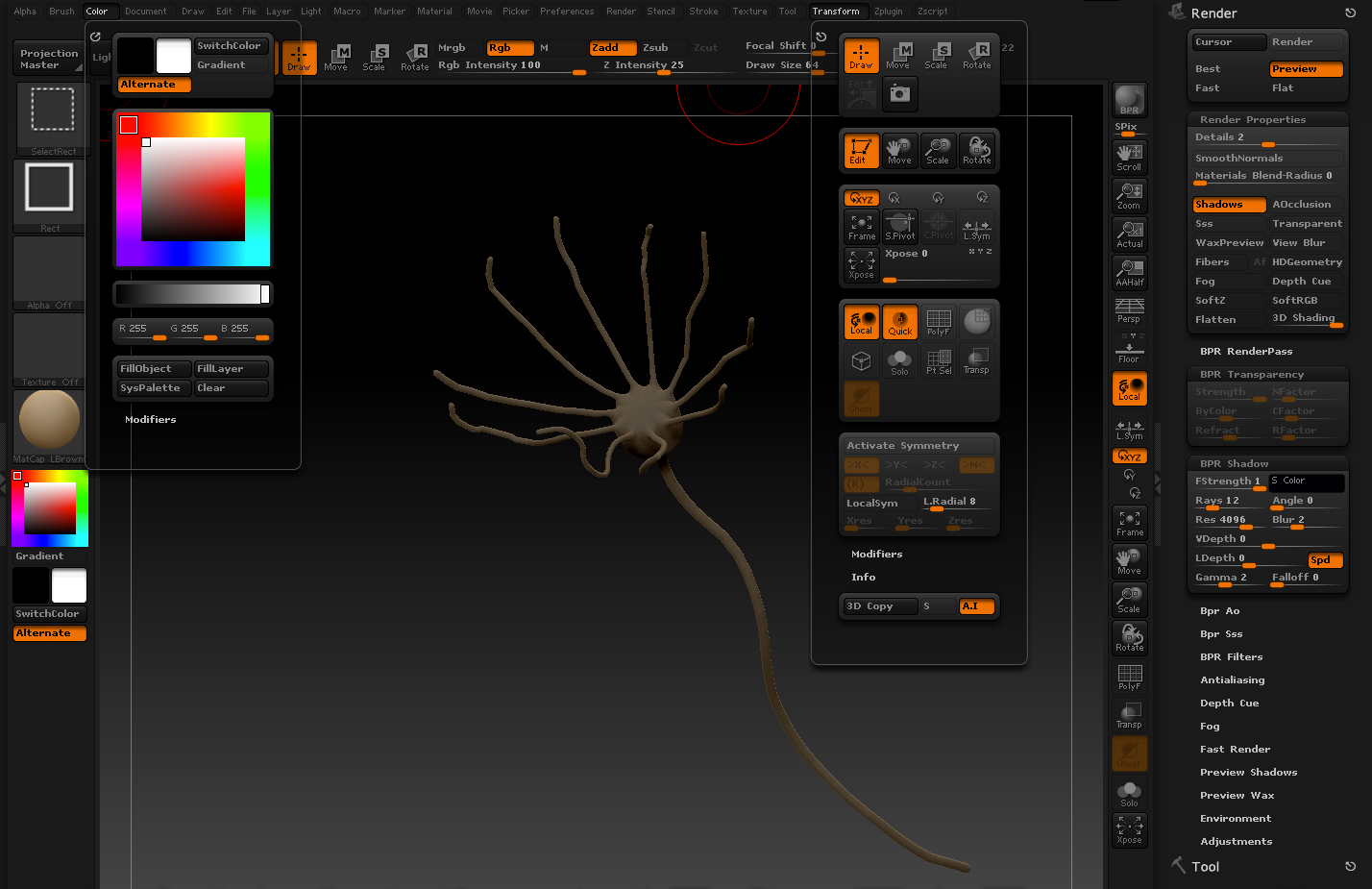
Thanks for the replies!! as you can see… on the screenshot (sorry, should have attached it in the previous post), there are some settings which I didn´t change.
@Rory_L I think in this case the Flat color is not the issue… I didn´t change the settings knowingly but I suppose that the settings you can see on the screenshot are the basis settings… Am I right?
@Spaceboy412 eeemmm Is it normal that the “Ghost Transparency” button is always switched on… and is there no way to switch it off? Is these the reason why the model has a dark illumination?
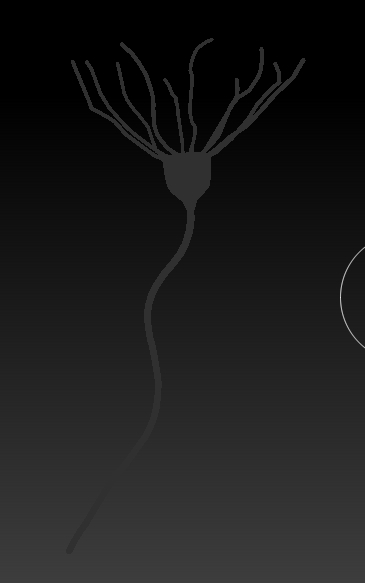
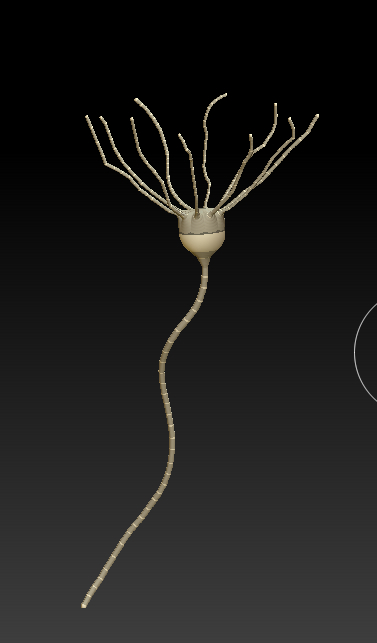
As you can see, I managed to set the model into a appropriate setting (“preview” mode illumination). But unfortunately non of your suggestions solved this issue. I opened another model which had “the right” settings and afterwards I loaded the “problem model” in the same season. As you can see, it works. But, that´s not the Idea how this should be solved…
Any advices!! Thanks!!! 
Attachments