hi all, im having probs making a normal
Attachments
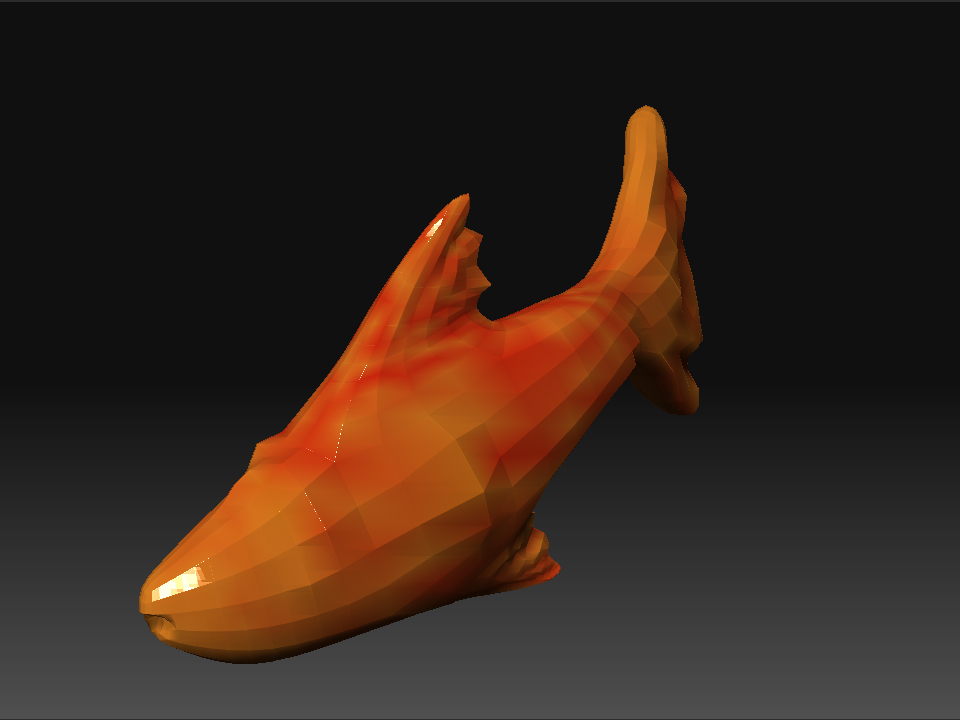
hi all, im having probs making a normal
heres anuvva ztool ive tried to get a normal map with but again a messed up looking map!
[ATT=147721]Capture.JPG[/ATT]
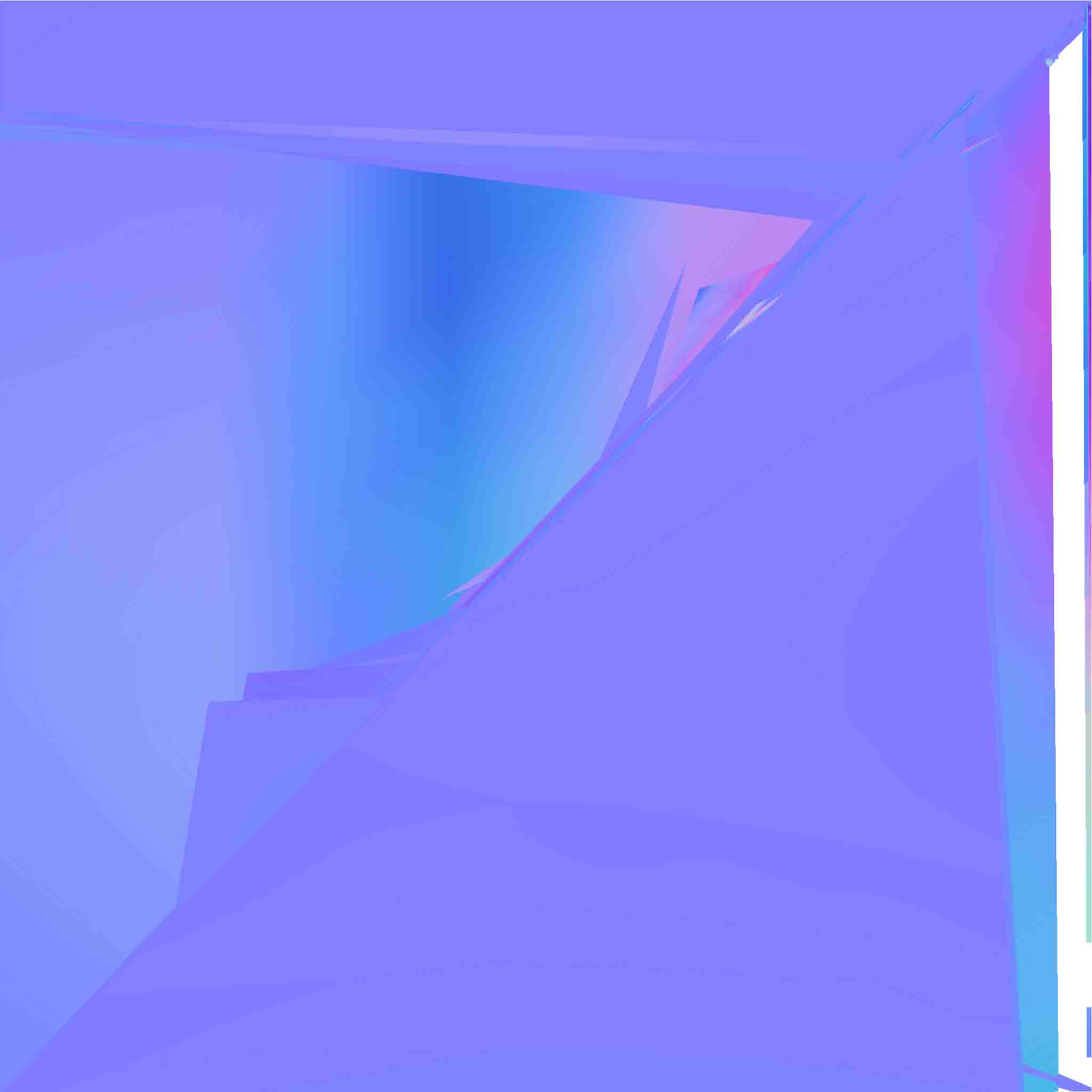
it seems to me that your UV isn`t laid out properly
hi zenneth i havnt laid out my uv’s i presumed zmapper did al that automatically!, im new to this u see? how do i go about that?
it’d be great if u can help!!!)

sorted! mate, guv wasnt on mate thanks!!!
UV lay out in ZBrush is pretty hard to do, If you have other 3D software, I suggest you use it.
To layout UV in ZBrush, go to Tool --> Texture --> and choose the appropriate UV method. The problem with ZBrush UV is that you can`t tweak it manually.
To layout UV in other application, go to the meshs lowest subdivision, export it, UV it in other app, import it back in at the same division, and the UVll be there.
If you go to ZMapper and click Morph UV, it will show how it`s laid out,
Make sure that theres no overlaps and its preferable to have each faces spread out evenly