Hello everyone,
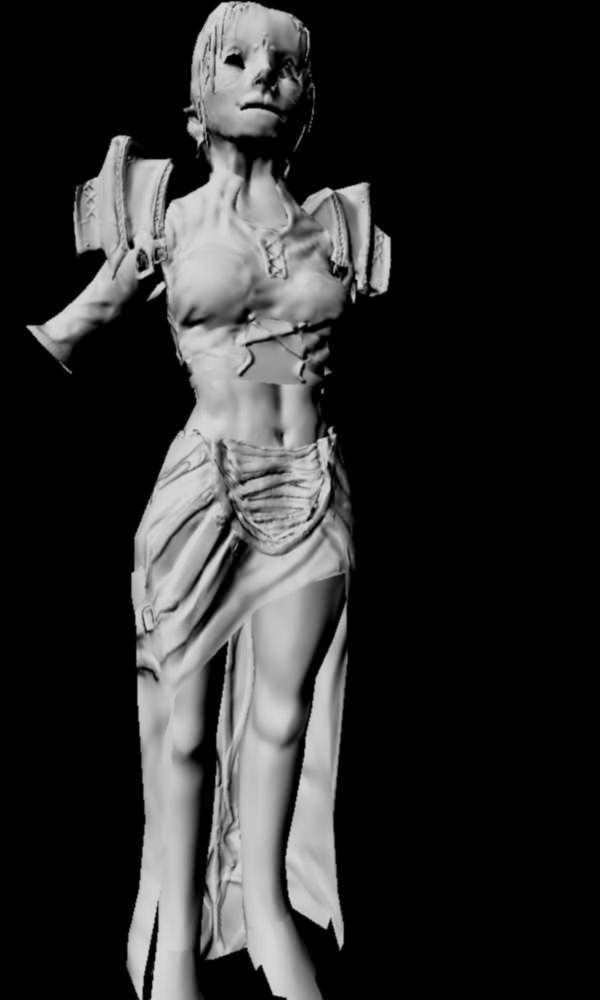
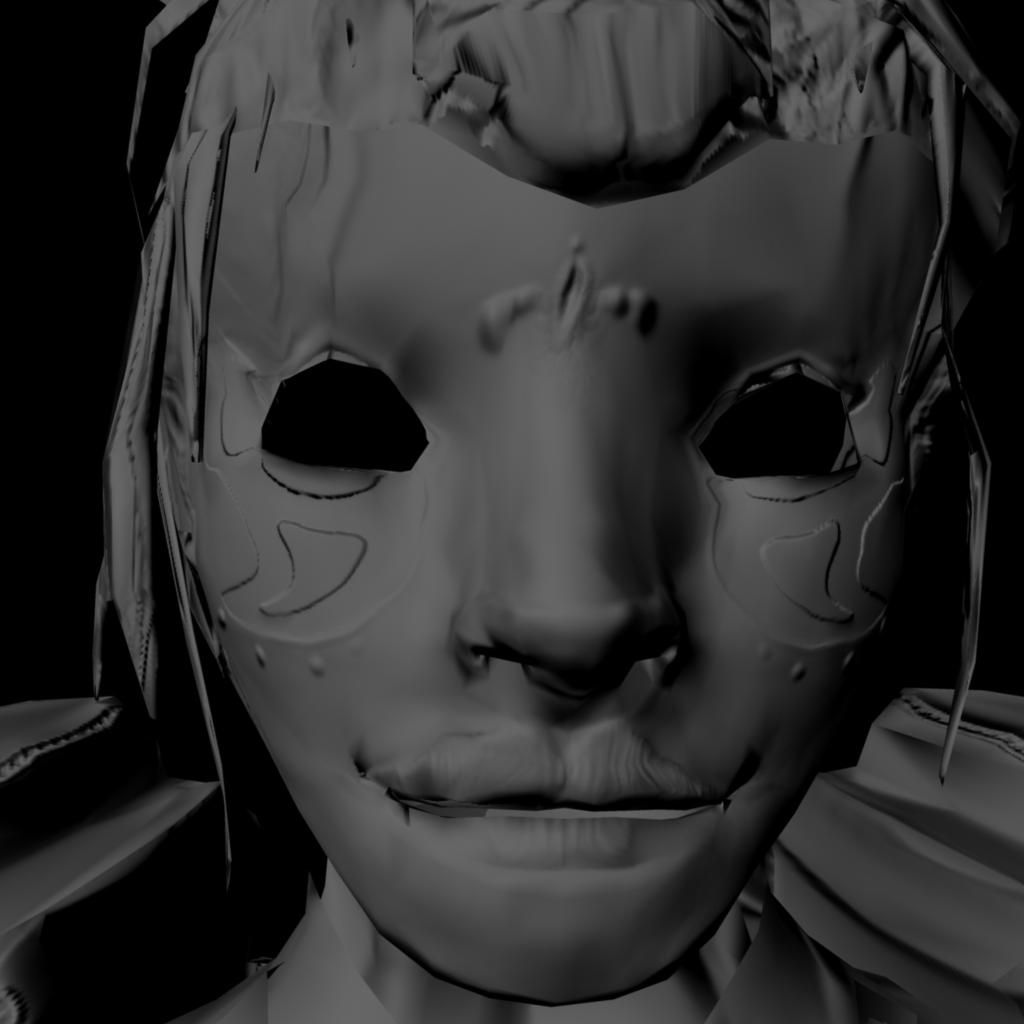
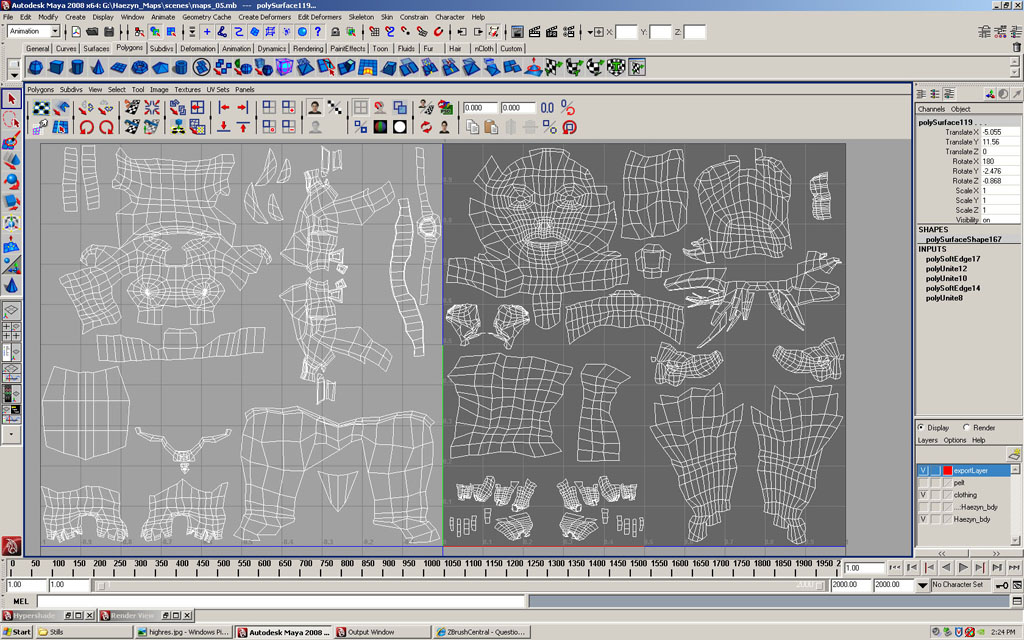
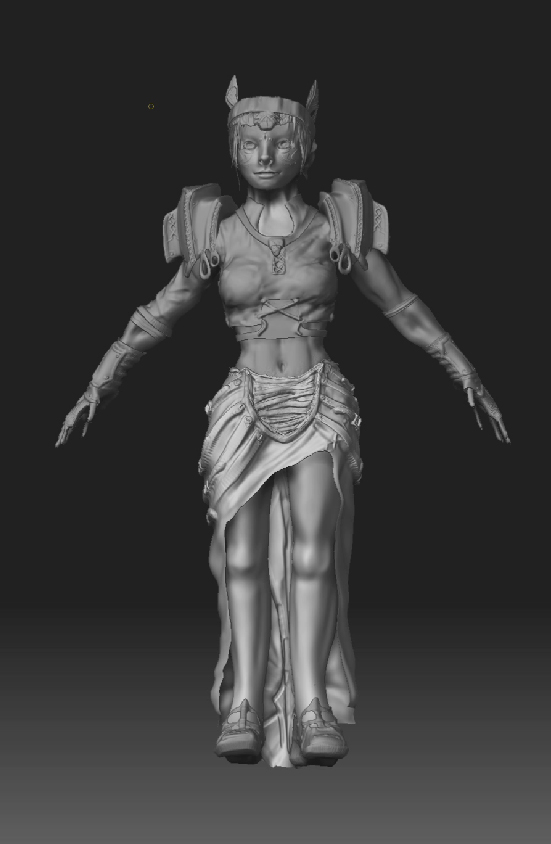
I am having some strange issues with my normal map. Any help in what direction I need to head in order to clean it up would be greatly appriciated  The main problems seem to be odd stretching of the detail, the detail not applying in the corect spot or being off-center, and random dark spots occur throughout the model. I have attached some pictures which show the zbrush sculpt and the normal map on a low-poly model. I intend to use this model for a game, so will not be using a displacement map. If anyone would like to take a look at the actual maya file please PM me and I will send it to you.
Thank you very much for any help you can provide.
- The high res zbrush sculpt (viewport screenshot).
Thanks!
~Kalifei
Attachments