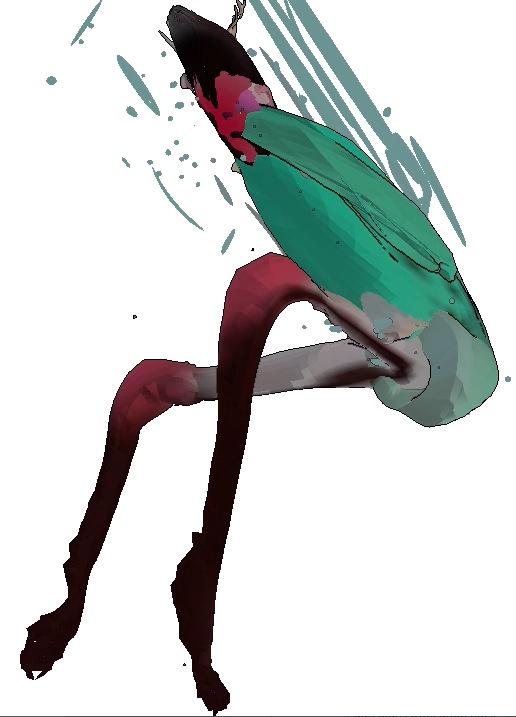
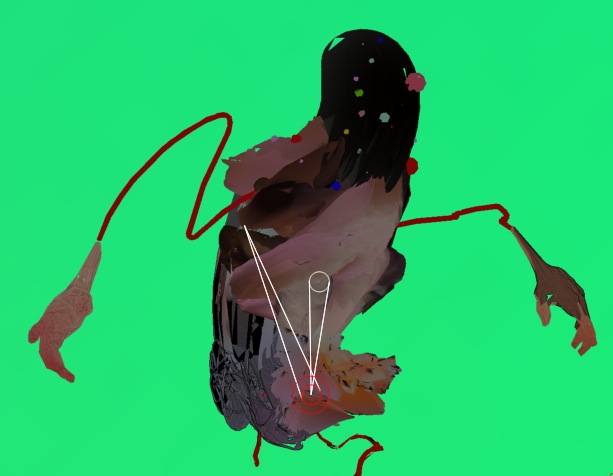
Hi all— so for a music video i’m making for a client, I’m “animating” characters made in Zbrush by rigging them to a Zsphere armature, hiding the Zspheres using the Display Properties, and then bouncing around the armature to make them dance like stupid Katamari Damacy-ish puppets while recording, as in this test vid.
That’s all well and good but I can’t seem to figure out a way to turn off the dimming that happens to the bound mesh when moving the zsphere armature…any thoughts? I already turned down the Masked Object Dimming and Inactive Subtool Dimming in Preferences:
but unsurprisingly to no effect.
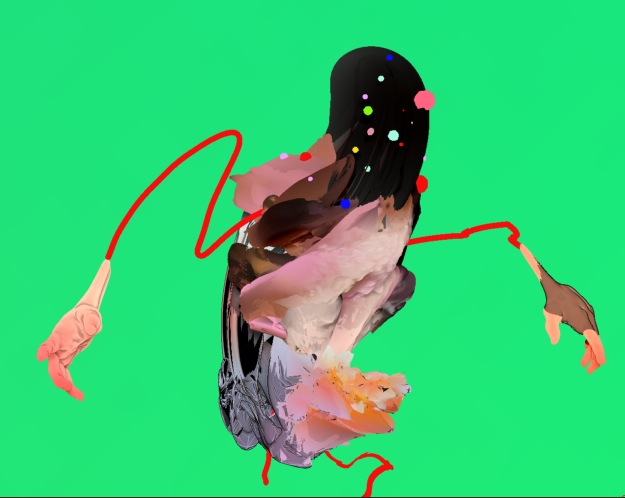
Here’s the guy undimmed and not binded:
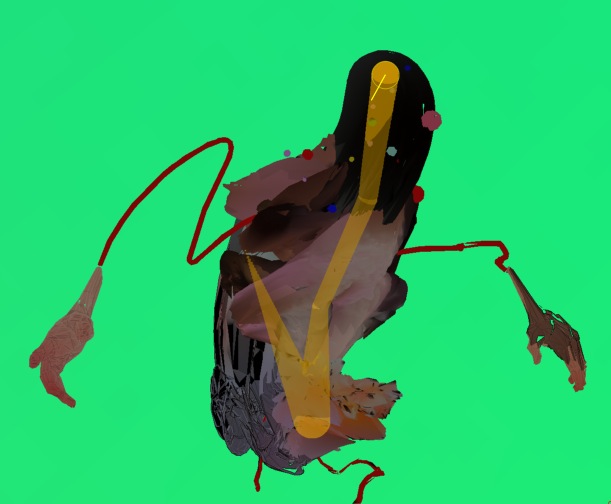
And dimmed while bound to the test Zsphere rig:
Eh?? Keep in mind, I’m not troubleshooting how to make them move realistically or not look silly as hell, simply to figure out how to undim the bound mesh without having to try to compensate in post. Thanks!
Attachments