Hi there,
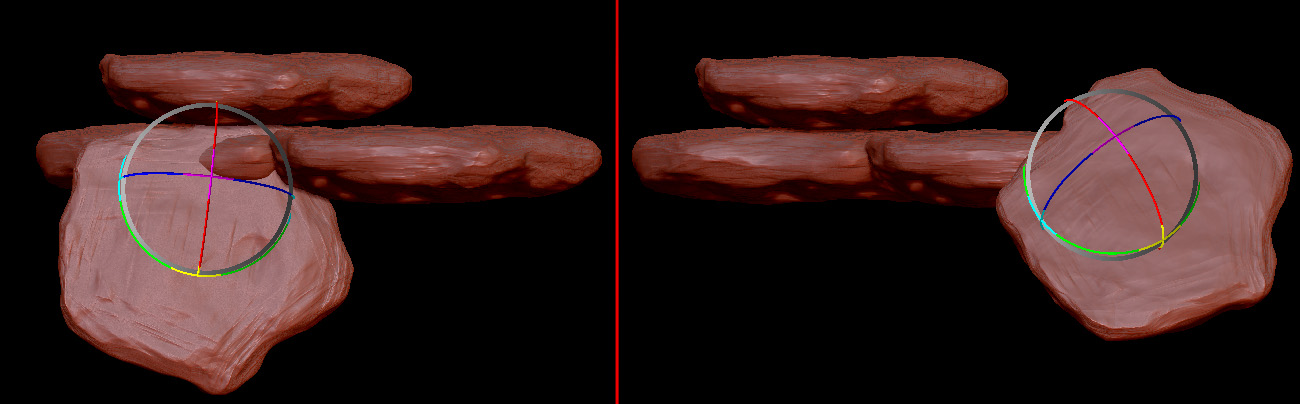
when I tried to create a tileable texture in 2.5d canvas today (first time I did this), I came upon an issue: I was trying to move a tool I just dropped to the canvas before. Everything behaves fine as long as I drag it over the empty canvas, but as soon I move it over an already placed tool, its rotation seems to orient on the surface normal of this very tool, preventing me from placing the new tool anywhere near it. Here’s how it looks (screenshot of a new tool at two different location and thus having two different orientations):
Can one turn this off, so that my tools always keep their default rotation when I move them?
Attachments