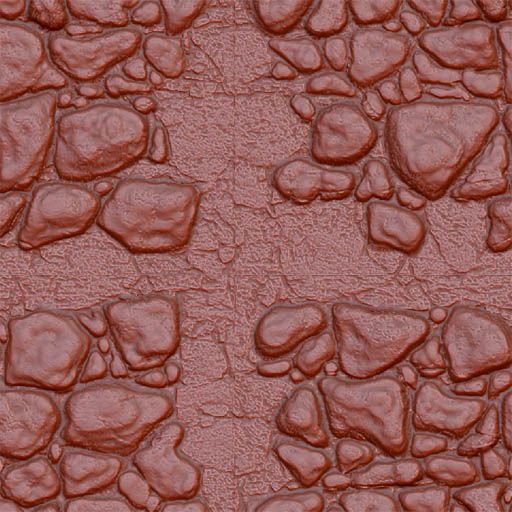
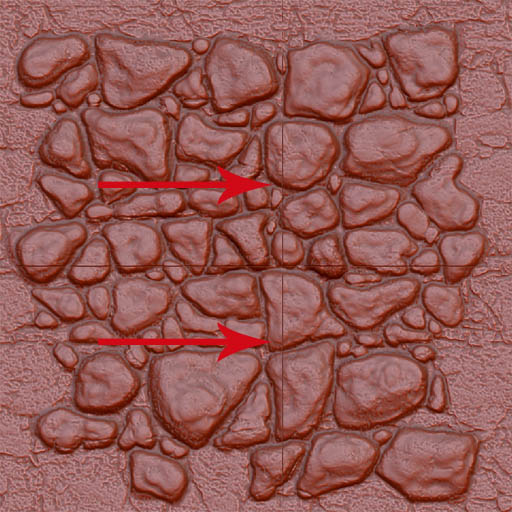
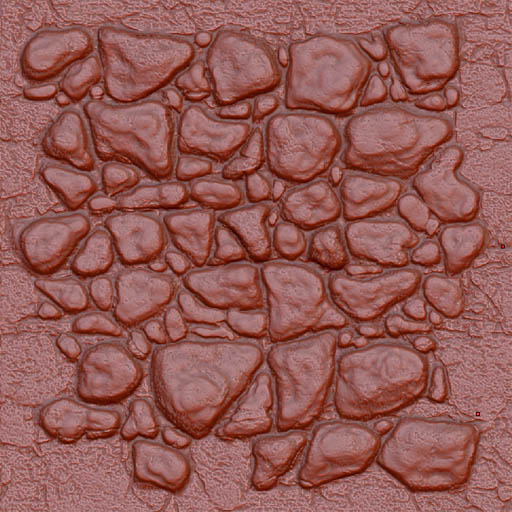
I am kind of new to the Z Brush process and have surfed around the forums for an answer to my current problem. Unfortunately I have not come across the answer I seek, be it online or from the Zbrush Vets in house. Starting with a 1024X1024 document I drop on a Plane 3D, Shift straighten and then frame the tool so it fills the whole document. I divide the tool to around a million polys and proceed to sculpt some rocks in the middle of the tool being careful to stay away from the edges because the desired result is a tiling normal. When the sculpting in the middle of the tool is satisfactory, I am dropping the tool to Projection Master. I then use the tilde drag to move what was the outer edges of the tool to the middle and go ahead and pick up. Upon picking up the tool I am getting a one pixel border on the outer edges of the tool which makes what was once tile-able on the tool no longer so. Is there any way to make sure the edges stay clean? This is definitely some kind of artifact from the pick up process. Any help is greatly appreciated, THX! Added some images to help illustrate what I am having trouble with.
Attachments