Hi all,
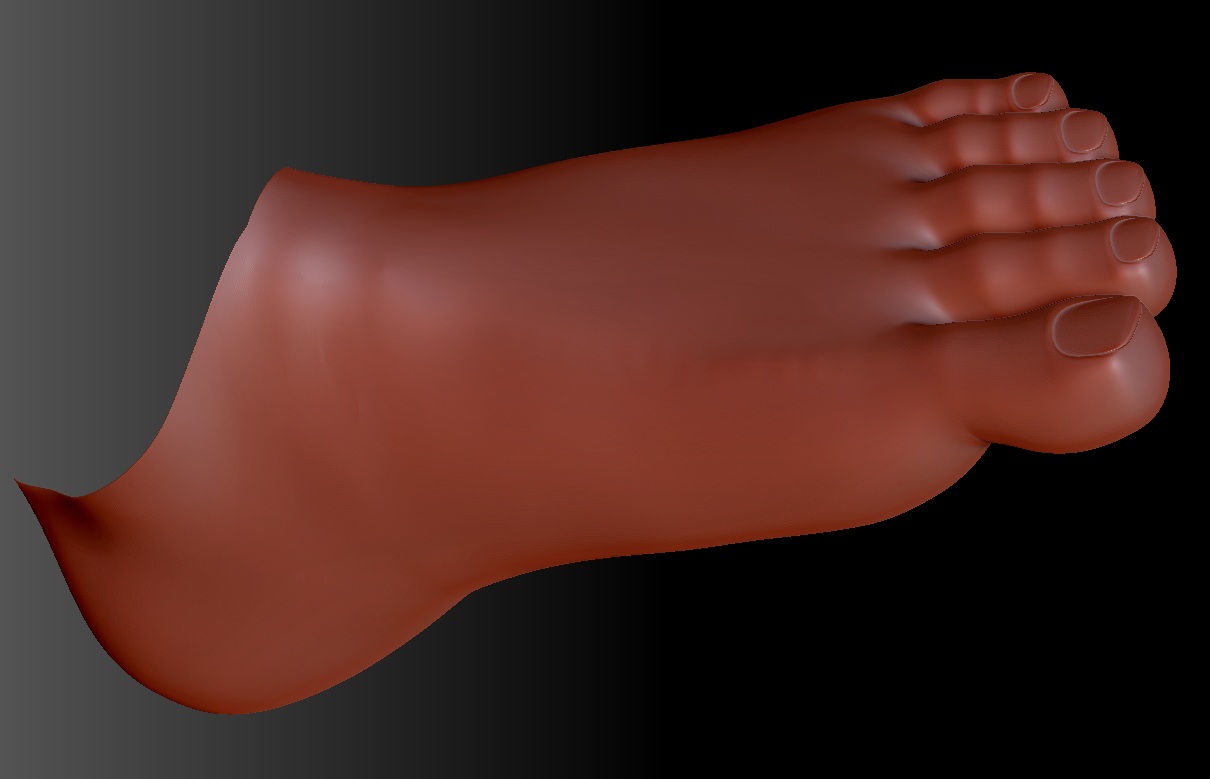
I was working on my character’s feet and had almost finished transposing his toes (at subdivision level 3/6). Moving to sd level 6, everything looked fine at this stage:
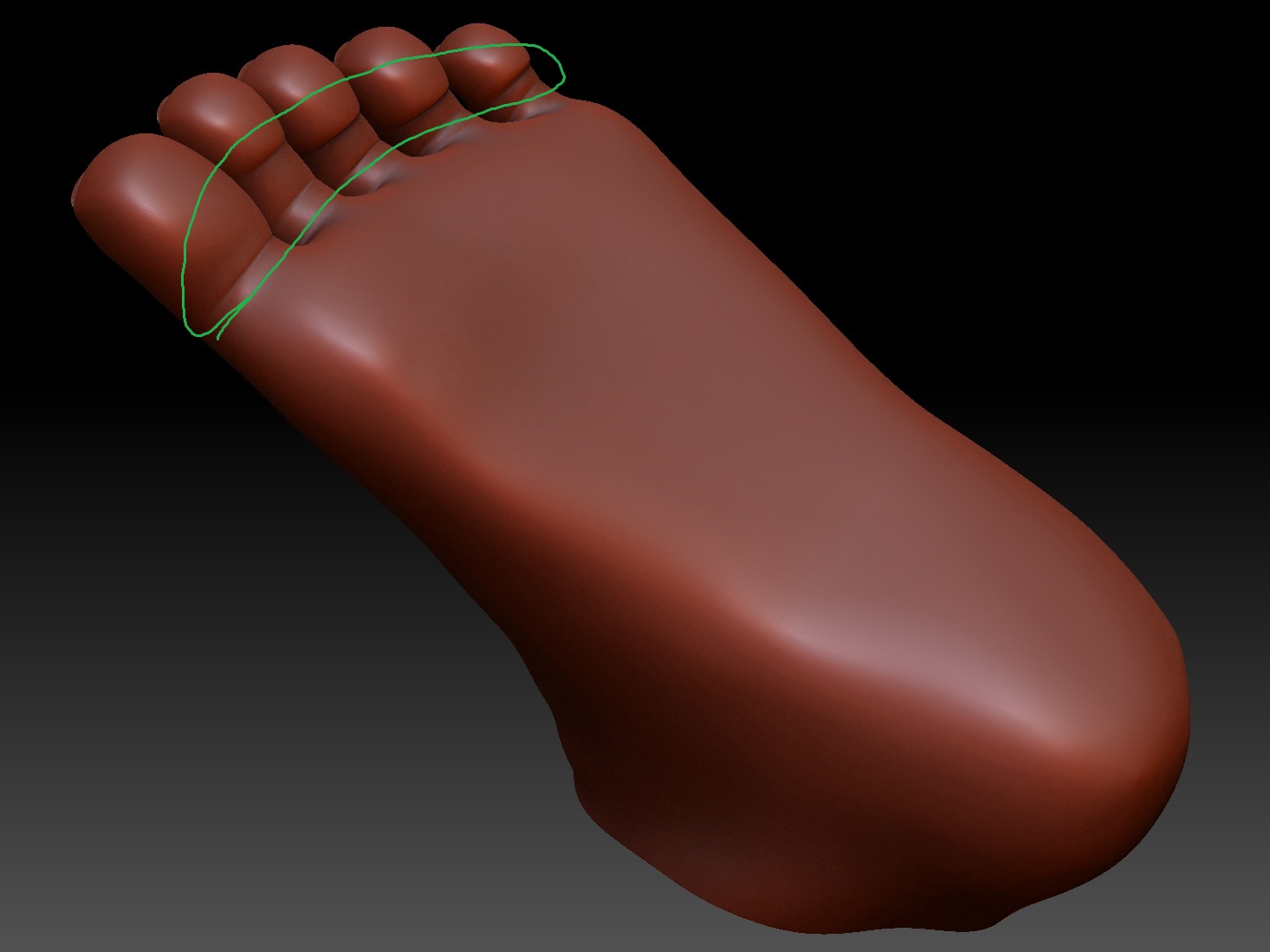
But then I turned the foot over and noticed alot of the verts had been pushed underneath at the creases:
The problem I now have is correcting the overlapping geometry (encircled in green). Smoothing doesn’t really work (too destructive) and moving the points indiviually is very awkward. It could be fixed using either of these methods but it would be better to learn a new solution for future reference.
Anyone have a better way to fix this?
Thanks.
Attachments