Hello,
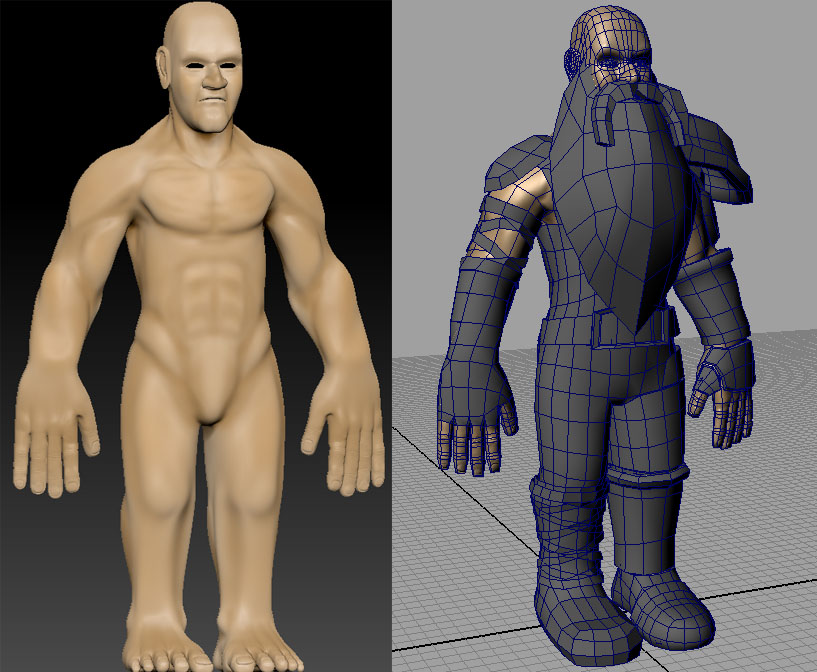
I modeled a dwarf character in an external program (Maya) as a low poly base mesh, where I uv’ed it and such before importing it into zbrush to sculpt the finer details.
Everything was going okay, until I tried to export my normal map. (and I think the texture map may have the same issue) It seems as though each time I divide my geometry, my uvs are dividing and SMOOTHING along with it.
I need my smoothed uv map to MATCH my original base mesh, so I can properly apply it to my low res model in maya.
How would I go about exporting my normal map of my high res model in the shape of my base mesh uv?
I have included a picture of what I am currently working on. feel free to critique. I’m still kind of a scrub XD.
Attachments