ZBrushCentral

Transpose Tool Distorts Polygons

Greetings Everyone,

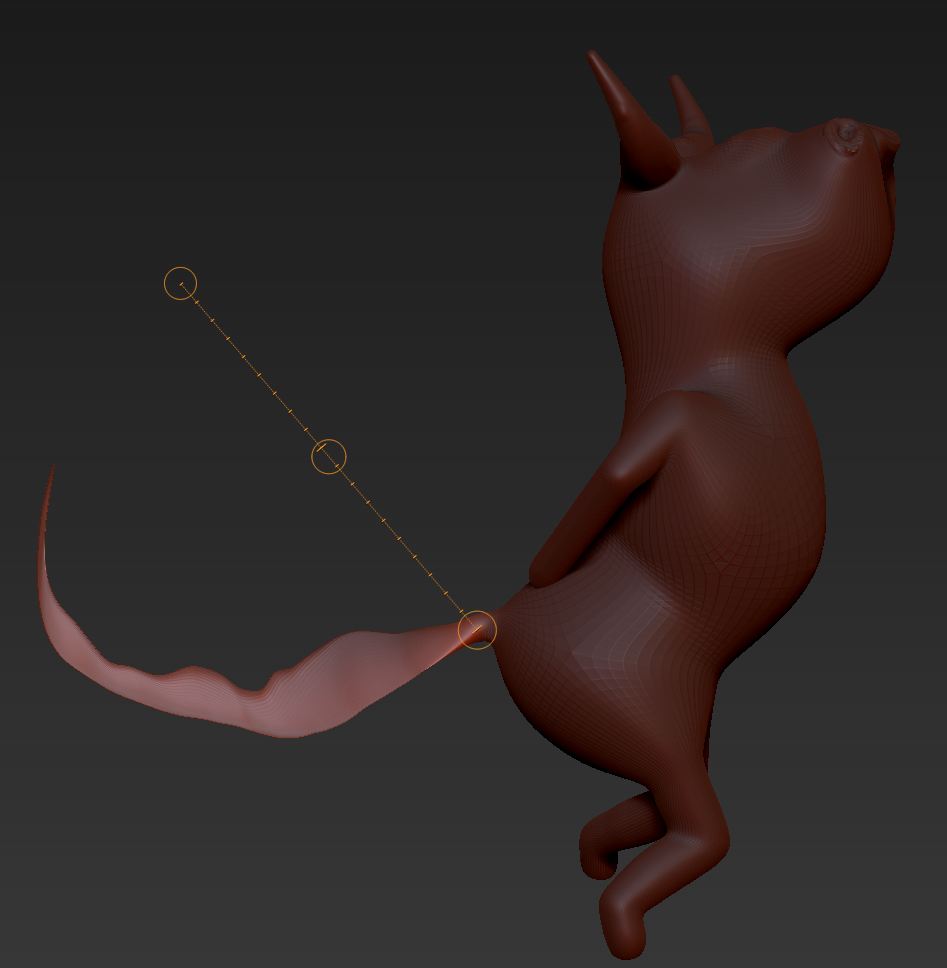
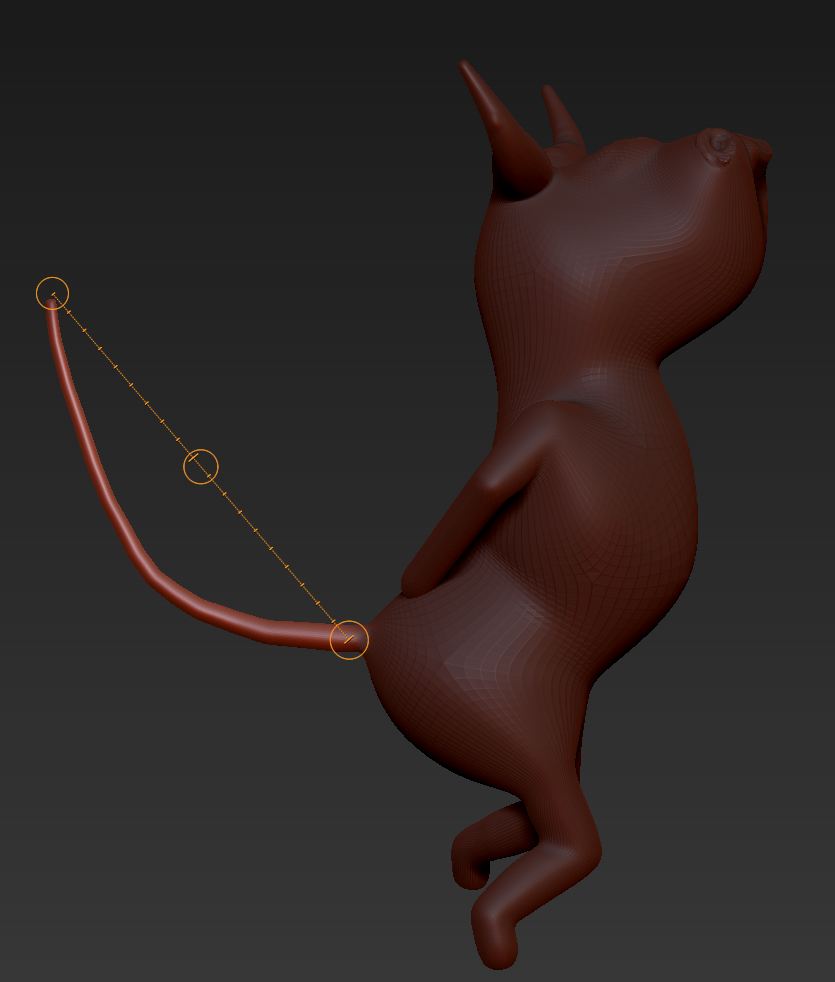
I thought for sure this would be “old hat,” but I didn’t find any posts in the forum; so here goes. The first image (attached) shows a cartoon bull, masked except for the tail. The second image shows what happens when I try to use the transpose tool to move the tail. Same result whether I use Move or Rotate and regardless of how I position the model prior to attempting the rotation. Can anyone tell me how to prevent the distortion?

Thanks,
DocPit

Attachments
TailUndistorted.JPG

TailDistorted.JPG

Do you have Backface Mask on in the Brush, Auto Masking subpalette on by any chance? It should be off.

It’s off. I could punt and just call the model a beaver with horns, but I would prefer to find out what’s causing the distortion.

i’m having the same problem.

similar problem just saw your post after posting mine,
And just had mine answered, didnt realise a part of my mesh had faint masking
on it so maybe that tail does too?

I hit Masking>Clear to make sure there was no mask. That didn’t fix the problem. However, after reading your post, I noticed that if I use a drag-rectangle or a lasso to mask, the mask is a uniform dark color along all surfaces of the 3D object. If I hold ctrl and draw a mask with a pen, the shading has variation. (I’m sure that’s my lack of skill.) I have taken to drawing my masks freehand, but, after reading your post, I used drag-rectangle. No distortion. Thanks.

Doc Pit

thats likely due to the focal shift of your brush, the mask doesn’t have to be applied 100%, if it was only say 30% it would only move one third of your transformation. If you want to paint the mask maybe try turning your focal shift all the way down, then blurring the mask to fit your needs from there :wink:

glad cud b of assistance :slight_smile:

Sean,

Thanks for your reply. I’m puzzled by your statement that a mask could be applied at, say, 30% rather than 100%. So, for example, if I blur a mask, I have the darkest part of the mask in the central portion with the mask becoming lighter as it moves to the blurred edges. Would the central part of the mask be 100%, with the blurred edges indicating a declining percentage of polygons influenced by the movement or scaling? Or are you referring to something entirely different?

Doc Pit

that’s what I was referring to. The chance that when painting a mask some vertices might not be masked off completely, even though they may looked masked off, it can be hard to tell sometimes. Thats the only thing I could think of from your post :stuck_out_tongue: