ZBrushCentral

Transpose Master....Help me out guys

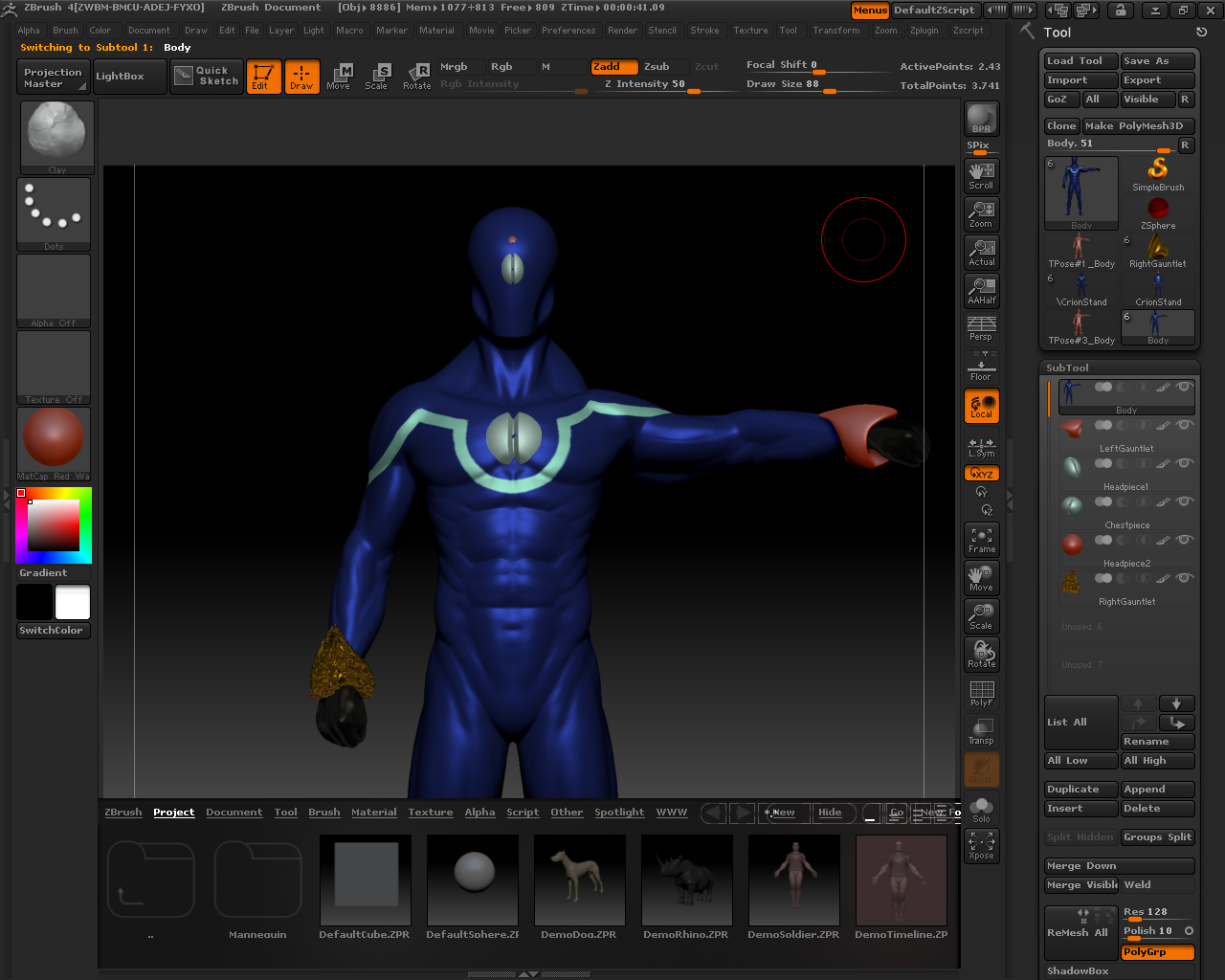
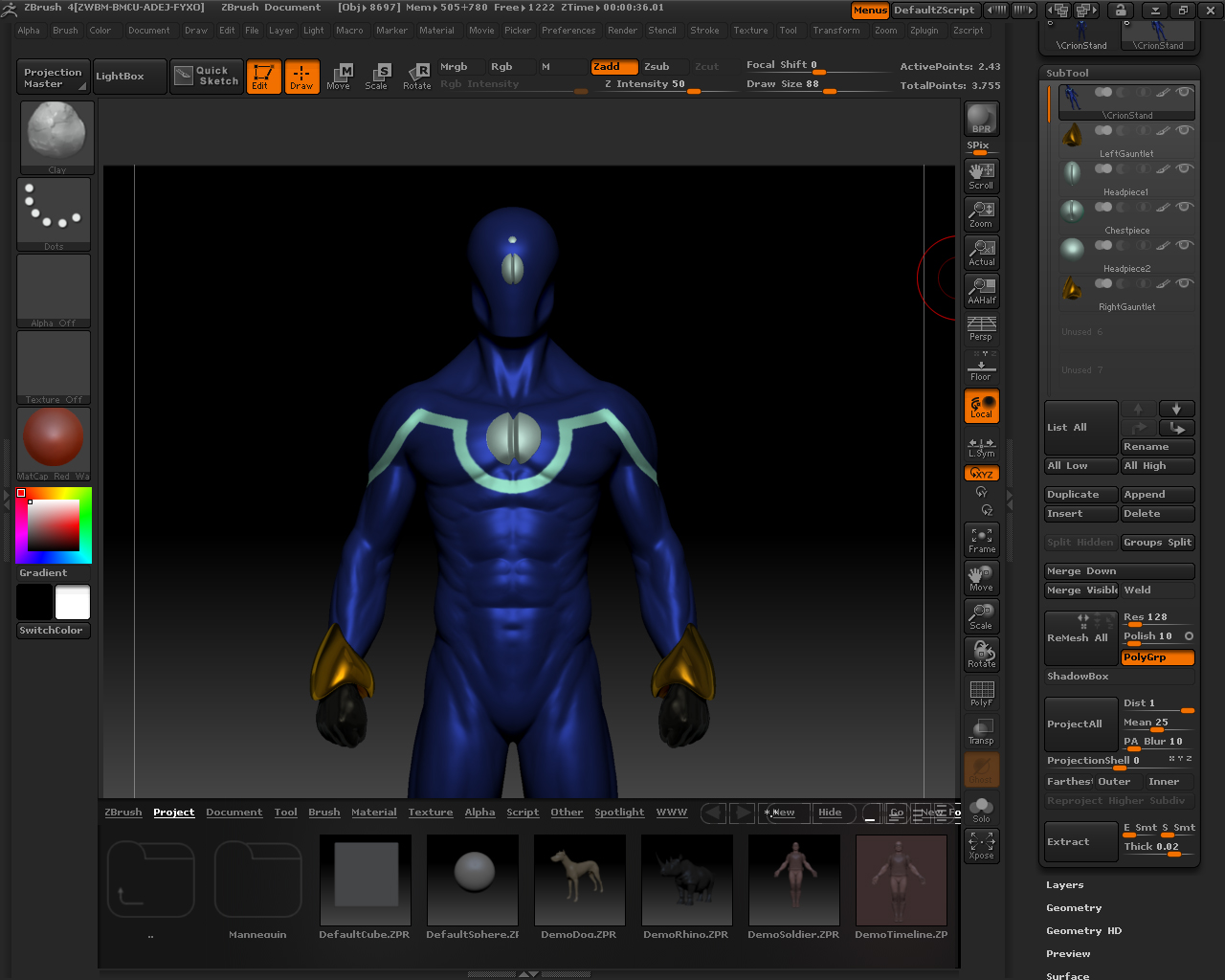
aight so im tryin to use transpose master with zbrush 4. i have a model thats only got 5 subtools. however, when i try to transfer the posed low-res mesh to the original high-res mesh, everything goes wrong. some of the subtools lose their color, the ones that i actually pose become deformed, and one certain subtool turns into a ball of gold aluminum foil (see picture). please help me out guys, ive tried everything.

Before:
before.jpg

Attachments

after.jpg

I would guess you mirrored the Right & Left Gauntlet? This can cause the normals to flip when importing, with the result that you see. If you merge the two subtools together Transpose Master will pose them correctly - but you will need to start over with the posing.

yea i mirrored the left gauntlet to make the right one, which explains the gold foil. but if i merge the two into one subtool, would that still allow me to manipulate each arm independently of the other? also, is there any explanation for the color (and material) of the gauntlet being removed after transposing

Merging the two won’t make it any more difficult to pose. I don’t know why the gauntlet should have lost its color/material. I’d need to test the model to see what’s going wrong.

so i tried mirroring one gauntlet this time and merging it with the mirrored one, but when i try to transpose it, this happens:

yea the models like 40mb if you wanna mess with it…how do i send it to you?

PAUSE. im pretty sure i solved my problem; i just turned off “weld” for all of my subtools and transposed again. all of the subtools turned out fine and the color wasn’t removed! thanks for everything marcus :smiley:

Yeah, that worked for me too, though I will have to look into why it’s happening with your model and not with the DemoSoldier, then update the plugin. Thanks for the information!