ZBrushCentral

Transpose Master Activepoint problem.

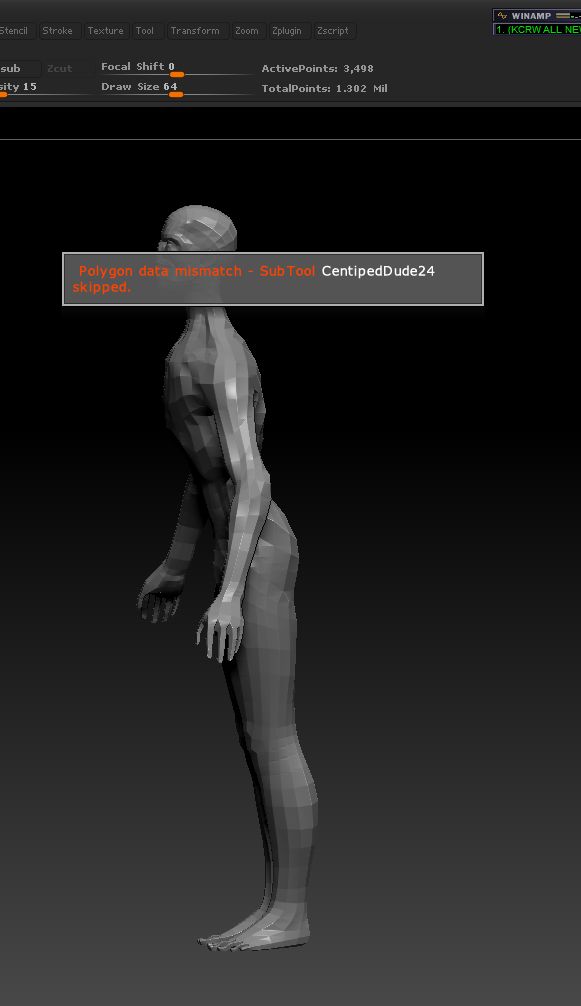
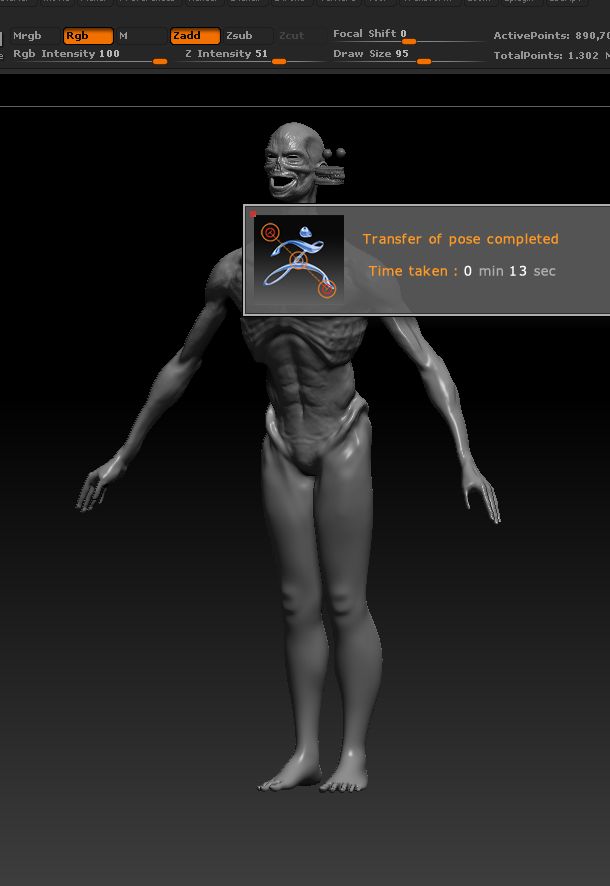
I’ve been using Transpose Master to pose this character. Once I was satisfied, I clicked the “TPose > SubT” button and was confronted with the error “Polygon data mismatch - SubTool…”. I checked the original SubTool and noticed that I forgot to delect the lowest level subdivision. I deleted it so that the lowest level subD level was the same as the SubTool in the Transpose Master project. Unfortunately, even with the current SubTool ActivePoints the same (13,953)I continue to get the same error. Somehow the deleted subdivision continues to pop back in (3,498 ActivePoints). These are the problems that discourage the crap out of me.

I suppose I have to get the subdivisions the same before I start the posing. It’s truely amazing how the smallest of errors can destroy hours of work. I’m not a pro in any way and this takes me time to do anything. Can anybody help me correct this error? I’ll attach both of the offending files. Thanks in advance. I’m done with this for the day. It exhaust me to have so much work potentially go down the drain.

Attachments
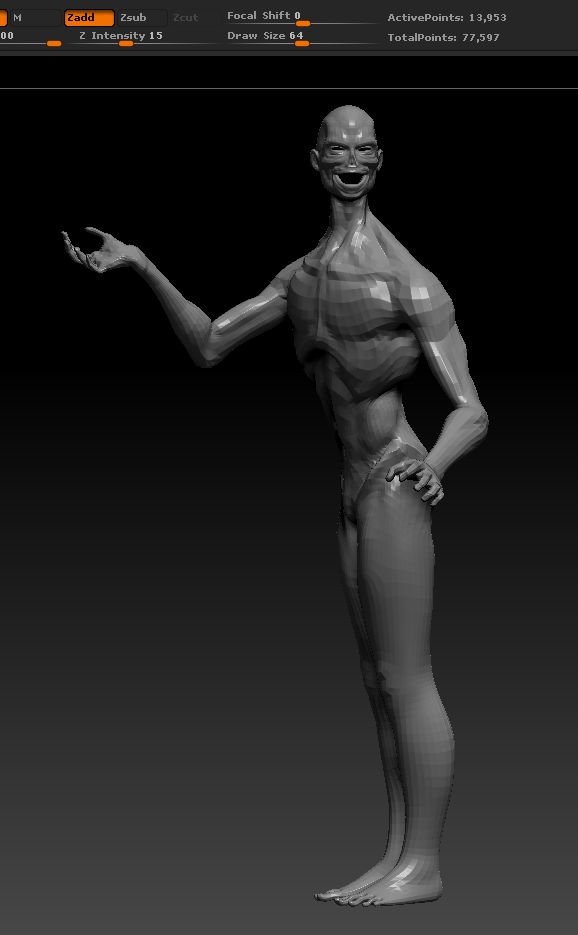
ActivePointsError1.jpg

ActivePointsError2.jpg

ActivePointsError3.jpg

I should have assumed that they would be. Again, does anybody have a solution to this problem. “I guess if I don’t hear from anybody by tomorrow, I do it all again and try not to make any mistakes ever again”, he says ironically. This SUCKS!

A new version of Transpose Master was released in April (it says 2011 but it was this year). If you haven’t already got it then download that from the Download Center., Make sure you remove the previous version of Transpose Master and its data folder from the ZStartup/ZPlugs folder before installing. The new version is less prone to issues of this sort and should be able to cope with larger meshes. You’ll need to start over with your pose though.

Understood. Actually, I was thinking that I can use the already posed model as a morph target. Blending the posed model into the original. That’s possible, right? I remember something seeing like that in a tutorial before. I’ll try looking for it right now. I hope to hear from you soon. Have a great day and thanks. :slight_smile:

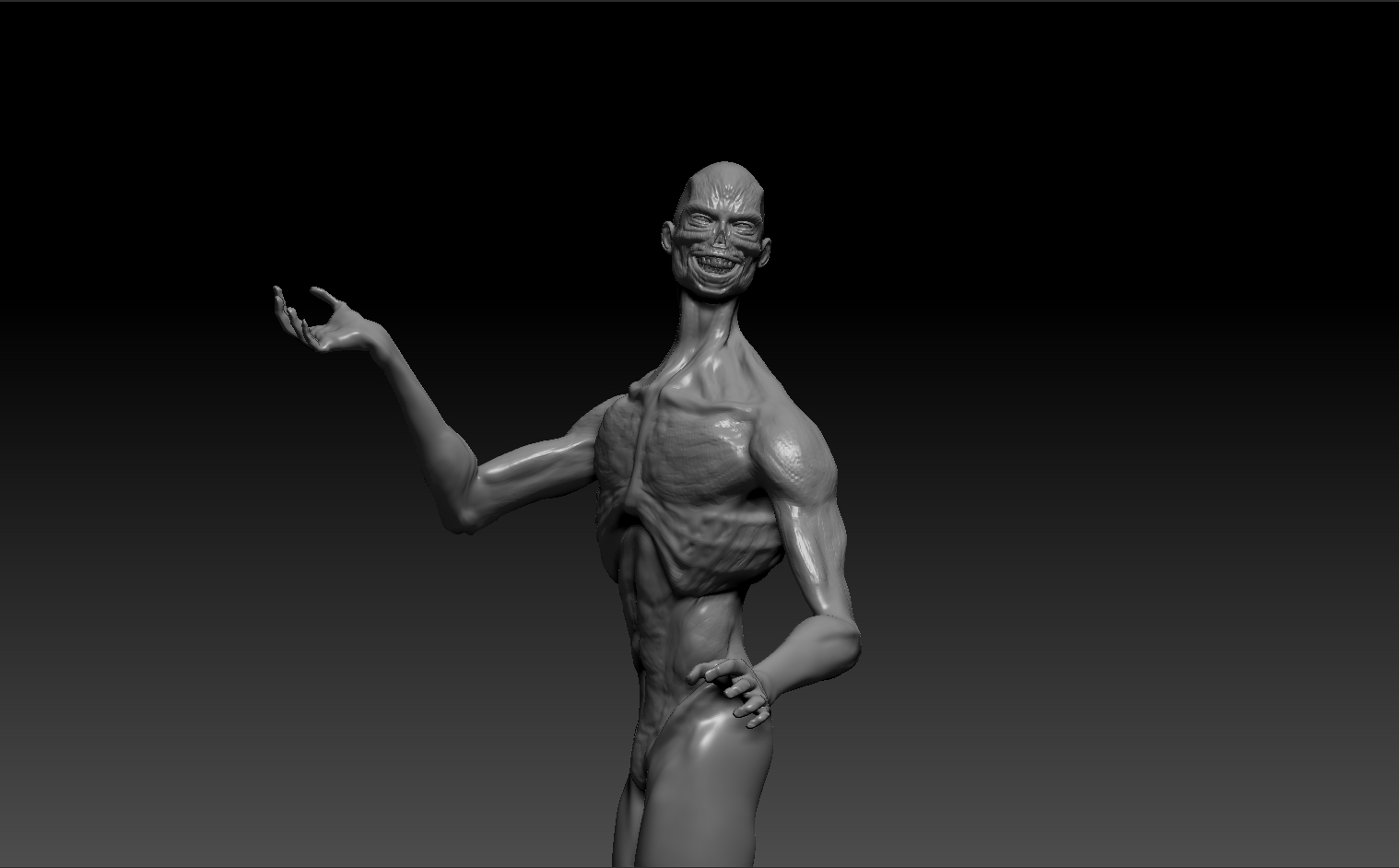
It was simple once I figured it out. I just exported the body subtool by itself. Then I went to the model with the higher subvisions/ details and imported to the original SDiv level. Bingo! Right in there. I had to export the teeth and placeholders eyes separately with the group export option turned off, of course. I’m happy that I could figure out at least one problem by myself (mostly). I guess the tutorials are starting to stick.

Attachments

CentipedeMan6BodyPosed.jpg

I’m glad you got it sorted. You can use a morph target to store a pose but better still use a 3D Layer. You can have several layers with several poses if you want.

I’m still learning that part. Best not to rush ahead before I’m solid on the beginner/intermediate stuff. :smiley: