Recently I started working on a project for 3D printing. I started using polypaint to bring in more details and I found that it was looking quite nice whenever I had selected a white matcap, However when I pick the red wax matcap I realized the colors were all transparent. When we printed it out as a test the color was barely visible. All of the polypaint is baked on to the model and I was wondering if there was a way for me to get a more solid color and then blend the original polypaint on top of it.
When you use polypaint with matcaps materials it´s allways faking your colors. It´s better to use the standar material insted. If want to check the real polypaint then switch to flat material, that will show your real color painted.
If you want to blend colors you can try Layers. Just make a new layer and fill the object with a flat color. Then Use the slider to remove it slightly. When you have it done clone the Tool and bake the layers
Hope this helps
PS: What 3D printer are you using that does not need UVs and color textures?
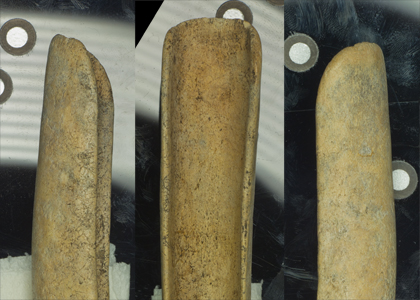
This is the original object.
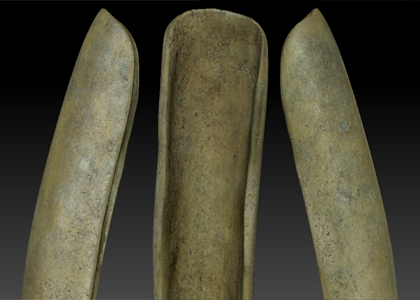
This is the Zbrush with the matcap I used to polypaint. Skinshader4?
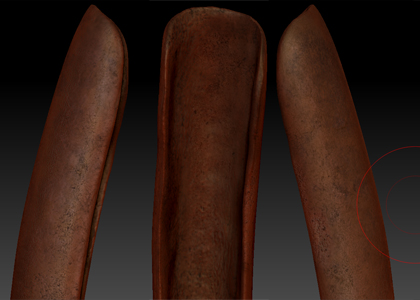
Here it is with RedWax
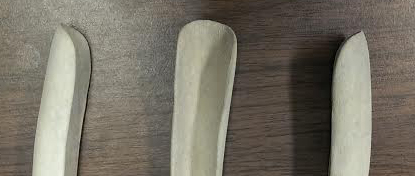
Here is the print when it first came out of the printer
And finally with color bond
I looked at it with the flat material and it looks fine, Maybe it’s the printer. I’m not sure which printer it is, I don’t use it directly. But, in one of the zplugins called 3d print exporter there is an option to export a .vrml file which is what we use to print color. It also depends on what you’re using to print, some materials can’t use colors.