ZBrushCentral

Transparency a problem in 4R6?

Hi

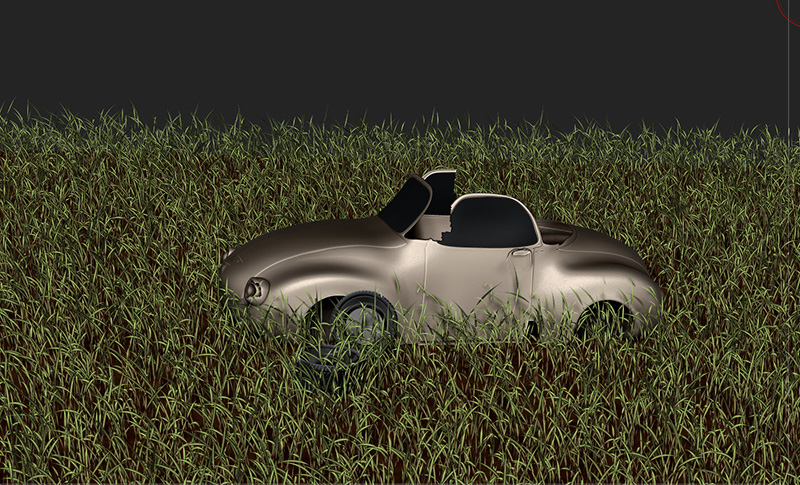
When I try to make an object transparent then it does not work. I do it like explained as in tutorials. When I try to make transparent the windows of the car in this picture, how can I do that? I took Basic Material black, and then I encreased the silder transparency in the material. It does no work. How to do that?

Thanks a lot for your feedback.

Denise

Attachments
car_gras_example.jpg

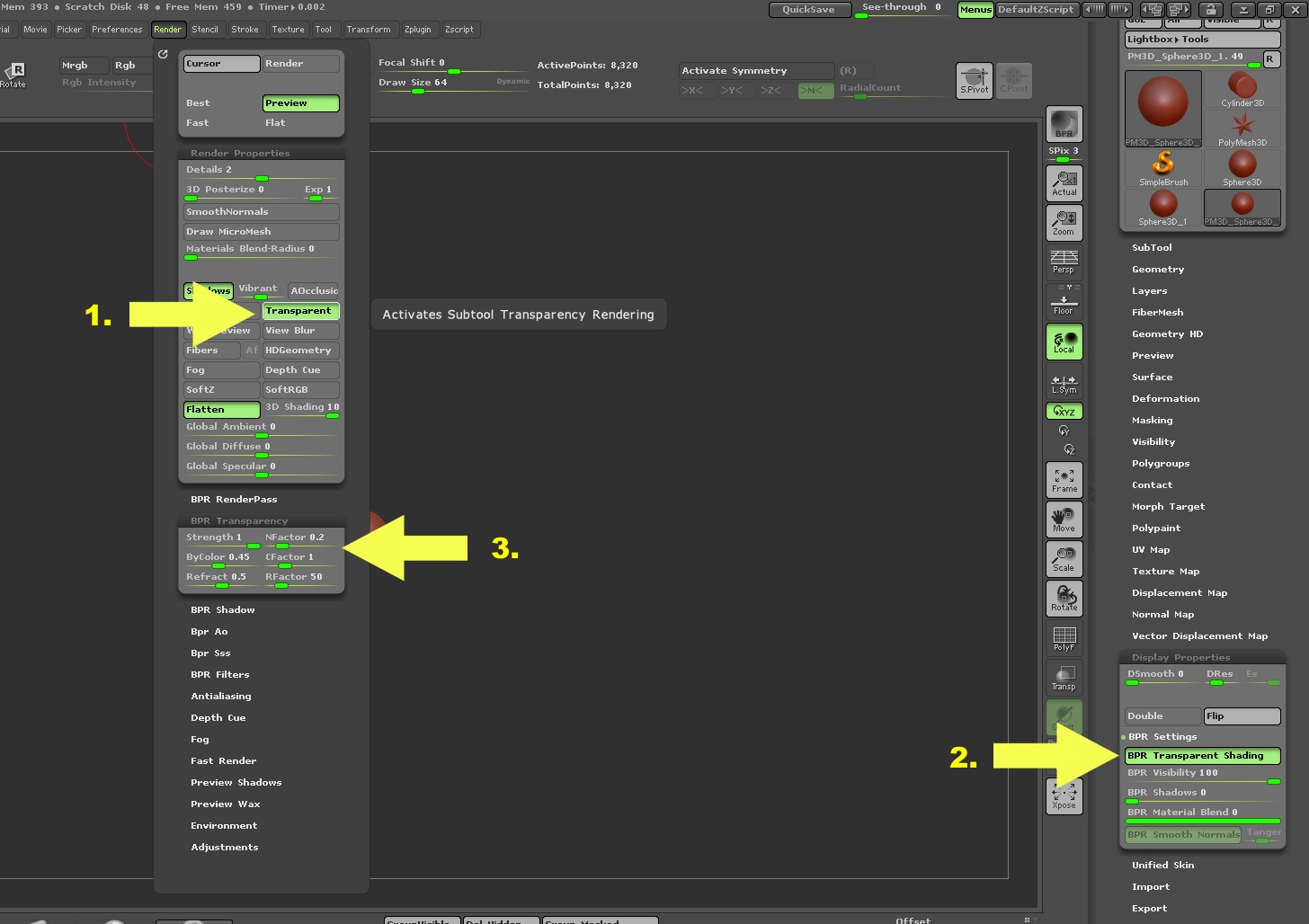
Transparency is done in BPR render settings. Enable #1 and #2 as shown in image. Then do a PBR render to see the transparency. More adjustments can be made at #3. You will have to enable #2 for every subtool that you want transparent.

You can also add to the realism of the transparency to make it look more like glass by adding a reflection texture to the material you will be using. See below.

new-2.JPG

Just to add: the transparency slider in a material is a legacy effect that will not work with BPR (you need to use Document Layers - as in the Layer palette - in order for material transparency to work). So for 3D work the best method is as zber2 says (thanks zber2 :slight_smile: ).

You might also find this mini tutorial useful: http://www.zbrushcentral.com/showthread.php?186482-Lunch-crunch-and-other-doodles&p=1086879&viewfull=1#post1086879

Hi
Thanks a lot for the answer, I tried and it works with a little thing…the car is now transparent too…I splitted the window and changed the material to a material which does not contain transparency, but it didn’t help. What did I forget?

Thans for your feedback
Denisecar_transp.jpg

Hi

I understood…now it works…your point number 2, that was it…thanks a lot, now it works great! Cool.

Denise

No problem Denise :+1: