ZBrushCentral

Transfering high resolution details to a resurfaced mesh

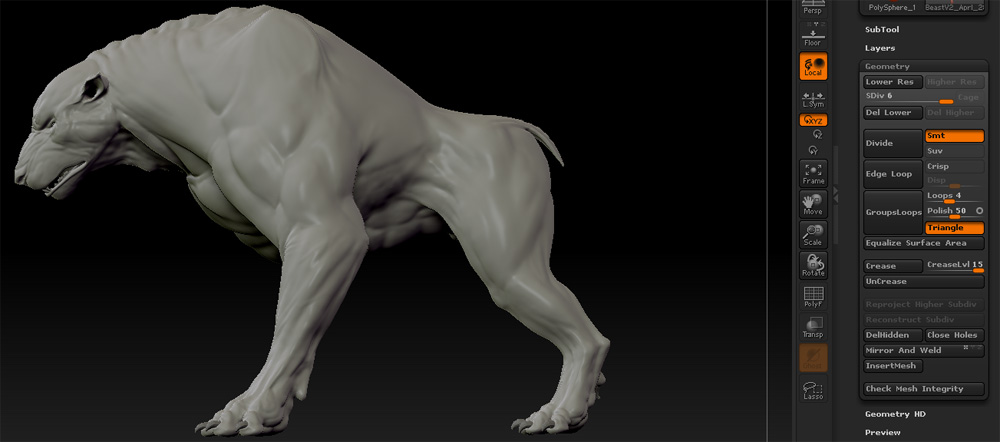
I am at a loss right now as to how I should proceed. I need some help getting my resurfaced mesh to have the high definition details on it.

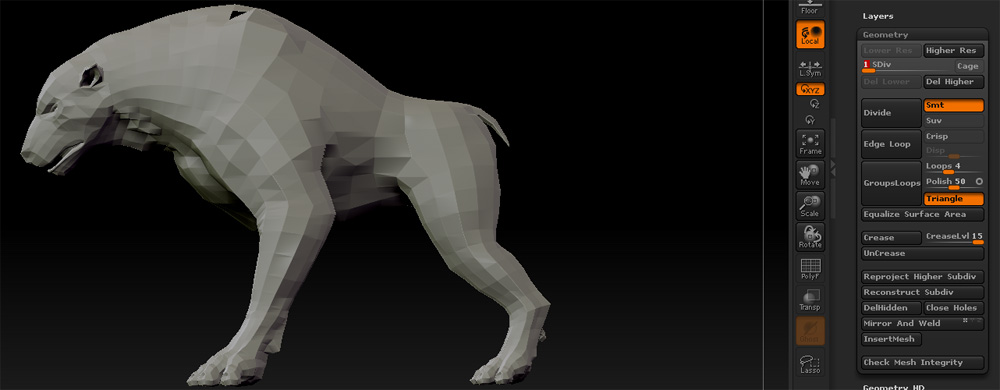
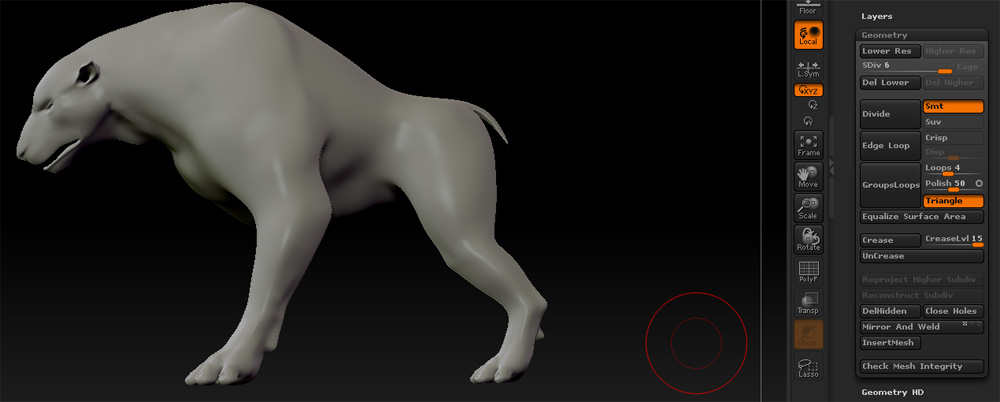
I have tried importing my low resolution mesh while my high resolution mesh is at its lowest level of divisions and also the highest. While at its lowest I get some results they are sub-par and make my mesh look as if someone hit divide 6 times. Some of the details are transferred but the change is so insignificant I cannot tell for sure. While at my highest level of divisions the mesh is simply replaced by the new low res version, and all detail is lost. I have also tried some tutorials using older methods but the result is nearly the same every time. The scale of my model is fairly large in Zbrush, the base mesh was made in Maya and is about 5 foot 6 inches. Any help would be greatly appreciated.

this is what my model looks like:
[steptwo.jpg

Attachments

Stepone.jpg

Stepthree.jpg

load hires mesh.
append low res mesh as subtool
hit Tool: projectall while lowres is selected
divide lowres, repeat above
also if using 3.5r3 make sure PABLUR is set to 8