Hi guys,
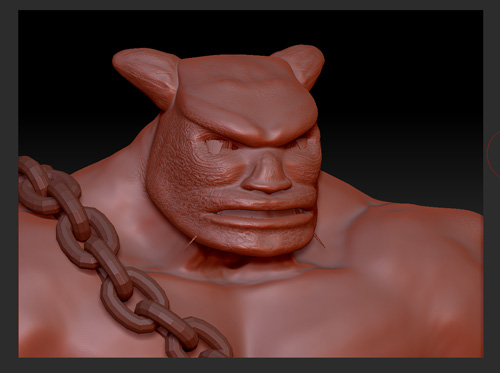
[ATT=]king_after.jpg[/ATT]
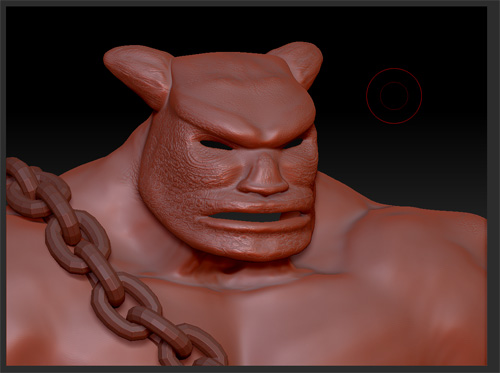
[ATT=]king_before.jpg[/ATT]
Could be because the mesh at the mouth and eyes is not closed?
An now how I can fix it?
Attachments
Hi guys,
[ATT=]king_after.jpg[/ATT]
[ATT=]king_before.jpg[/ATT]
Could be because the mesh at the mouth and eyes is not closed?
An now how I can fix it?
Most likely. Certain surfaces require special settings for projection to work right. You can adjust these settings ahead of time using the Tool>SubTool menu, where you’ll find modifiers next to the Project All button.