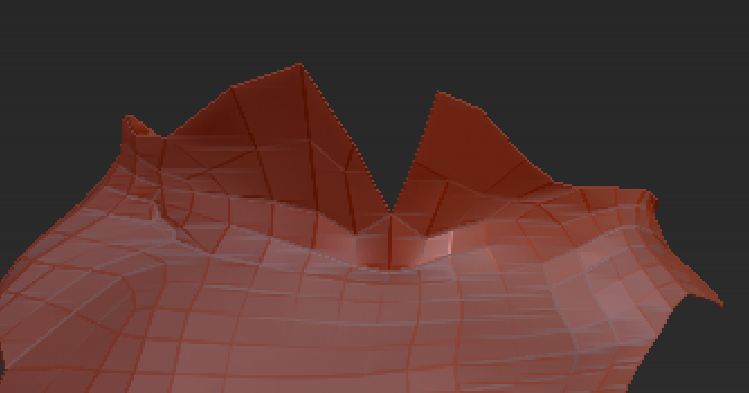
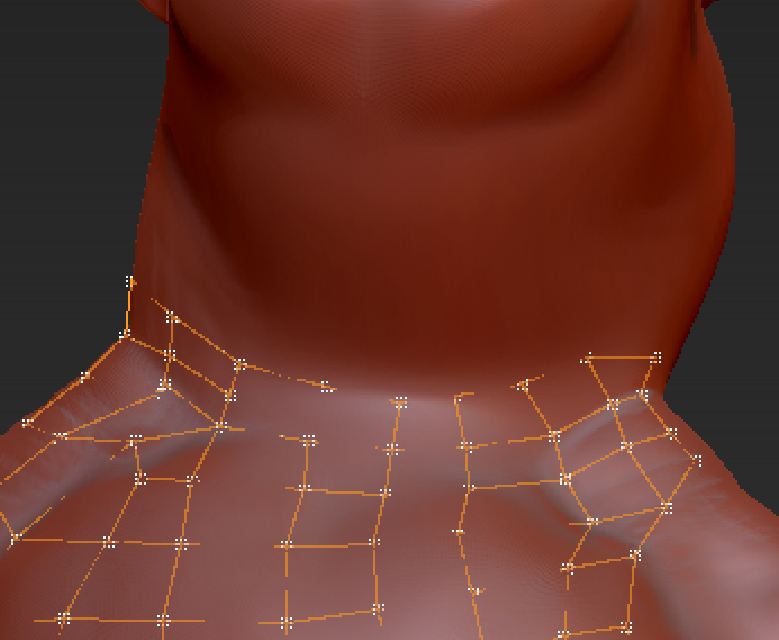
I’m trying to use Edit Topology to create a shirt. I’ve attached an image (Adaptive Skin), which shows a V-shaped collar area. A second image (TopologyLines) shows that the topology lines are completely invisible in that V-shaped collar area. I assume they are under the model’s surface. Given that I can’t see them, I’m unable to shape or otherwise work with them.
I have seen several posts in the forum on problems associated with the visibility of topology lines. The recommendations are that in the Preferences>Draw menu, Front opacity be set to .95 and Back to .01, which I have done. I also tried settings of 1 and 0. No effect.
Does anyone have any other ideas as to how I can make those topology lines visible?
DocPit
Attachments