ZBrushCentral

Topology Edit question, Plz help

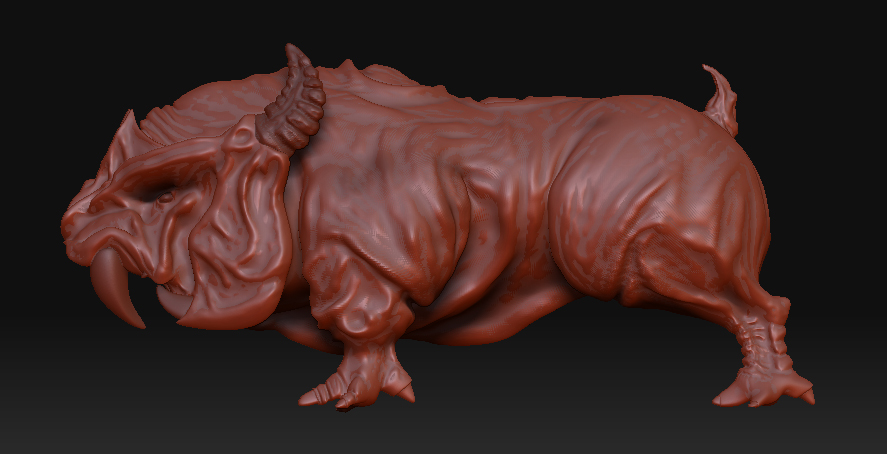
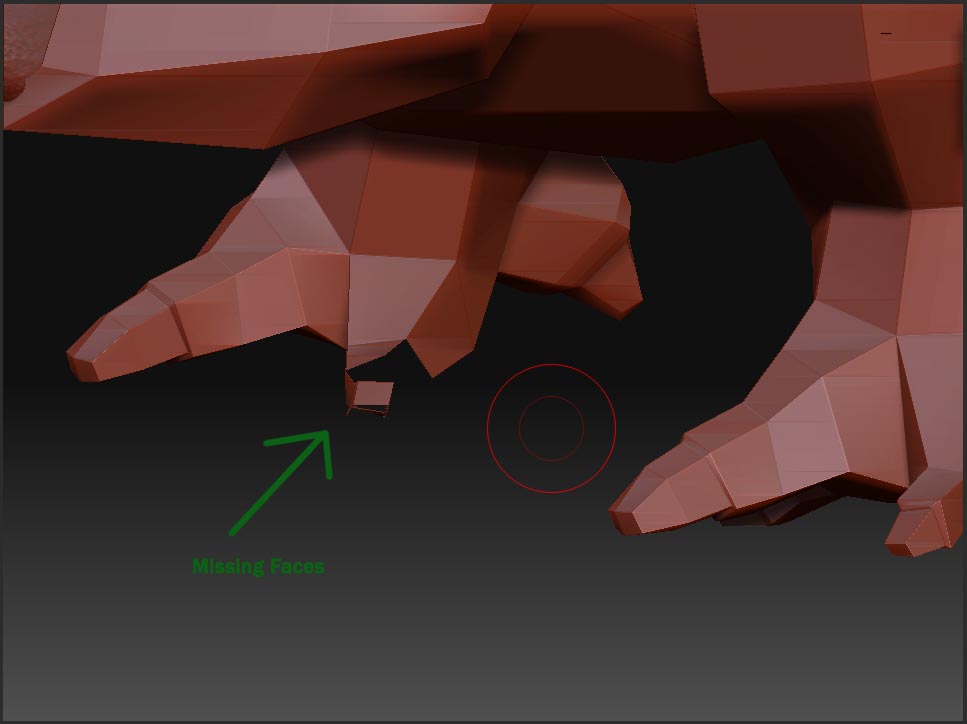
I’m currently working on a base mesh i imported in from maya into zbrush 3.1. Here is the thing after i did most of the labor intensive work in zbrush i realized that there are roughly 4 faces missing on the base mesh.

Is there a way the “Append” polygons in zbrush, just fill the hole as it were.
Obviously fixing the issue in maya, and re-importing the newer mesh over the brushed one dosn’t work as it dosn’t contain =# of points and faces.

any help would be very much appreciated
missing.jpg

Attachments

1.jpg

Why not do your fixes to the base mesh in Maya, import it back into ZBrush and append the fixed mesh as a SubTool to the original mesh (the one with all it’s ZBrush work done to it).
Subdivide the fixed mesh to the same amount of subdivision levels as the original and use the Project All button in the SubTools menu to reconstruct the detail from the original into the fixed mesh.
That’ll do the trick…

the actual problem comes from retopo not being able to handle a 4 sided extrusion. if you add another edge loop on those parts you’ll be all set.

or you can do the same thing use the edge loop command after you’re done…just make the spot that would need the edge loop in the topo.

or, you can fix it inside Maya as stated above.

goodluck