While making a new topology the mesh is transparant. This makes the operation extremely difficult. As I remember from older versions, the underlaying mesh was opaque. Is there an option in ZB4 to change it?
Attachments
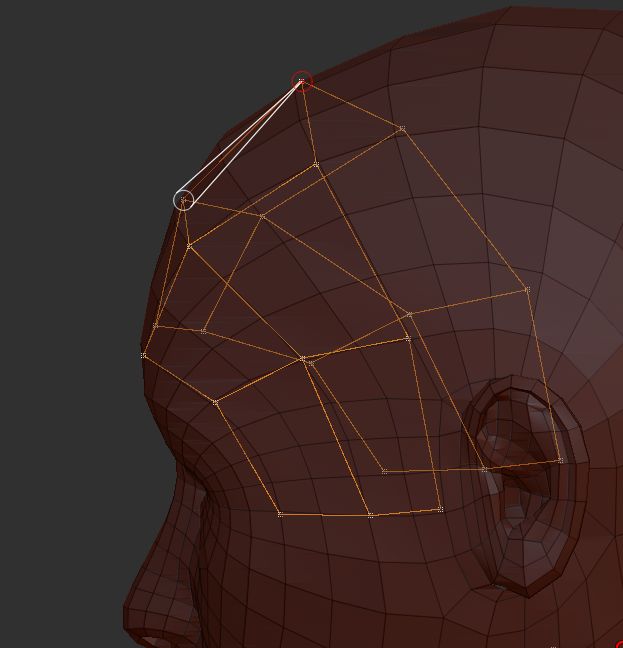
While making a new topology the mesh is transparant. This makes the operation extremely difficult. As I remember from older versions, the underlaying mesh was opaque. Is there an option in ZB4 to change it?
Yes, you can adjust the Preferences>Draw>Front Opacity slider. But a different method demontrated by Joseph Drust where you append a ZSphere and re-topologize subtools avoids the issue altogether:
http://www.pixologic.com/docs/index.php/Joseph_Drust#Using_Appended_ZSpheres_to_Retopologize
Thanks Marcus! Also for that link, interesting!
One problem solved, waiting to get GoZ to C4D functional 
Cheers,
Bas