ZBrushCentral

Topology and invisible symmetry pointer graphics ZB4

Is anyone else experiencing this problem?

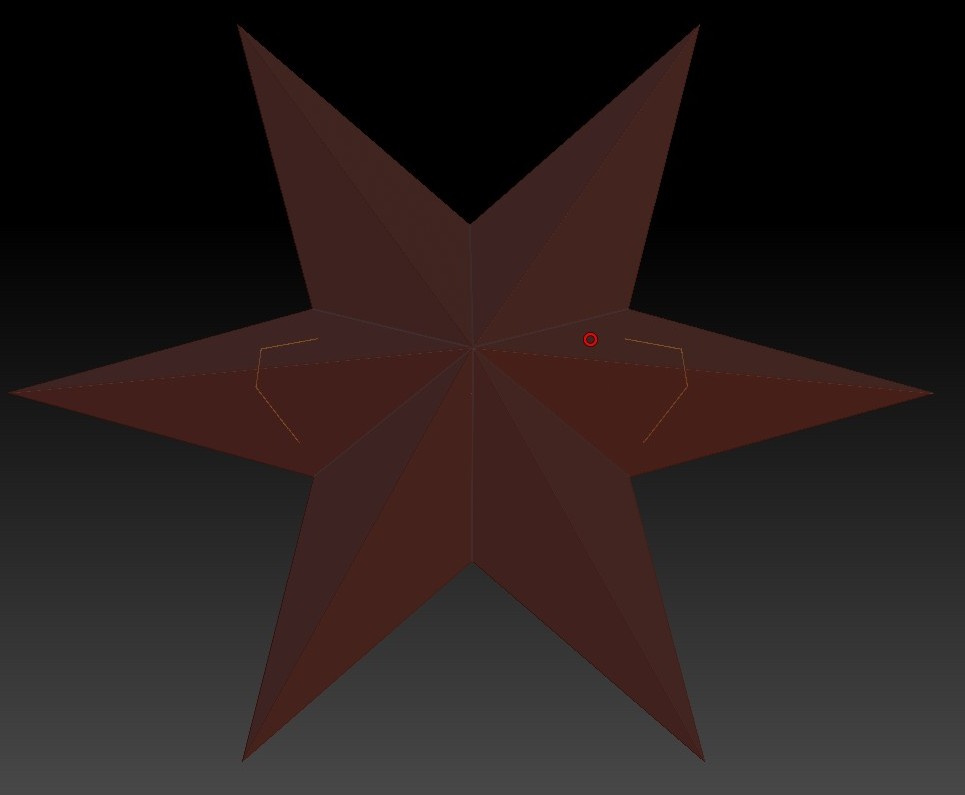
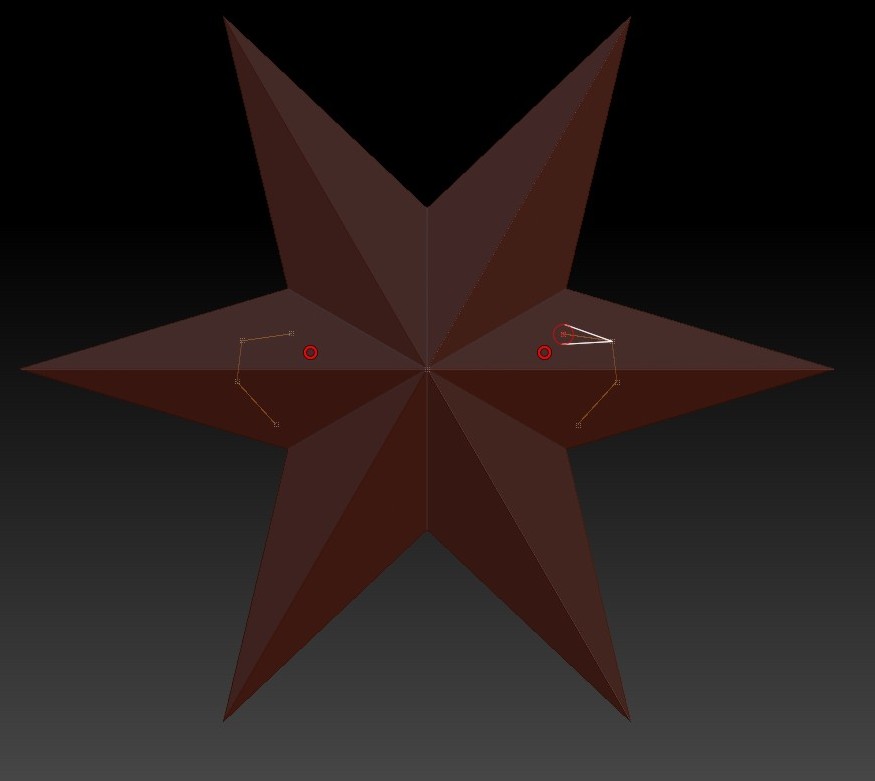
Create a model as normal, then go on to create new topology. Turn on symmetry (whichever axis you've been working in, doesn't seem to matter) Whereas in previous versions, you could see where the pointer was in the mirrored side, you can't anymore unless viewing the model from a Shift+rotated angle, and only then when viewing at the angle your symmetry is currently set at. The mirrored pointer icon appears as normal when sculpting regularly, it just vanishes during retopology, making finding or snapping to the center line of a model practically impossible. This didn't happen in previous versions, is it a bug or is there some preference option that needs to be changed?

As you can imagine, this makes creating new topology very difficult when it comes to working near the center axis.

Just to add, this is <b>not</b> the same problem as hidden topology lines. Hopefully someone out there knows the fix for this!

Edit: I’ve uploaded two images to show, the first is when it appears correctly, the other is when the model is rotated slightly.

Also symmetry seems to mess up when perspective is on, again in edit topology mode.

Attachments
Corel186.jpg

Corel187.jpg

That’s odd I don’t have this problem :eek:

I just tried what you described with rotating and came up with nothing, try playing around with memory options under preferences.

Only other thing I can think of is turning mirror on and off.

I don’t have that problem either, working fine here. One thing though, Perspective has never played nice with zsphere retopology, it’s best to always do your retopo in ortho mode.

hmm, do you suppose this could be a video card issue then? I’ve played some more with it and besides not being able to see the little pointers, it still seems to retopo properly.

bump, any new insights on this bug?

Hi there, I have the same problem with my mac and ZB4. The pointer disappears, and it makes it, for example, difficult, to set a point directly on the mirror axis.

Summarizing: I for myself decided to retopologize furthermore in ZB3.2, because the depiction of ALL components works much better (I tried all versions of transparency what is given in the »Draw«-Preferences, believe me)

Greetz, Stephan