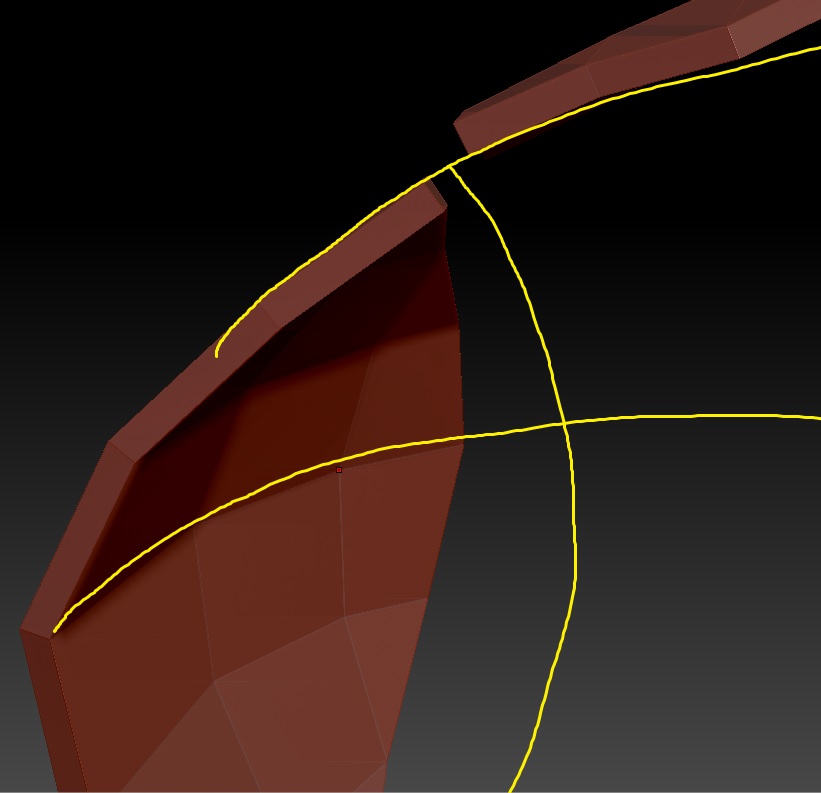
Hi there, I’d be pulling my hair out now if I had not shaved my head the other day. I am having an issue with the retopo tool with skin thickness. The direction the thickness extrudes from never seems consistent. In the image you’ll see that on the same zsphere retopo, the front section(on the left) is extruding inwards. While the panels on the side(top right) are extruding outwards. Why is it doing this? My skin is set to 0.02 positive.
Sometimes one side on a symmetrical topo will even be the opposite to the other.
Please assist
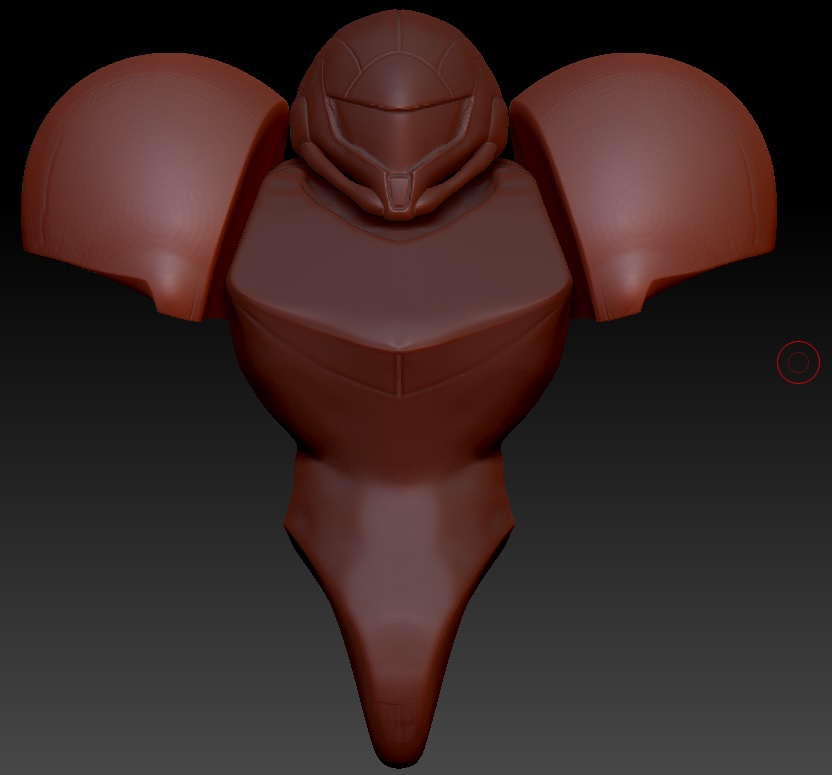
This is what I am working on, with the panels in subject the forehead panel and the adjacent side pieces.
Attachments