ZBrushCentral

Tool > Preview window hard to deal with [Answered]

I’m trying to locate a subtool in the preview window so that I can center its pivot and check its alignment. I assume I’m rotating an rotating the view, but I can’t find the subtool. Is there a way to quickly frame an object (tool)?

I’m pretty sure the Preview window needs improvement, right guys?
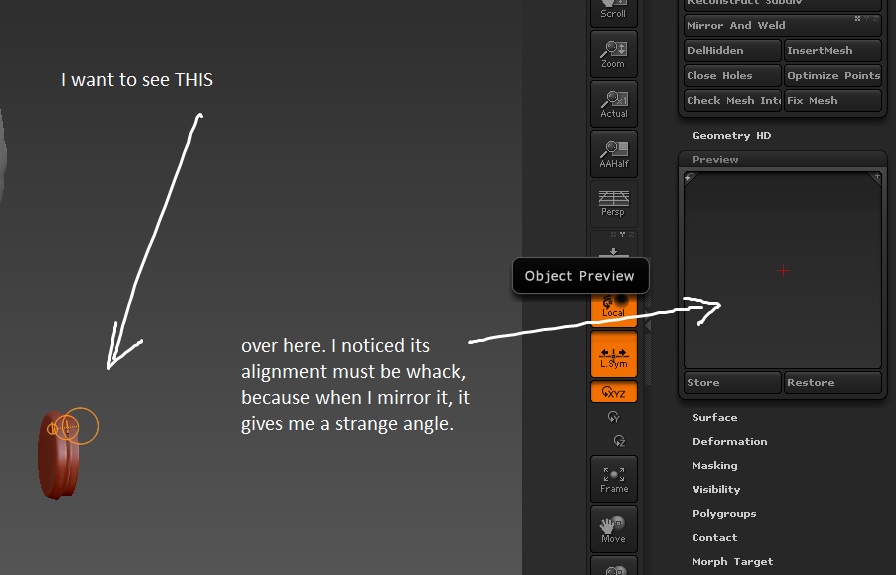
preview window ??? Always try and post an image of the problem so people can better understand what you are trying to say.

If you press Tool>Deformation>Unify then your subtool will be framed in the Tool>Preview window. There’s nothing wrong with the Preview; you just need to remember that subtools all relate to the pivot point of the ‘base’ subtool. For example, if you load the DemoSoldier you’ll see that subtools such as the goggles, glove etc., do not appear in the Preview. This is because they are offset quite a bit from the base subtool pivot - the body, and the body is quite big in the Preview.

Marcus, thank you! It’s working.

In case somebody else didn’t know about the Tool > Deformation > Unify maneuver, here an image, so you know what I meant. Read Marcus’ reply for answer!

PreviewWindow.jpg

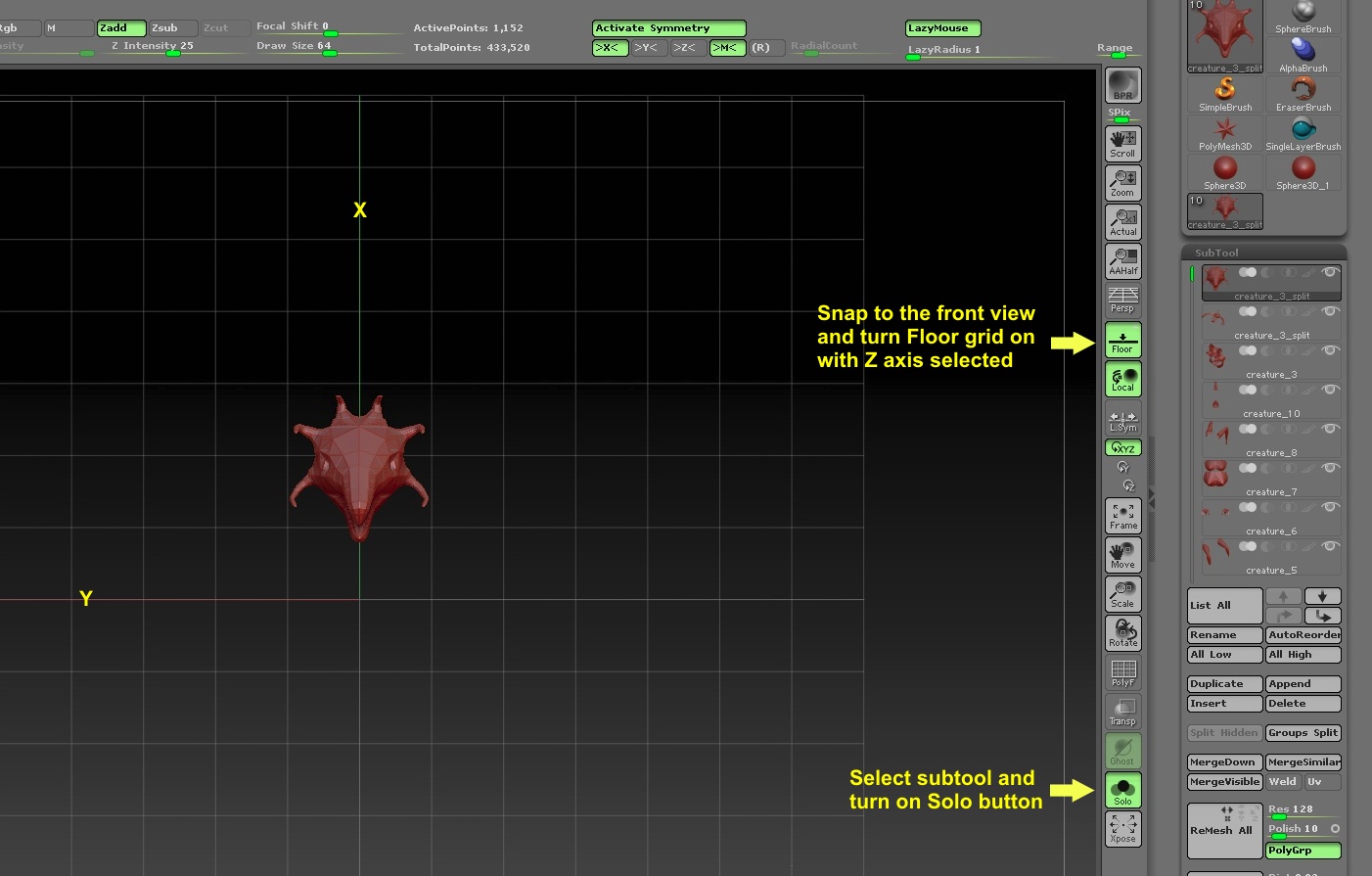
As a suggestion, something else you can try if you want a bigger picture to locate the subtool and see where it is in relation to Tool center. See image below.