ZBrushCentral

tool opacity

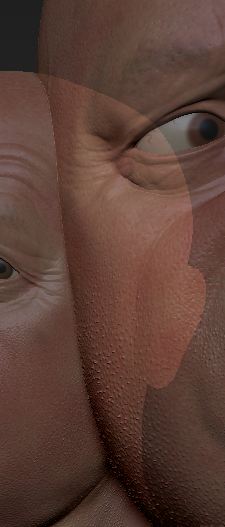
Recently I must have hit a button that makes tools become transparent - if I make a snap shot of a tool, then drag another tool over it, the live tool is not 100 percent opaque - you can see the first tool through it. This happens on all tools and materials, so there must be a global setting I’ve mistakenly switched on.

Any ideas on what is causing this?

[tool_opacity.JPG]
Did you try to look into the Transform menu and see if the “Transparent” button is activated or not? (It is located along with the Activate PolyFrame and Perspective buttons in that menu).

thanks for the reply - it seems to be something more than that setting. I fixed it by opening the default head ztl, and then when switch back to my tool, it works!

Sorry that I wasn’t much of a help :frowning: