ZBrushCentral

Tile alpha around object

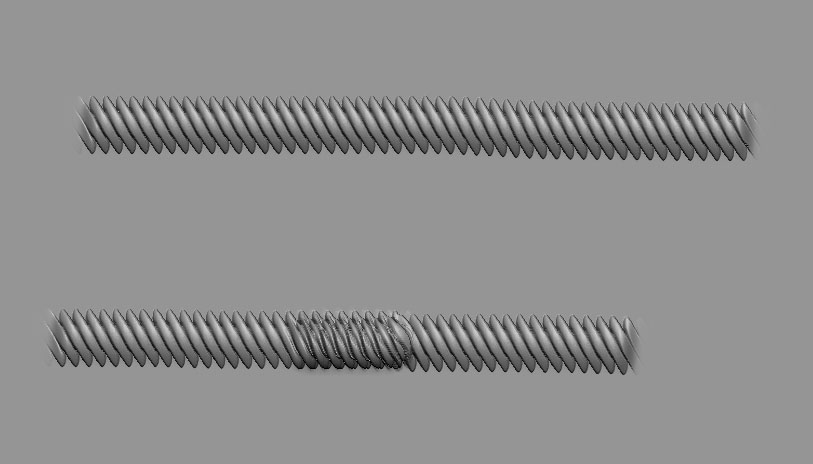
Hi, I’m having some alpha trouble right now and was hoping someone could help. My current character I’m making has rope tied around his limbs, and I’ve made an alpha so I can draw the rope easily. The only problem is, say I’m drawing around the front of a calf, and I want to continue around the other side, I would have to re-stroke over the original which makes it look horrible. Is there any way to pick up a stroke where you left off after readjusting you view, or some other workaround someone can suggest to get this effect? Thanks ahead of time for any help you guys can give.

[rope_alpha.jpg]
If you’ve dropped the model using Projection Master you could use the Stroke palette to repeat your last stroke. Then immediately press W to activate the gyro and move the stroke to the desired position.

Another option that is possible in edit mode is to turn your alpha into a stencil. You can then move that stencil around as needed using the coin controller (activated by holding down spacebar). In the Stencil palette there’s even an option to wrap the stencil to your surface. Once positioned where you want it you’d sculpt through it.

Thanks aurick, I’ll give these suggestions a shot. I haven’t used projection master much, but this seems like a good opportunity to get my feet wet.