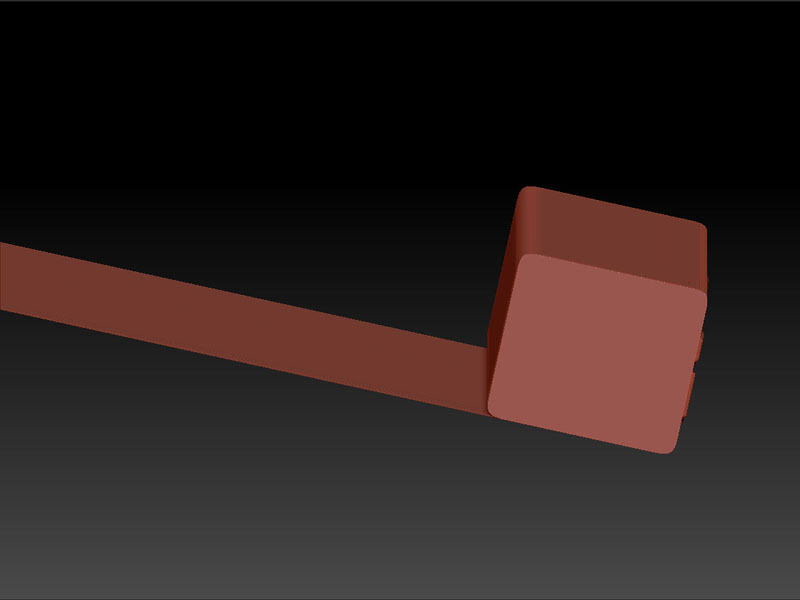
I know that I can sculpt and paint a plane in projection master and use the tilde key to offset it and tile. I was wondering if it is possible to constrain the axis when you offset. Similar to the way you can constrain the move,scale and rotate to 1 axis by holding the shift key. I am asking because sometimes working on rectangular pieces you want to tile them for trim and such but if you try and do it in projection master and the original mesh moves of it produces some new weird projections ie: the attached pic.
I could use the wrap brush and work on it that way but the ends tend to get messed up and if you clip them to clean it up then the mesh doesnt frame. It still remembers the old dimension and frames that leaving gaps on the edges so when you tile it has a space.
I am sure I am missing something here and any help would be appreciated
Attachments