ZBrushCentral

The Transpose Master plugin is KILLING ME

OK, another question for the forum, because I seem to come across EVERY SINGLE PROBLEM this program has to offer. Joy.

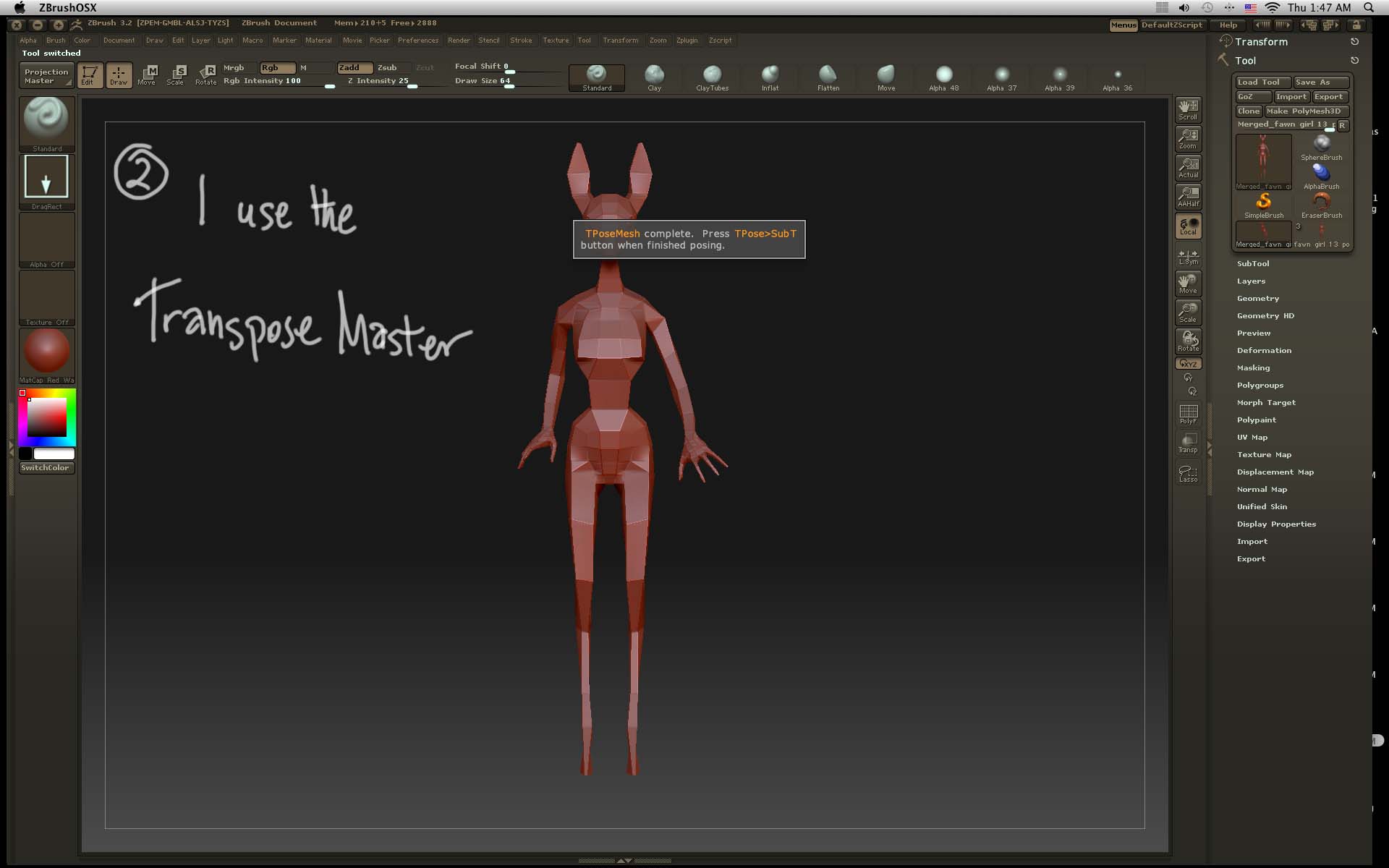
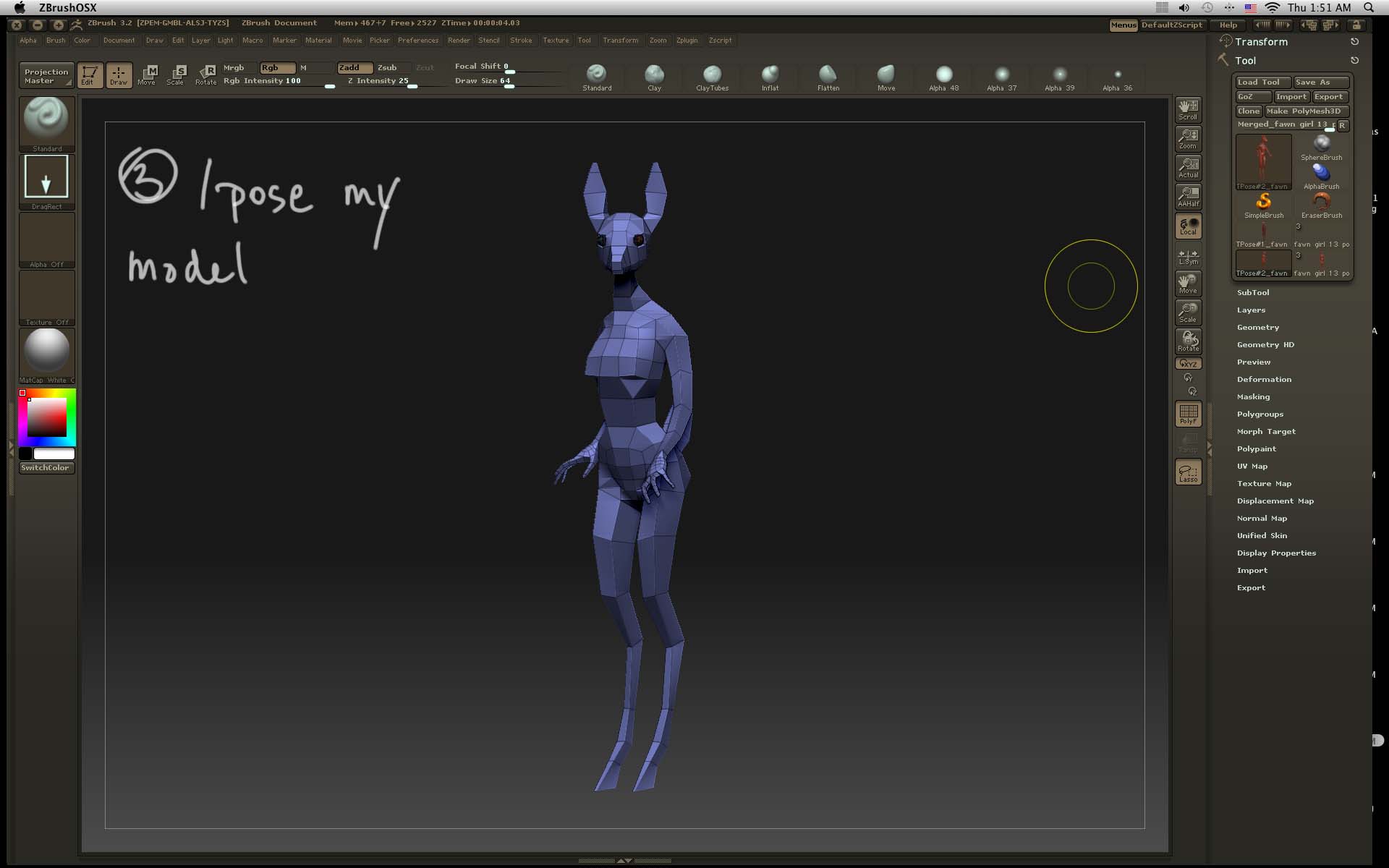
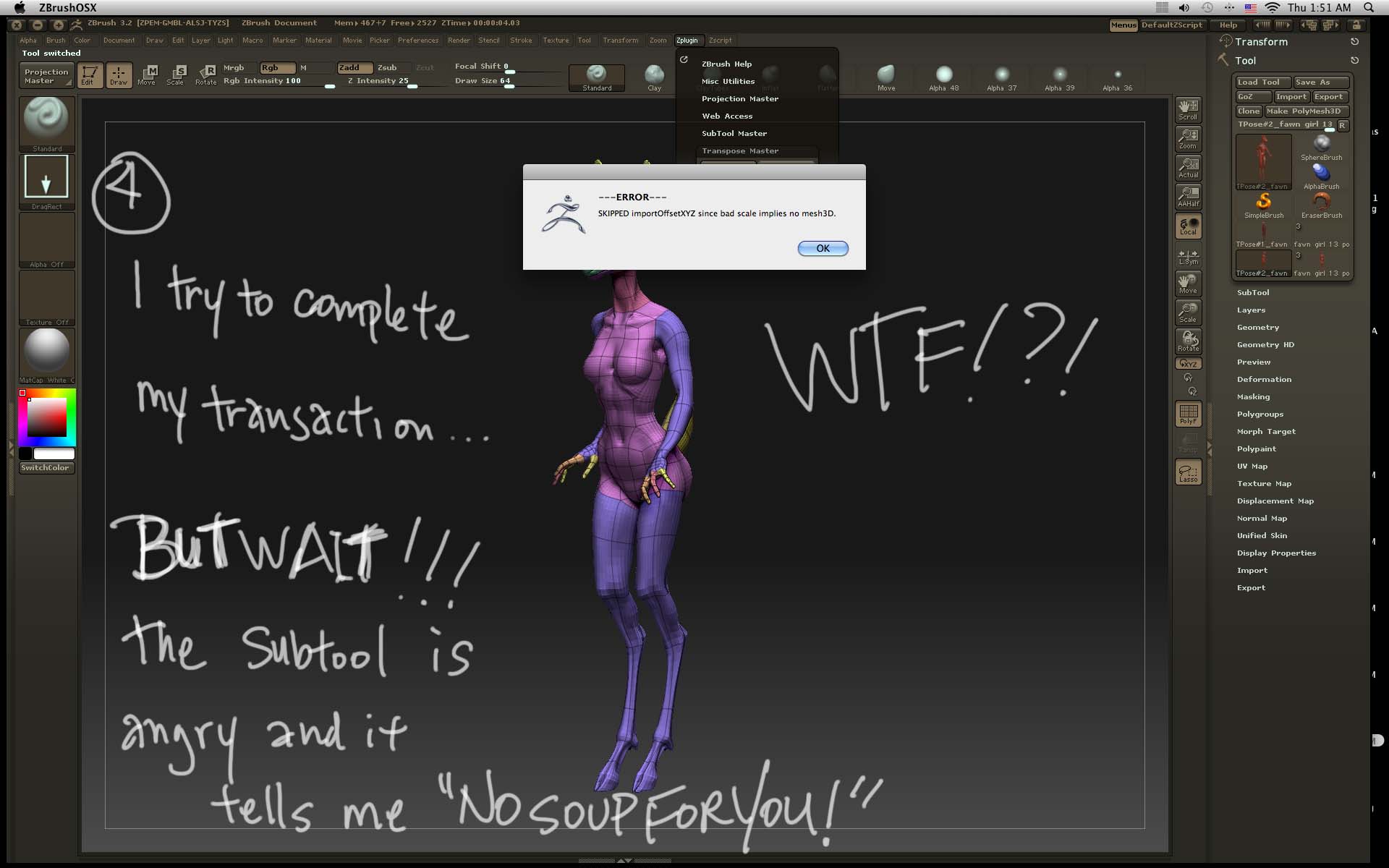
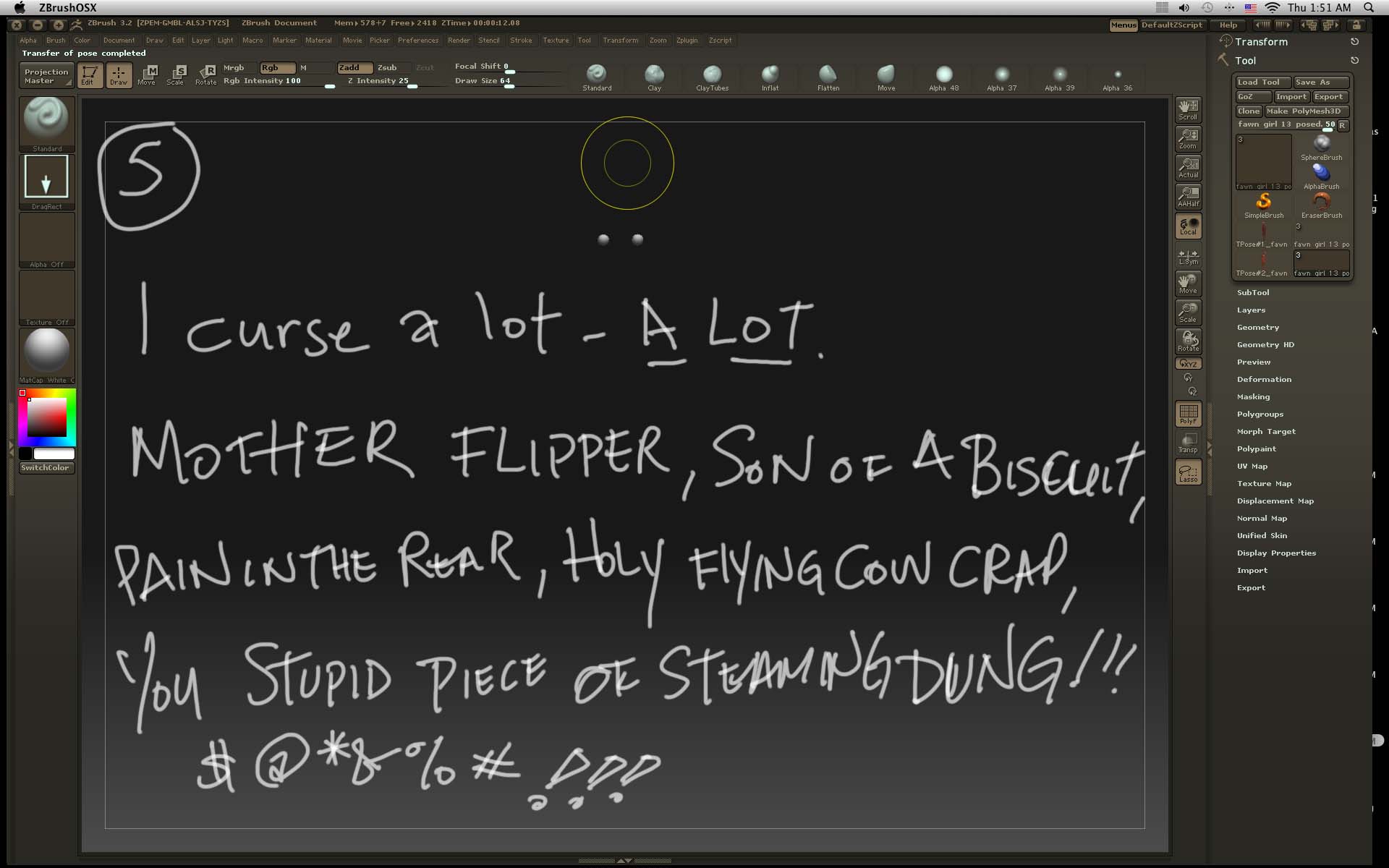
Here are the sequential screen shots:
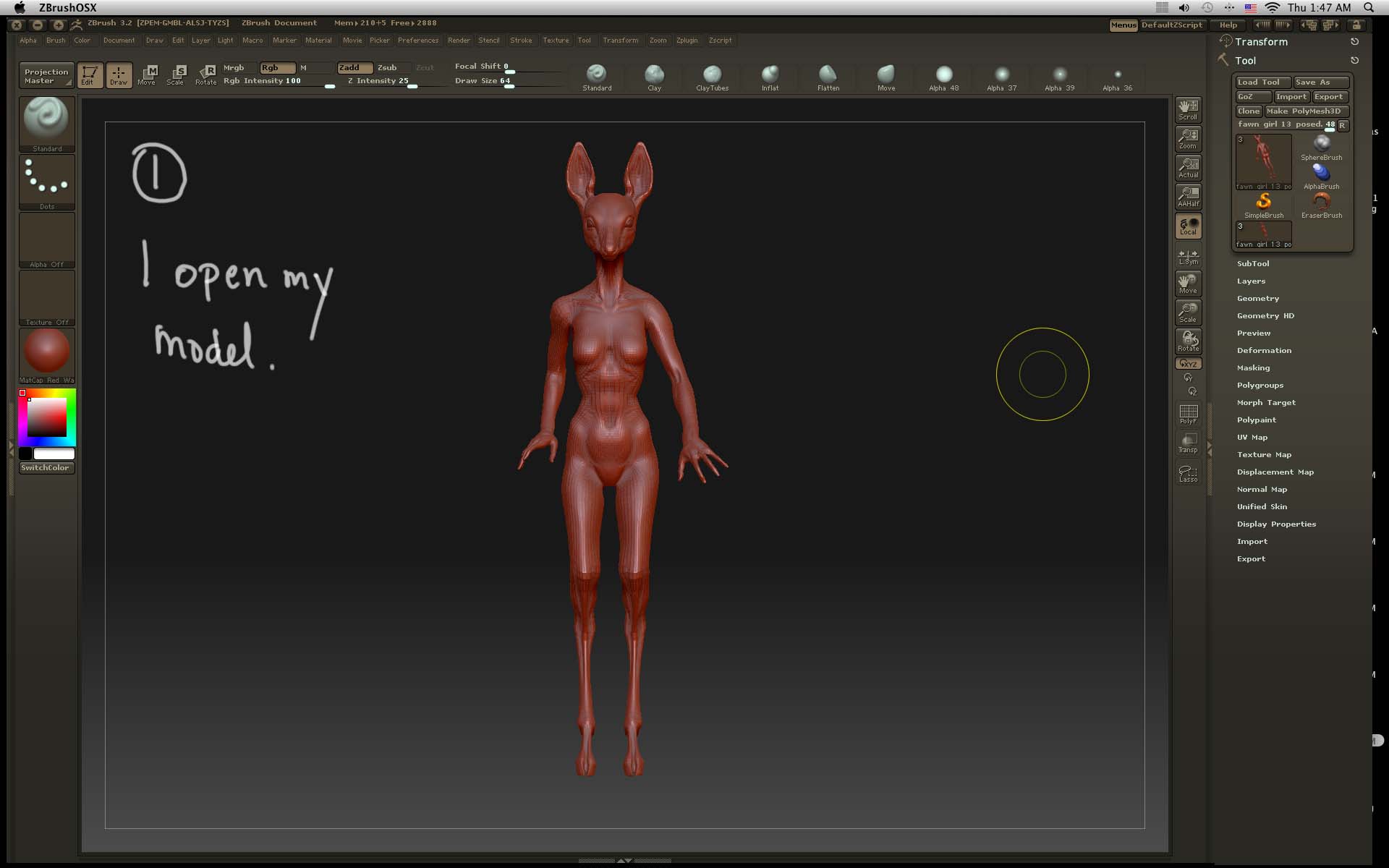
1.jpg

I have repeated this result 6 TIMES. I have tried unmasking before hitting that button, I made sure that it was in edit mode, I had it transponse mode, then in draw mode, I checked my polygons to make sure nothing was hinky and patted my head while rubbing my belly.
The only thing I haven’t done is sacrifice a goat.

Is this thing broken? If it is, is there another way I can post my model with subtools?
Any help/advice would be greatly GREATLY appreciated :cry:

Attachments

2.jpg

3.jpg

4.jpg

5.jpg

did you try to do this process in the other model?

For all of the subtools of your model make sure that the Tool>Export>Scale is set to 1 and the Tool>Export>X Y Z Offsets are set to 0. Then try transferring in the pose again. I think one of your subtools has ‘NAN’ values in the Tool>Export.

HTH,

OP: What OS are you using?

You should post a pic of your process

Marcus_civis- thanks, that worked :o What the heck does NAN mean? I tried looking it up in my literature and on the forum but I didn’t see anything.

NoobVee- I didn’t even think to try it on another model. I guess I’ll find out if I have the same problem with a new model soon.

sonn- I don’t have the top of the line but I thought I was at least OK with my system.
screen shot jpeg mac info.jpg

Thank you all for the replies and help. I don’t know what I would do without ya’ll helpful folks.

I wish I didn’t have to bug people with my questions but I just have a way with programs and any kind of tech. It’s my vibe I can even screw up other peoples tech,after long term exposure, just by standing close to it.

chinadrgn,

NAN is computer code speak for not-a-number. In ZBrush 3.2 sometimes a subtool can lose its export values with the result you experienced. This will be corrected in the next update.

Also Cursing…

I am trying to use Transpose master with sub tools… and before I can even start to transpose by just masking the program just crashes…

Aaaaaaahhhhhh 2:30 am job has a deadline with 10 poses…

“The Subtool is ANGRY”

LOL:D

If I use the lasso mask tool it all works fine, the programs crashes when using the Transpose mask tool… then when finished transposing and letting the system do its things, the main mesh is fine but the sub tools go back to their original position?

Ziggy

Just to add to the knowledge base for anyone who might reference this thread…

Zbrush was crashing on me everytime I tried to use Tpose> subT to finish. i fixed this by doing the folowing-
-Make all my mesh at subdivision1 before pressing tposemesh
-make export options scale 1 offset xyz 0
-clearing mask before pressing Tpose> subT

  • saving my tpose by pressing the tpose button BEFORE pressing Tpose> subT to finish

I dont know which one fixed my problem, but one of them did.

ALSO- I had problem with one of my subtools during the Tpose> subT process and the process stopped. I renamed the subtool. I then pressed Tpose> subT and loaded my saved Tpose from disk, and it finsihed. Neat huh?