Hello! Sorry for my english. I use a QRemesher with QRemesherGuideBrush. But the value of the slider CStiffness does not affect the construction of geometry flow. Explain what I’m doing wrong. Thank you!
Attachments
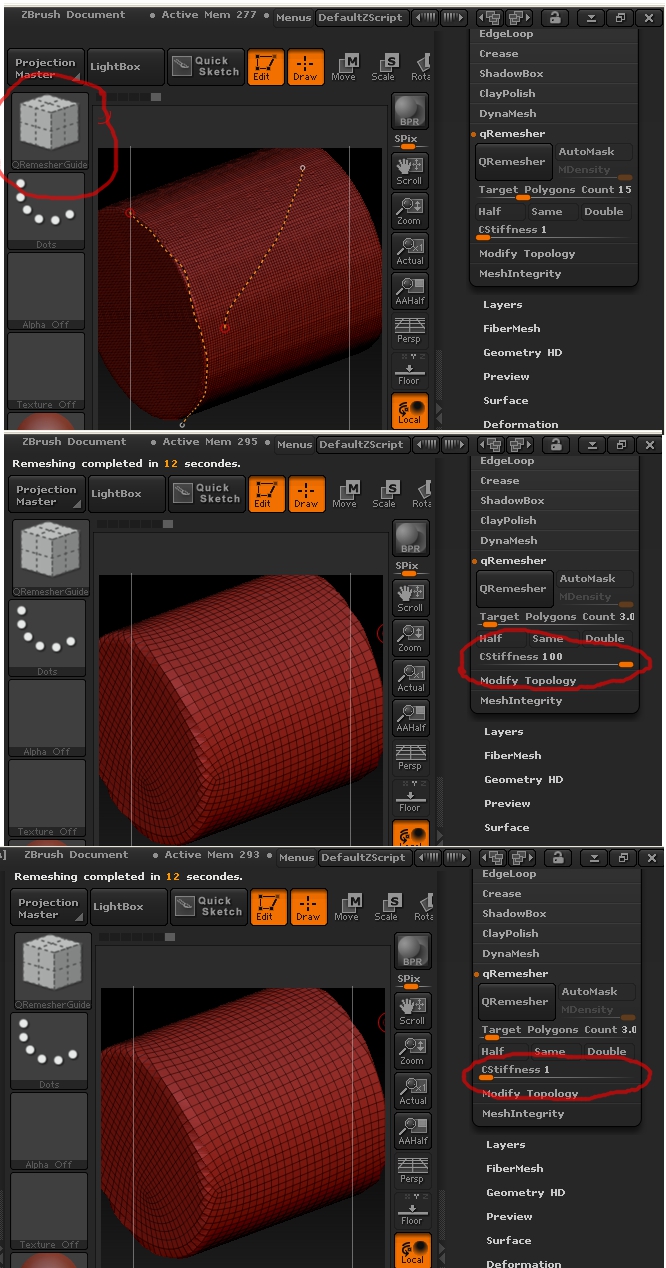
Hello! Sorry for my english. I use a QRemesher with QRemesherGuideBrush. But the value of the slider CStiffness does not affect the construction of geometry flow. Explain what I’m doing wrong. Thank you!
Increase the Target Polygons Count to 5 and try again.
tried different settings, the same result.
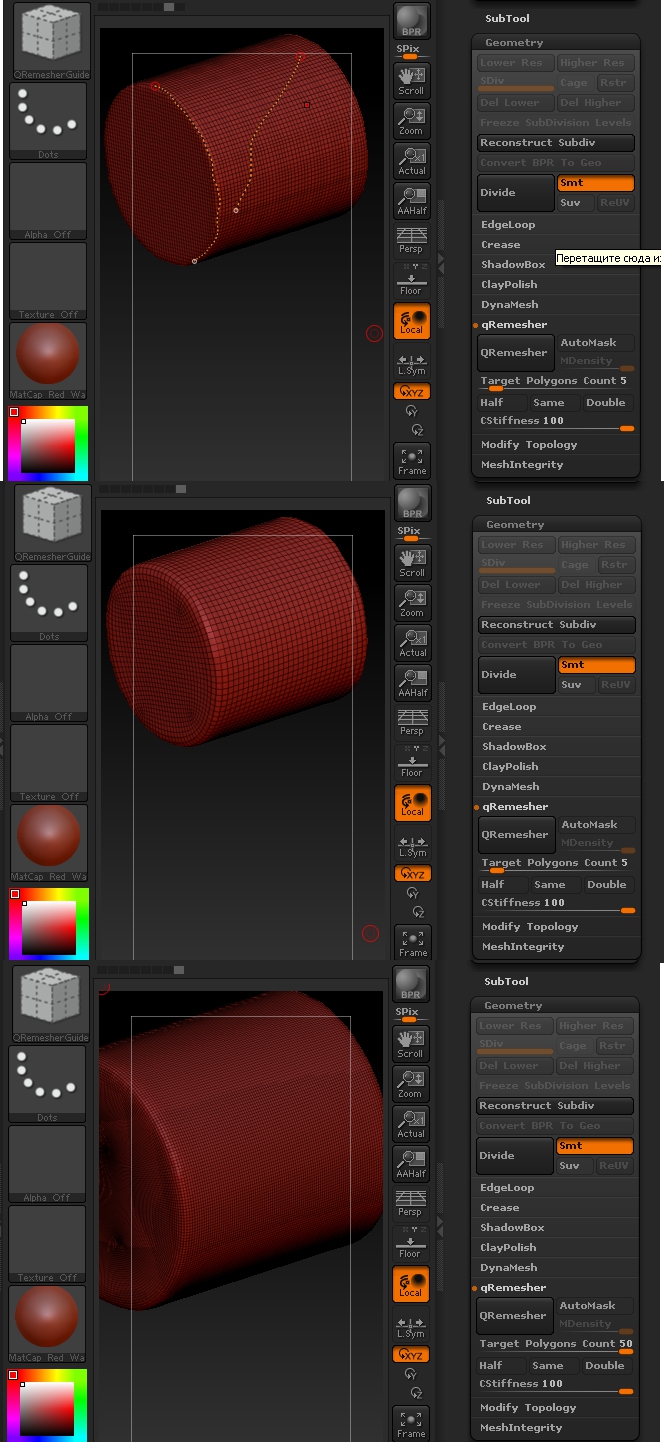
I have the same problem with the QRemesher.
marcus_civis: Your advice is not useful at all.
Please help to resolve this problem. It is very much needed!

If this is what you are trying to do, I think you are using the wrong tool.
To get a clean mesh like this, just create a cylinder 3d, make a poly mesh from it, and then use deformation to just twist it on the z axis.
Thank you. But I know how “Twist” option is working. It is not a question. QRemesherGuide is not working. And I don’t know what is a problem with it.
Are you saying that using teh ‘guides’ brush to paint guides, does not affect effect the geometry that Qremesher creates? If so, that is not my experience although I haven’t tried your specific example. I will tonight.
it seems that this is because of the XP operating system. We must try to VIN7. What is your operating system?
 small_orange_diamondsmall_orange_diamond Nadeys ti menya ponyalsmall_orange_diamondsmall_orange_diamond
It works on win7, but because of the severe distortion of the polygon flow you are asking it to produce, you need to use more guides, and higher polygon counts. (I used a setting of 12, I think.)
I got it to work with 4 circles on each of the ends and 4 guides along the sides, but the resulting mesh was less desirable than just twisting the cylinder.
I think this is one of those cases you just need to use the right tool for the right job. Qremesher has been great for organic things I’ve tested it on, but when I’ve tried it on geometric shapes like squares and pyramids, the flow is les desirable then the clean results you can already get from them.
Imagine a subdivided primitive box, and trying to get a better poly flow from it. I don’t think that would be possible.
I think this is one of those things where it is just an example mesh to show that there are no results from curves (were I to draw them on a cylinder, I may get bad topology but I’d at least still see the Curves and Stiffness slider influencing the result). If it’s not working for them here, it’s probably not working for them when they draw on a character, or anything else someone might use qremesher and guides for.
I’m on Win 7, and it’s working fine for me. If you are on XP I wouldn’t be surprised if this causes all sorts of problems. Newer software is going to call for newer OS’s.
Yeah, there is that. If I recall, Zbrush has a minimum requirement of Vista now, right?
Yes, Vista is the mininum requirement for ZBrush:
http://www.pixologic.com/zbrush/system/
We can’t support ZBrush on earlier versions of Windows.
Microsoft is releasing that new version of windows in a month or so, and its only $40, so that should help out people still running XP or less.
I am having issues with this as well. I have a lot of good guides in a very understandalbe fashion. I dont see it being something all too extreme. But the stiffness will not get them to follow nicely. I want the result to not be too high in polys bout it doesn’t follow nicely. It is all smoothed and flattened. Not “stiff”. Then when I crank it up there are still some problems and things are still rounded. It does not really seem to put lines alone your guides too closely.