ZBrushCentral

The decimation master is ignoring my masks and increasing my poly count - please help

I want to lower the poly count of some of my subtools but I’ve encountered some problems.

It’s my understanding that you can mask areas that you don’t want to be touched with the Decimation Master, yet my masked areas still change when decimated. I am Pre-processing AFTER I have masked, which is what I understand must be done for the mask to work.

Another issue is that I go up in polycount once decimated. I start at 4,000 and end with 8,000 no matter what % I use.

Here’s some pictures;

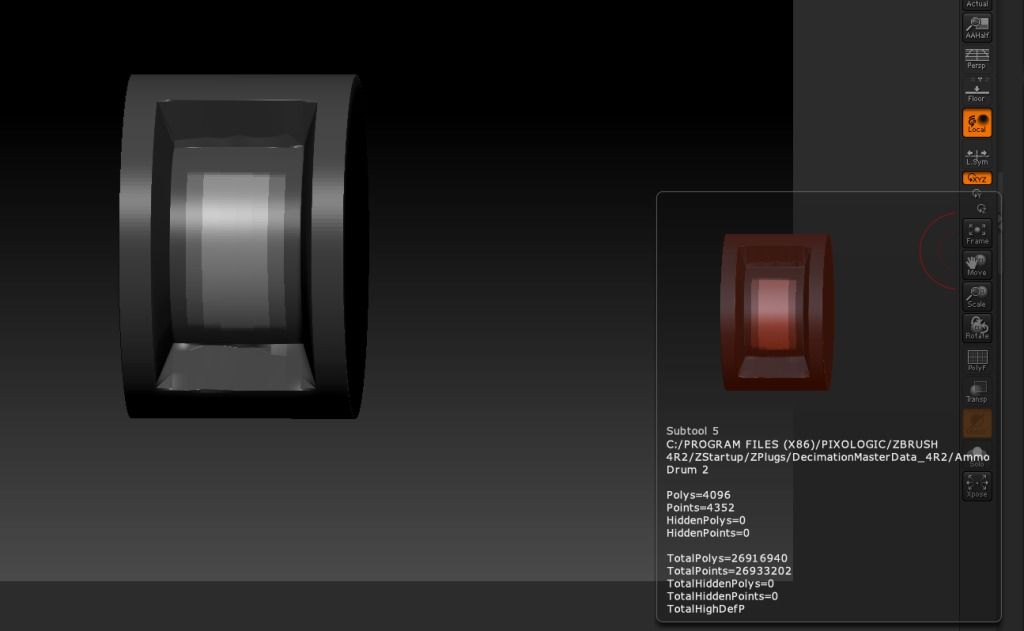
This one is unmasked, just showing with/without polyframe.

http://i819.photobucket.com/albums/z…k-Toof/1-2.jpg

Here is the masked version.

http://i819.photobucket.com/albums/z…k-Toof/2-1.jpg

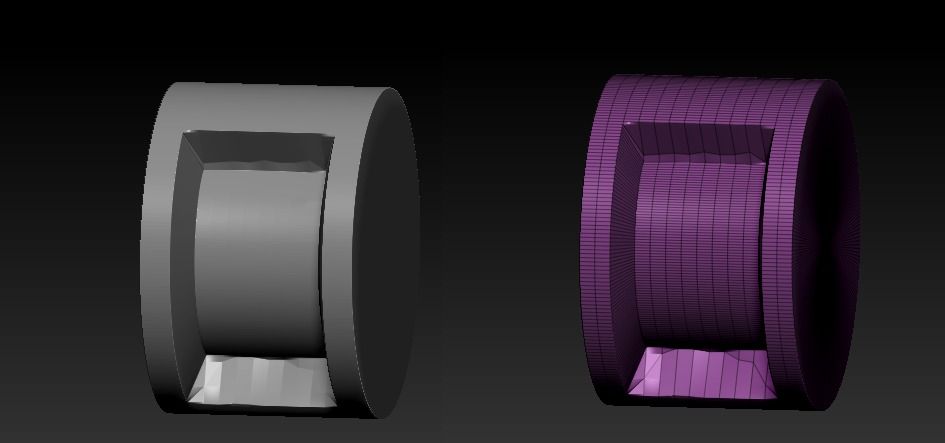
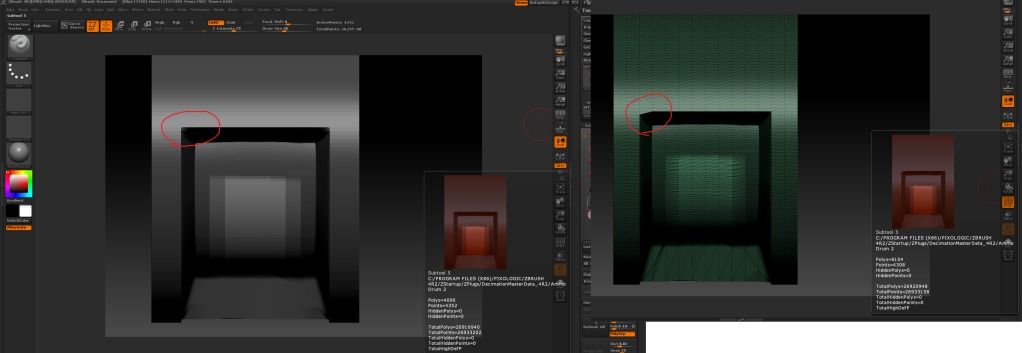
The before and after. Original on the left, Decimated on the right. This last one shows the polycount and the changes made.

http://i819.photobucket.com/albums/z…k-Toof/3-1.jpg

The change in the mesh is only slight, but it was a masked area so I didn’t think it’d be touched. I’ve got other subtool that are basically a cube with some detail in the corner and instead of decimating the flat areas it leaves those alone and destroys the details.

I’m really confused and could do some help.

It would be much appreciated if you would upload your images here instead of linking them to somwhere else. You are allowed a 500k per image file size. This way, anybody doing a search later down the road, and finding these threads, will not be running into dead links. Thanks! :slight_smile:

Personally, I don’t think there is any point at all in running decimation master on a mesh than only has 4k polys. I dont even know if it’s meant to work with so few points. That mesh is low enough as it is, and if you’re looking for something more optimized for realtime rendering then you’d be better off using one of the other retopologizing tools.

Its worth noting that your polygon count isn’t actually rising. The original mesh has quad polygons, while decimation master triangulates everything. So the original mesh might report 4k quad polygons, when actually it is 8k triangle polygons to begin with (every quad is 2 triangles). Since you have most of the mesh masked while decimating, all those polygons are going to be left intact so you wont see a big difference other than the triangulation. Looking at the vertex count can give a more accurate idea of the mesh’s size.

Your screenshots should include your decimation settings as well. That might help troubleshoot your issue.