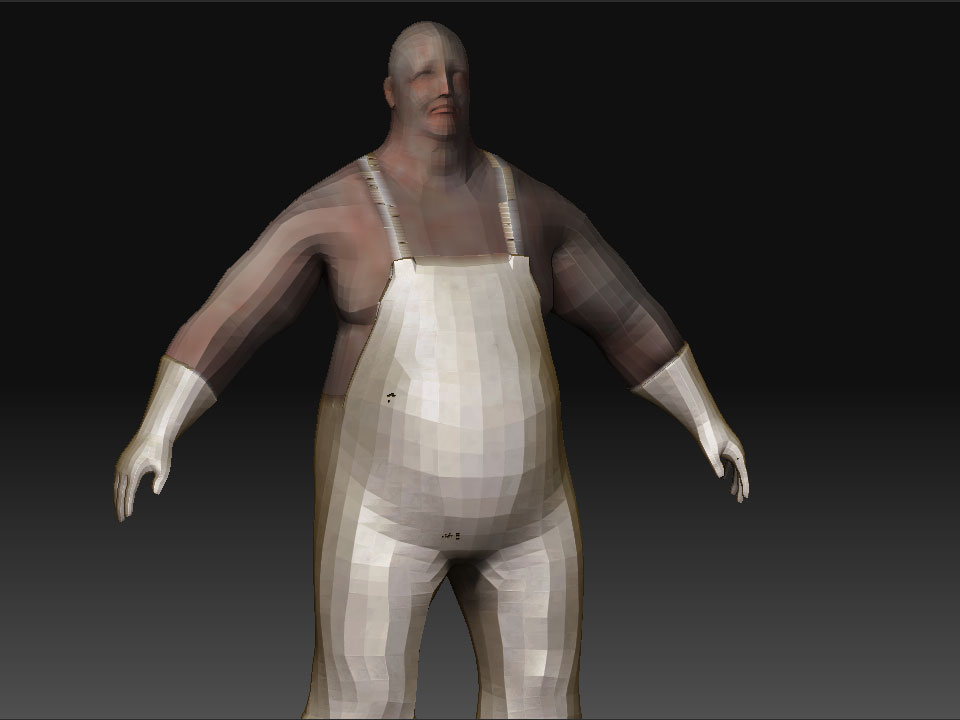
Hello,
I have a question about texturing workflow some of you might be using for game models…
Right now my workflow looks something like this:
1- Concept Sculpt [sculpt the who character in ZBrush out of rough base meshes ignoring topology and poly counts]
2- Retopologizing the whole model [with clothing] into one piece in Maya
3- Generating Normal, occlusion, and cavity maps using xNormal, since projecting the details onto the retopologized model in ZB never works properly especiially with multiple subtools
4- Texture the retopologized mesh in ZB and Photoshop…
The main issue with that workflow is that I’m texturing the low res model in ZB, it makes it very difficult to follow the details I sculpted in the high res model. I tend to apply the occlusion + cavity map onto it to tell where things were on the high res, but that is very annoying and doesn’t last long after I start poly painting over it…
so my questions is: Is there a way for me to texture the high res model and somehow transfer it to the the low res properly? or is there a way to nice project details from the high rest onto the low res other than the projectAll function?
I assume that if I texture the high res, append the low res as a subtool, enable polypainting, turn off zadd, turn on RGB, then projectAll it would project the polypaint, but I’m skeptical…
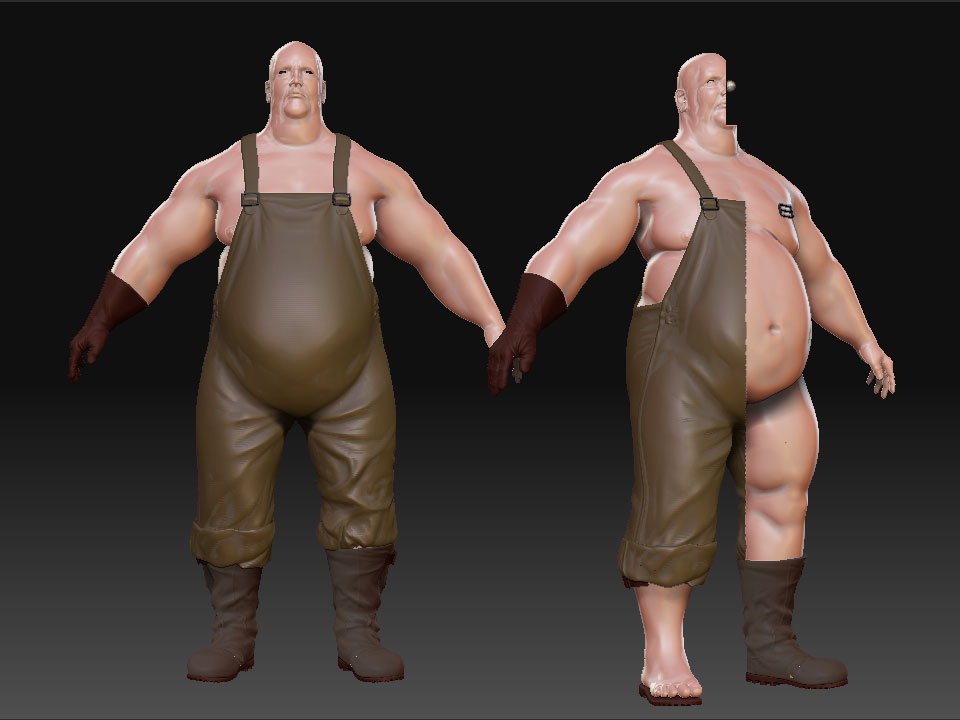
This is the concept sculpt:
Attachments