Hi there,
I use Solidworks to model my products but a lot of the time I’d like to add a texture to my models which will then be 3D printed.
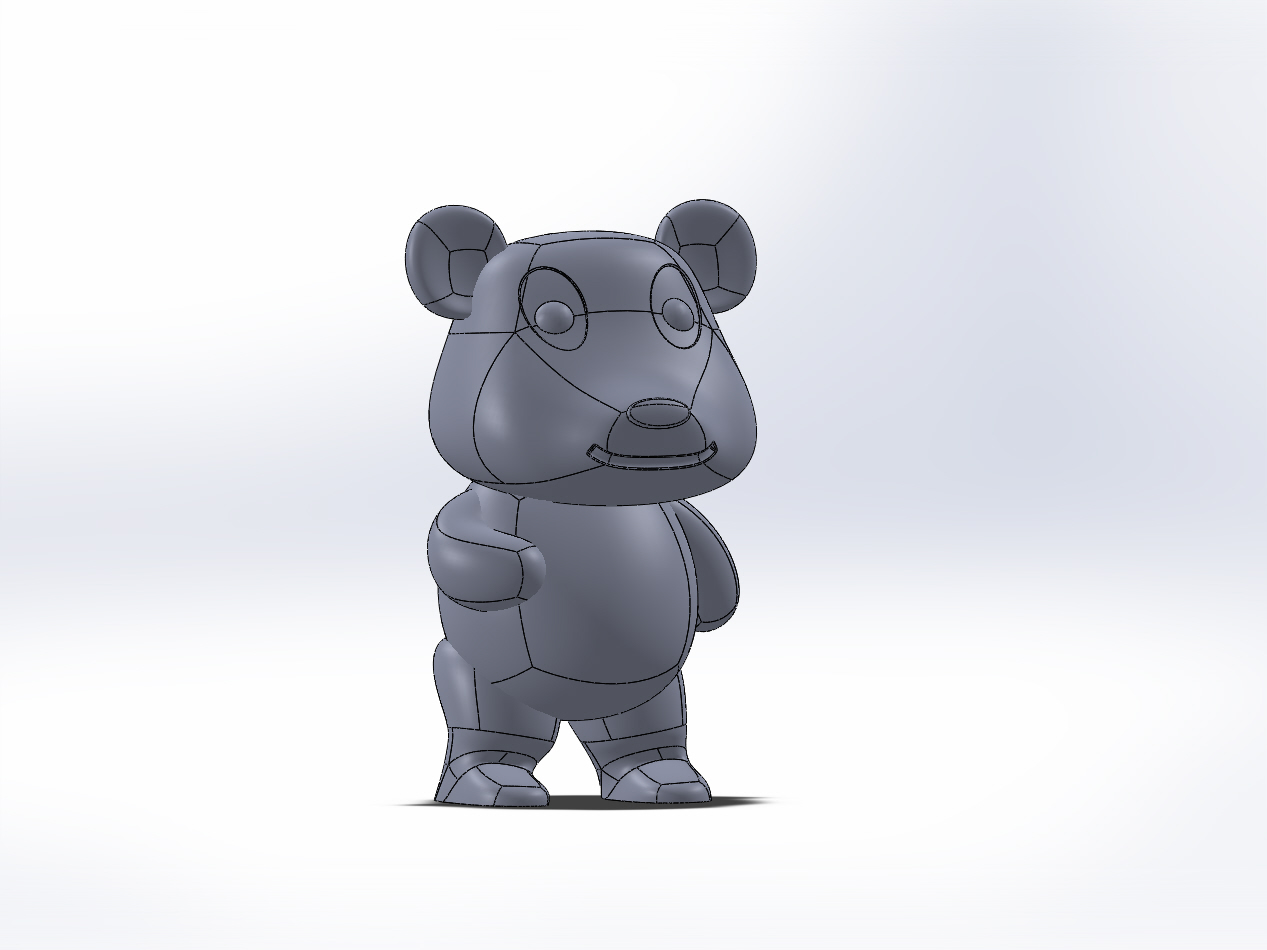
I’ve got a little panda here which I’d like to add a fur texture to.
So I imported my model as an Obj and created an alpha using a fur texture I found.
When I tried to apply it is seems like it affected the model in different way depending on where I painted it.
I’m guessing this was due to different poly count on different parts of my model.
Is there any way to level this out?
Any extra advice to achieve a nice texture is much appreciated!
Many thanks,
Charles
Attachments