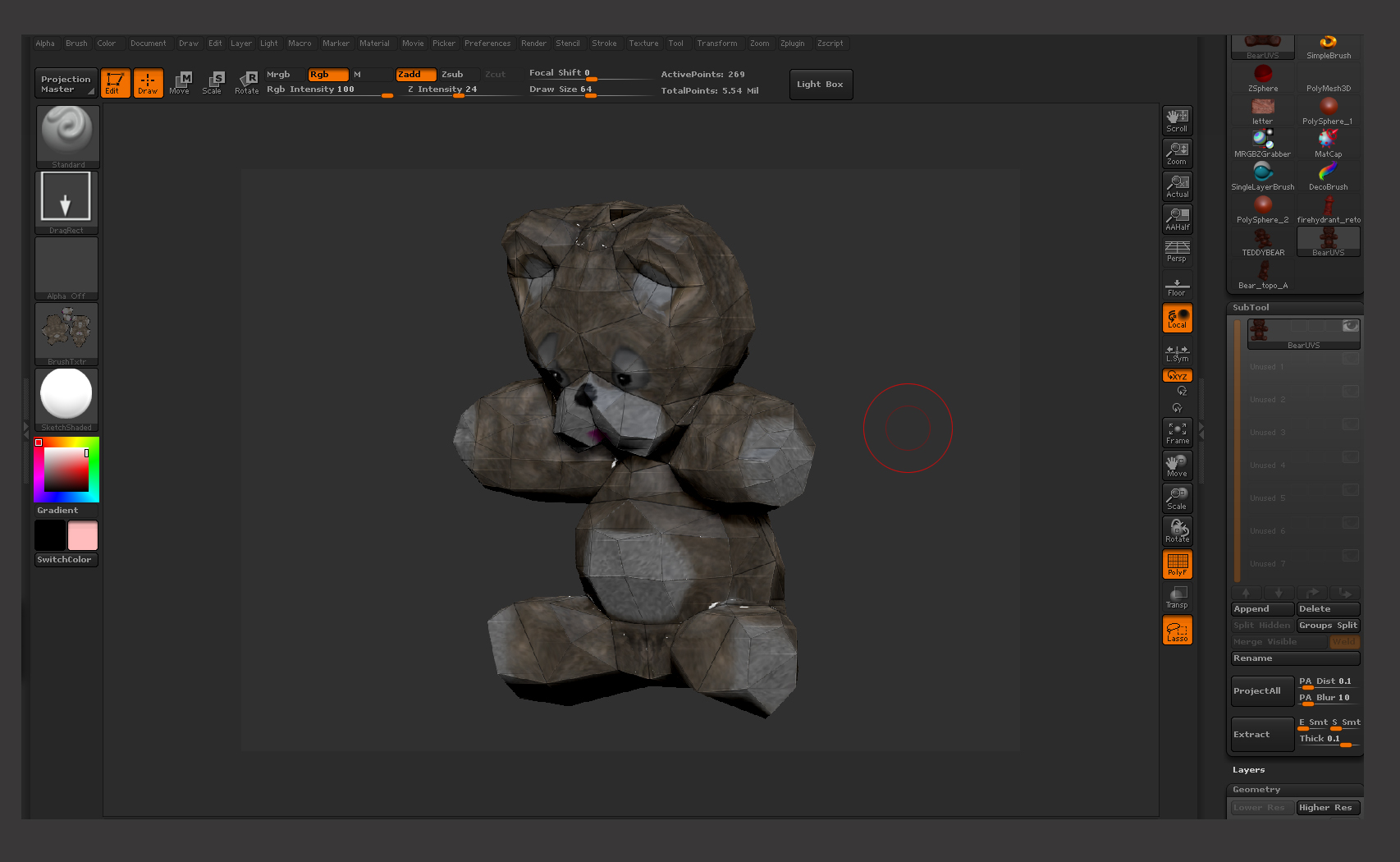
Ok so here’s whats going on, Im retopoing this bear, and when i was done and happy I export the lowest sub-D (obj) so I Can Get UV Map out of Max 2010,
all goes well but when I re import it back in to Z brush i tells me something about mis match in points Error
and, I ignore it because don’t know how to fix it then, when I generate the Tex Map in Zbrush every thing looks Fine, then I flip it of course and then
[ATT=]Sad_A.jpg[/ATT]
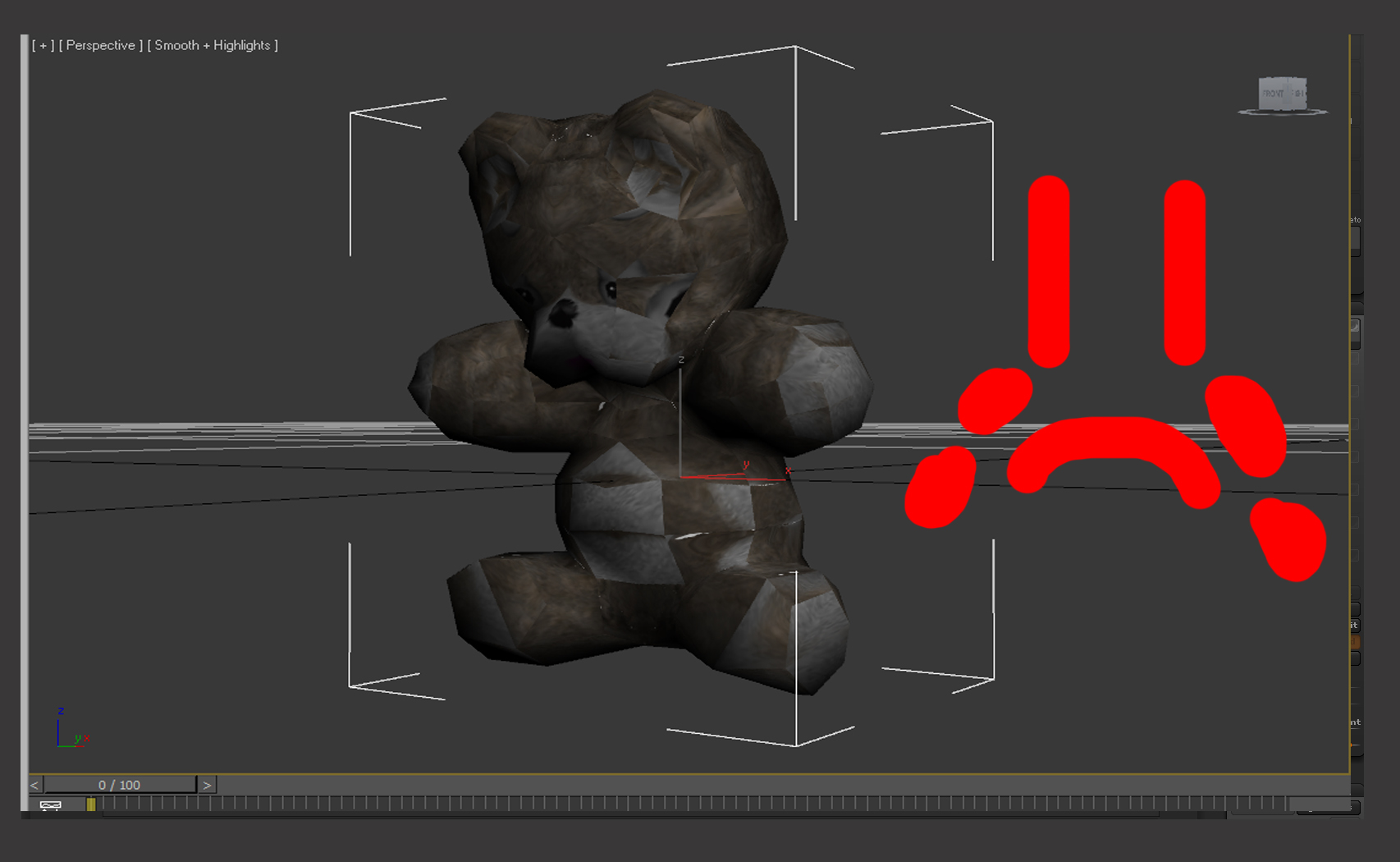
I export it and the when I bring it back in to 3Dsmax it Gets all retarded. Please help im about to pull my hair out. and i dont have much to start with lol. [ATT=]SAD.jpg[/ATT]
![[ATT=]Sad_A.jpg[/ATT]](http://javascript%3Cb%3E%3C/b%3E:zb_insimg%28%27%27,%27Sad_A.jpg%27,1,0%29)
![[ATT=]SAD.jpg[/ATT]](http://javascript%3Cb%3E%3C/b%3E:zb_insimg%28%27%27,%27SAD.jpg%27,1,0%29)
Attachments