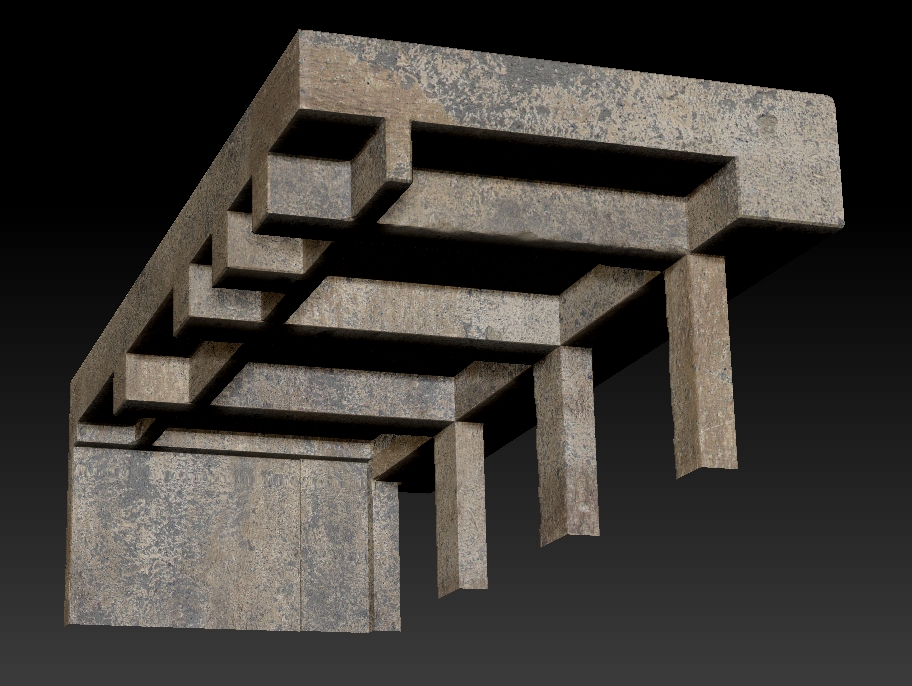
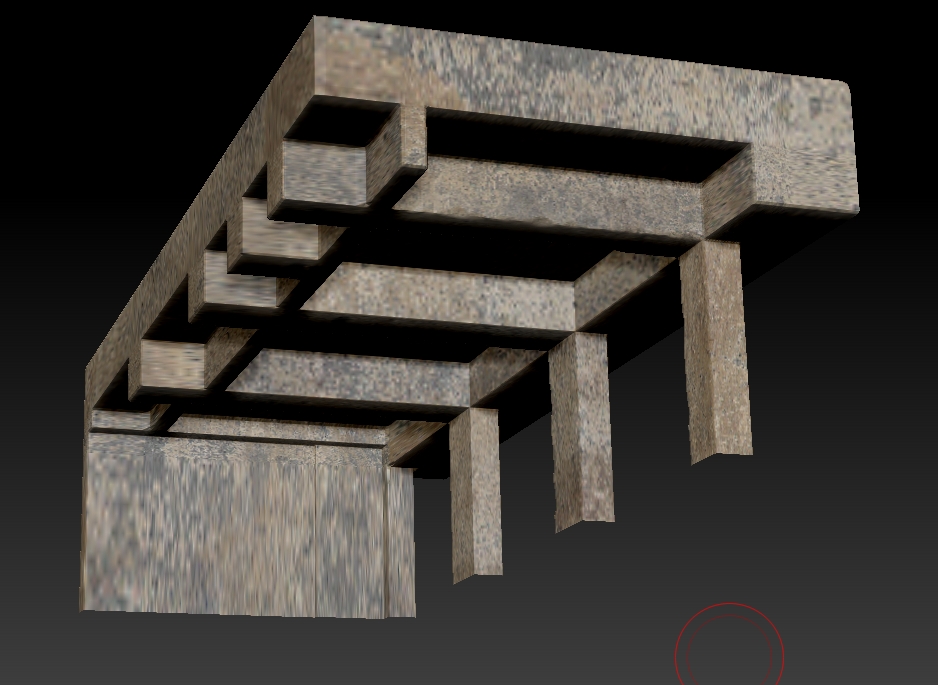
Hello ZBrush lovers!
Convert your texture to polypaint. (This turns the texture off, automatically.) Then choose White color and set Draw > Rgb Intensity to 50 or higher. (Whatever you find works best for you.) Press Color > Fill Object to lighten your texture so that you can see the sculpting more easily.
You can also turn texture back on to override the polypaint and see your work, then back off again to return to sculpting.
Of course, if you already have polypaint, convert it to texture and turn the texture display off. That way you will always be able to restore your original, vivid texture work.
Thanks for the prompt response 
I am facing one problem while trying your method. First of all, if the poly count is not insanely high, then there is considerable quality loss when I convert texture to polypaint. And also, in this case, I am facing massive distortion.
This is the wire:
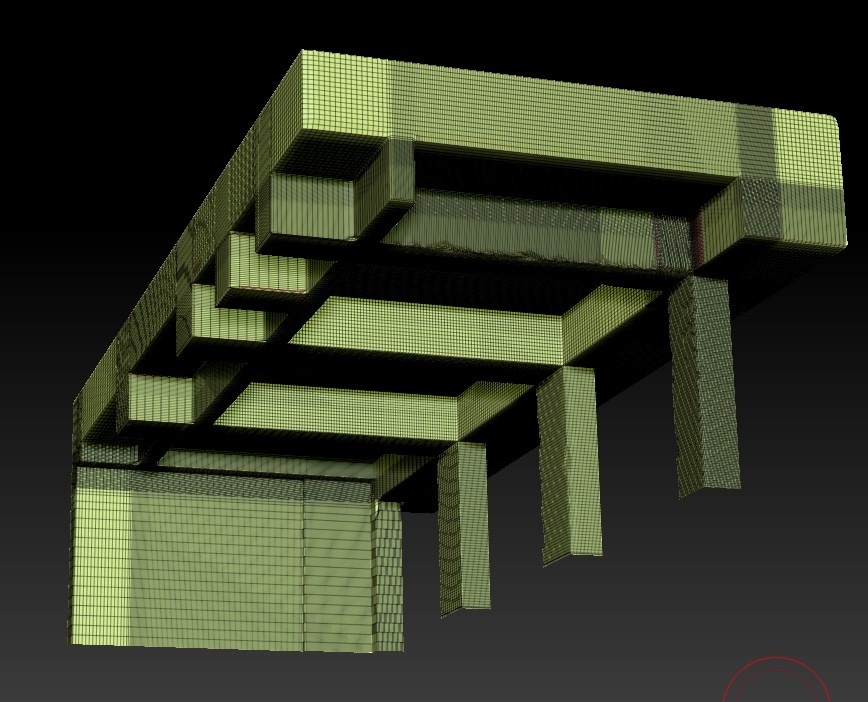
Since I will have to use the Decimation Master eventually, which is destroying the UVs, sooner or later I have to bake texture to polypaint. So what can I do?
Thanks again!
Attachments