Hallo All,
Attachments
Hallo All,
Texture map size is now controlled in the “UV Map” menu.
Bingo_Jackson, thank you very much for this hint. Strange but I have overlooked this menu. 
But what is with the other question, anybody some ideas?
Cheers,
Josef
As mentioned by Bingo_Jackson (thanks:)) you now should use the UV sub palette to adjust the size. If you are using ZBrush generated UVs, such as PUV, you need to re-UV it when you changing the image size to allow ZBrush to use optimal UV for the new size.
With 3.5 you should use 1.0 and -0.5 instead of 2.2 and -1.1. Even better, simply use ZBrush 3.5 capability to export maya files directly, this will automatically save all that you need in order to transfer the mesh and its maps to Maya, it will also automatically set shading network and assign correct factor and offset when you open it in Maya.
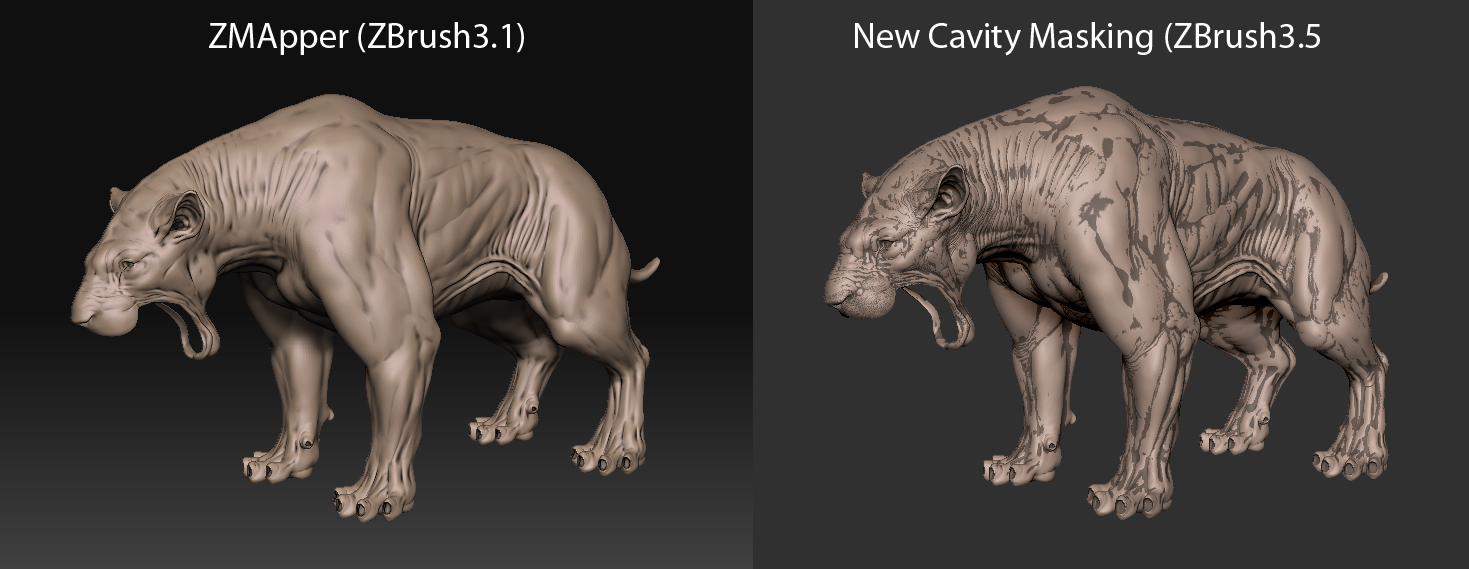
After creating the CaityMask, you may CTRL-Click on the mesh to blur the masking. You may also make use of ambient occlusion masking in 3.5.
With no ZMapper you can use AO and mask by cavity to create an interesting cavity mask. Try using both of those options to create your cavity map.
If you for example have your mask by cavity mask in your Alpha Palette by clicking create alpha. Then clear your mask and do a AO. Once that is done use the new settings at the bottom of the Masking Menu. Set your Mask Intensity at the level you want and then click the Mask Alpha. This will add the AO to your selected Alpha, which will be the mask by cavity file. Try that and let me know.
Paul