ZBrushCentral

Texture Map - New from Polypaint question

Hi guys,
still new to Zbrush…
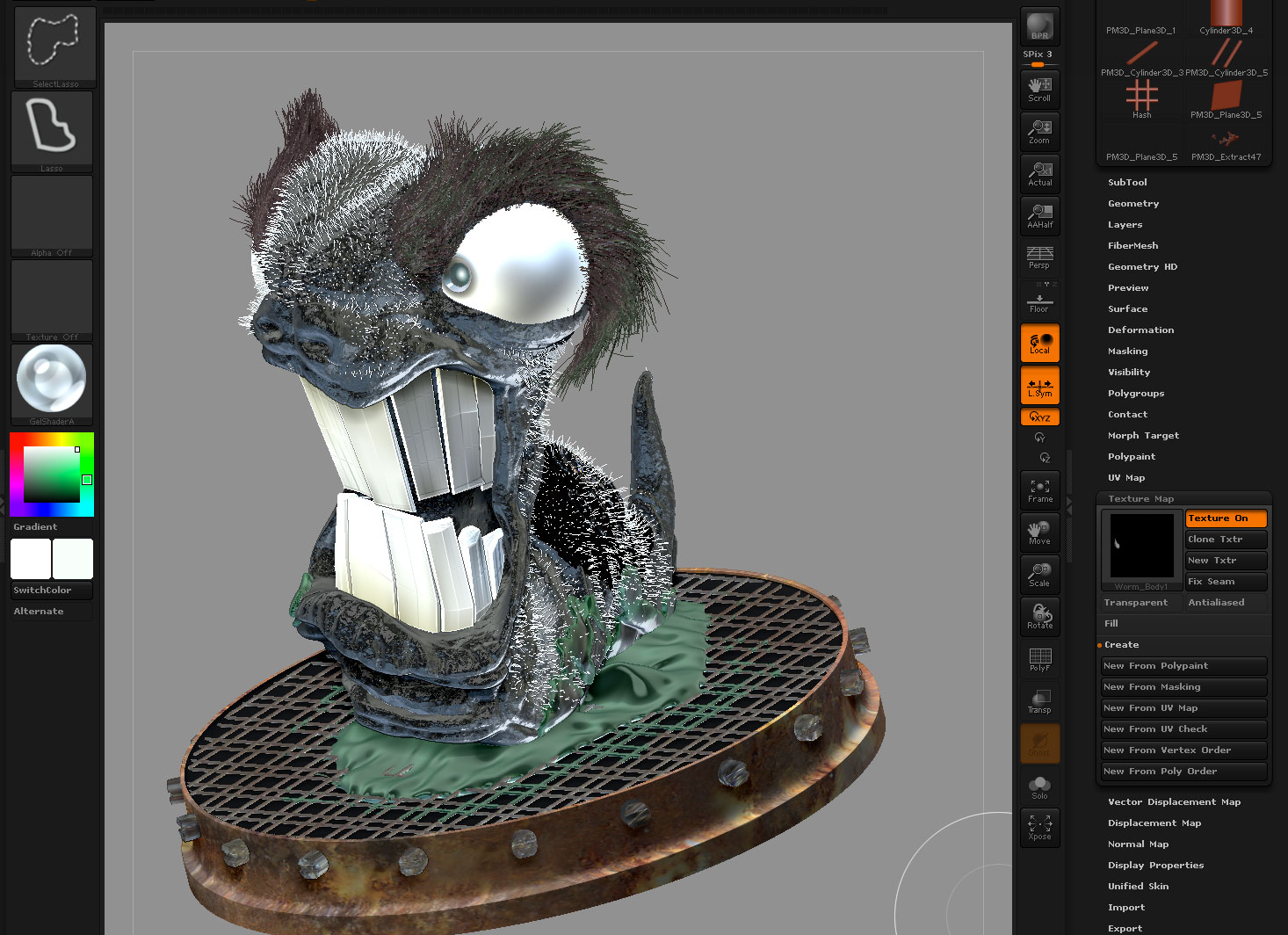
I’m having trouble trying to create new texture from polypaint using the “Create > New from Polypaint” under the Texture Map subpalette. After pressing ‘new from polypaint’…my model keeps changing into the the Current Color and Materal instead of taking the polypaint from model. See screenshots. It seems that Zbrush is grabbing texture from green slim instead of the worm body… No idea why. I’ve already selected the worm body subtool.

also is there a quick way to determine the current color / material / texture on a subtool? I would expect the preview icons on the left to change as I select different subtools, but it doesn’t seem to work this way? ie. The material stays the same regardless of which subtool you’re in.

Thanks in advance!

Attachments
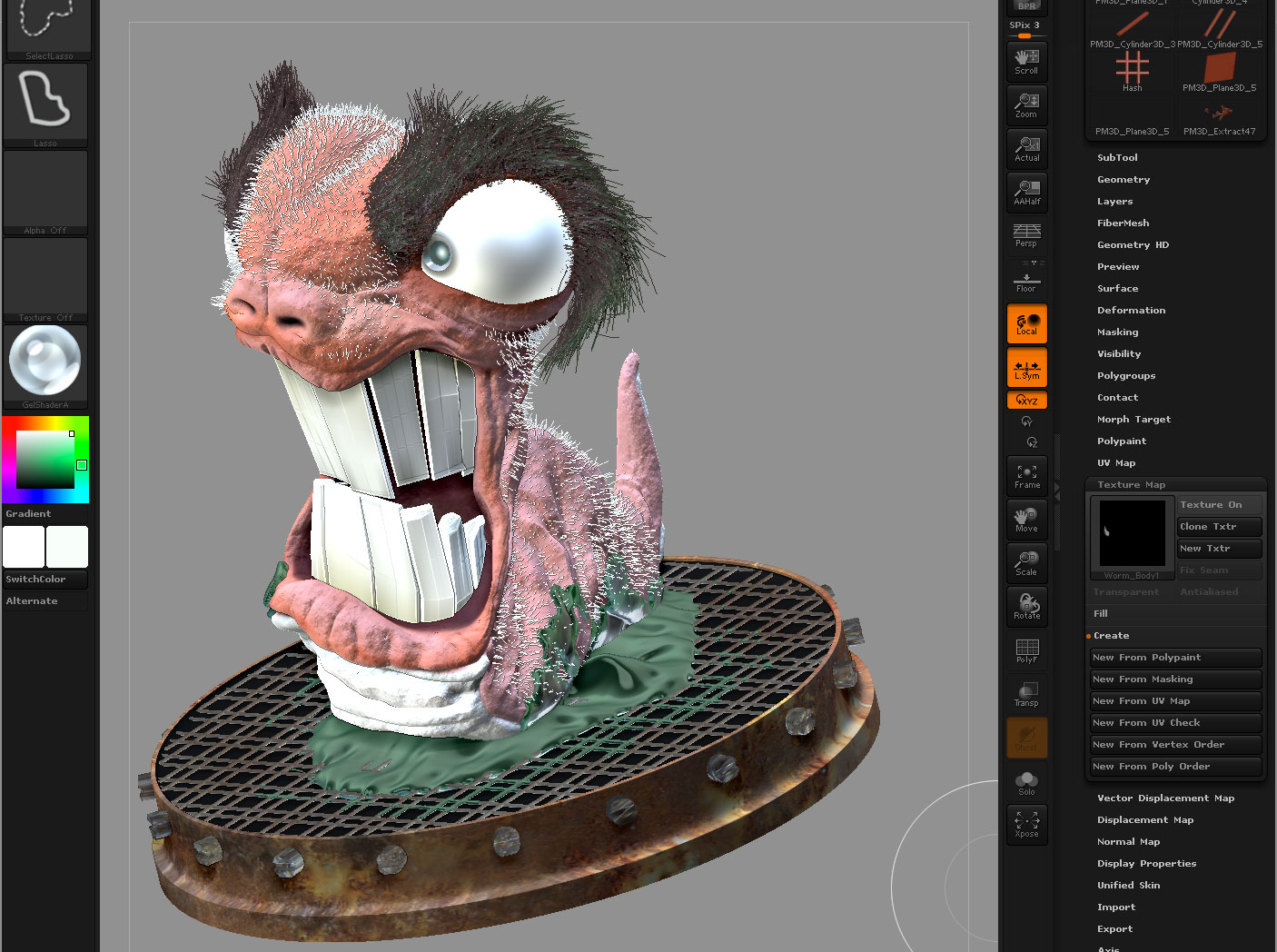
polypainttexture1.jpg

polypainttexture2.jpg

Hi.

A colour, and material is global until you assign it to a sub tool. Some materials provide the colour, and material properties. If you have a ztool selected, and have set the desired colour, and wish to keep that colour you need to make sure RGB is on from the top left shelf of the user interface, go to colour menu, press fill. Now when you change the colour from the pallet, that sub tool will ignore it as it’s now got polypaint data. . Same applies to materials. Having “M” on, then fill with apply that material, having “MRGB” on will apply the colour ’ and material to that sub tool.

Unless you have painted, or filled in the colour for each individual sub tool, “make new texture from polypain’t” won’t work as no pain data is set as polypaint data.

Thanks for your help!