ZBrushCentral

texture from ZB to MAX?

Hey guys

noob question, sorry heh

After Ive textured using projection master in ZB, and its all nice can I export this and use it in max? Id be using the GUV tile mapping in ZB…the displacement works fine in max but when i apply a texture its all distorted…any help would be appreciated…
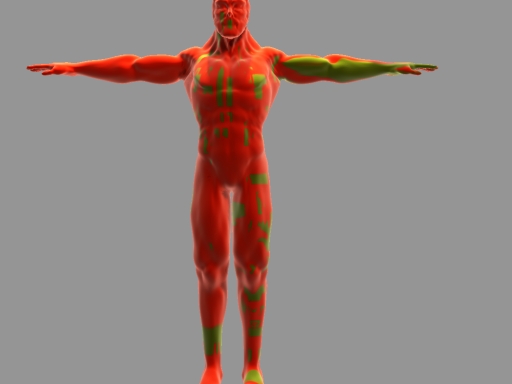
the 3d max pic, distorted. (no UV mapps)

teacher_A_texture_test_render.jpg

should i just unwrap the mapping t he good ol fashion way in max? i thought somehow ic ould save some time doin it in ZB…

Attachments

zbrush_texture.jpg

did you flip the texture vertically?

thanks for reply -E-…yeah i DId flip it already in pshop…I applied it the same as the displacement map…as you can see the displacement worked fine through the same process…

so… maybe you could describe your workflow better,

was the model created in max?
did you export the model out of zbrush with the new GUV tiles to max as an .obj?
in zbrush did you create a new texture and then hit GUV tiles and then start painting?

sorry,

here we go

-i created the model in 3d max, and exported it to ZB as .obj
-imported it, created a ‘new’ texture for it at 1024x1024 and made it GUV tiles all at the lowest sub-div

  • I put the model back to t he highest sub-div and clicked projection map to ‘paint it’
    -i go to texture and export it as a tiff or bitmap(while still in highest sub-div, not sure if that matters) and flip it vertically in pshop.
    -the mesh is imported back at the 2nd sub-div cos the displacement works on that level (im guessing cos i forgot to save initial morph state) and i wanna add the texture too
    -add displace modifier in max and add the exported displacement tiff and that is fine.
    -add the texture map in my diffuse and its distorted.

thanks -E- for caring haha

yeah that sounds really odd. Your texture should be fine if you are using it on the same mesh in max with the same uvs as you were in zbrush.

you should check your uvs in max and see if they look the same as they do in zbrush. easy way to check your uvs in zbrush is to use zmapper and hit the morph uv button. but if your displacement map is working then it would seem your uvs are fine.

so the only other thing i can say is make sure your texture is right side up. try flipping it again maybe.

ok i got it! I realised i didnt make the texture from the 2nd sub div level of the model in zbrush , so i tried it again and it worked! -E- thanks mate!

this was a test to see if i should texture in max or Zbrush…after ive modeled it all…will post up some work soon! thanks again! cant believe it worked im excited hee hee…

zbrush
zbrush_texture_test2.jpg

Attachments

zbrush_texture_test2_max.jpg