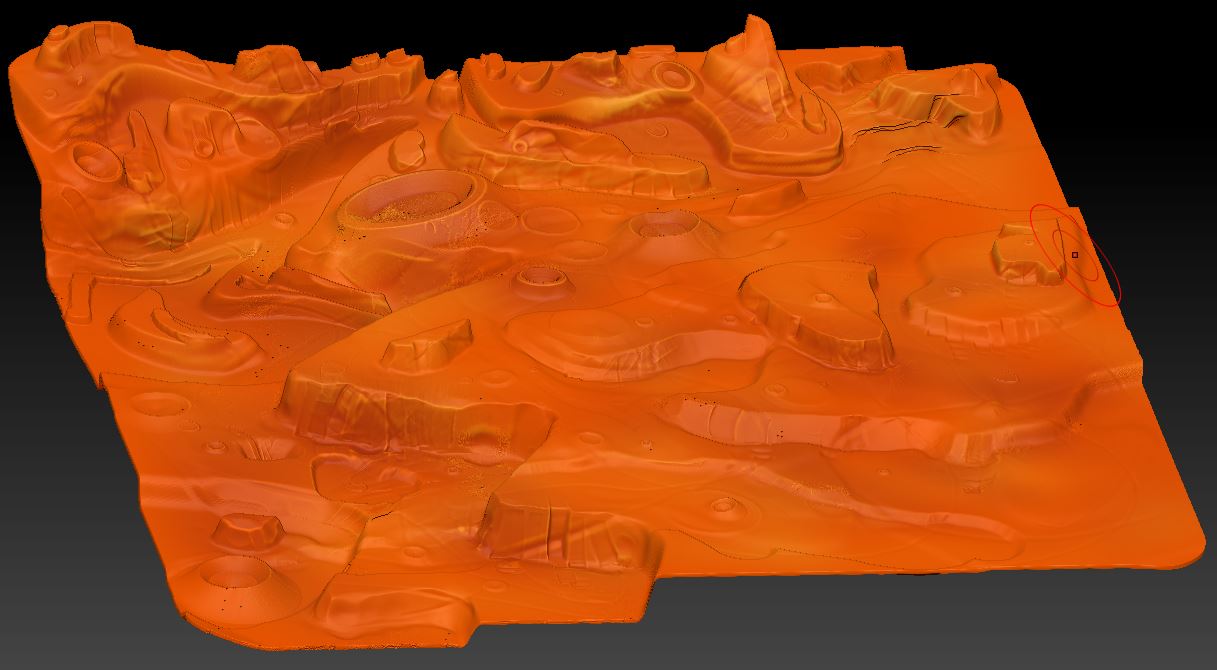
Here is the polypainted mesh before polypaint is converted to texture:
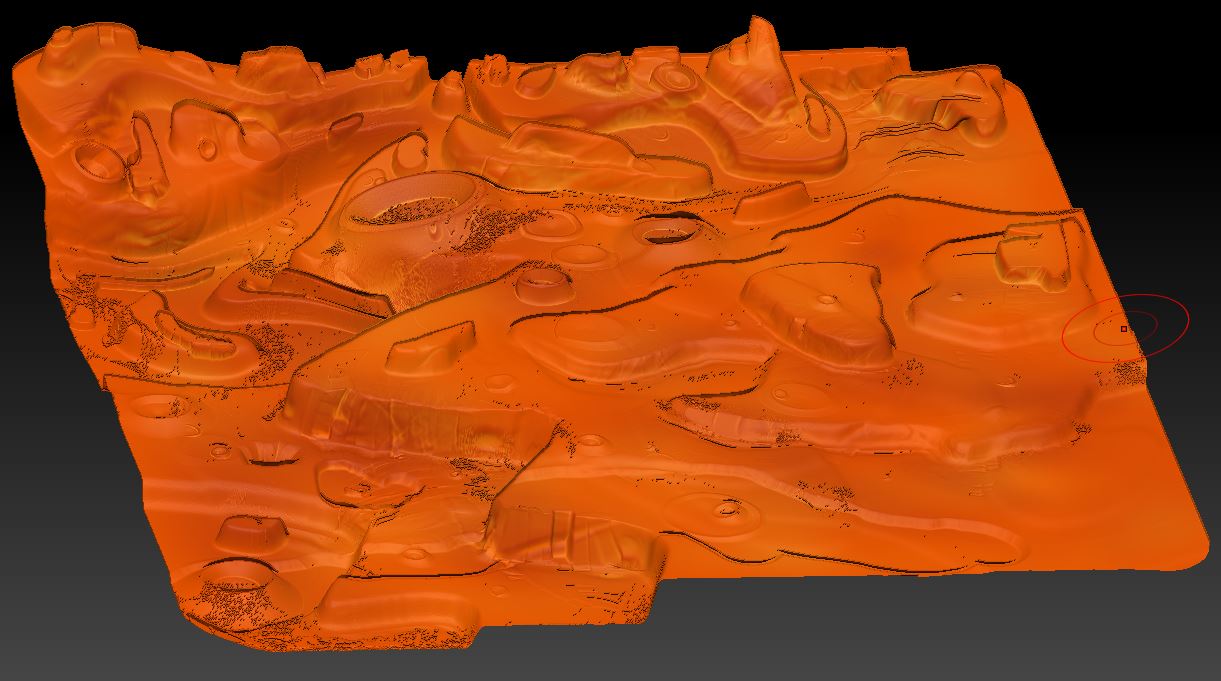
and here is the mesh with the texture made from the polypaint:
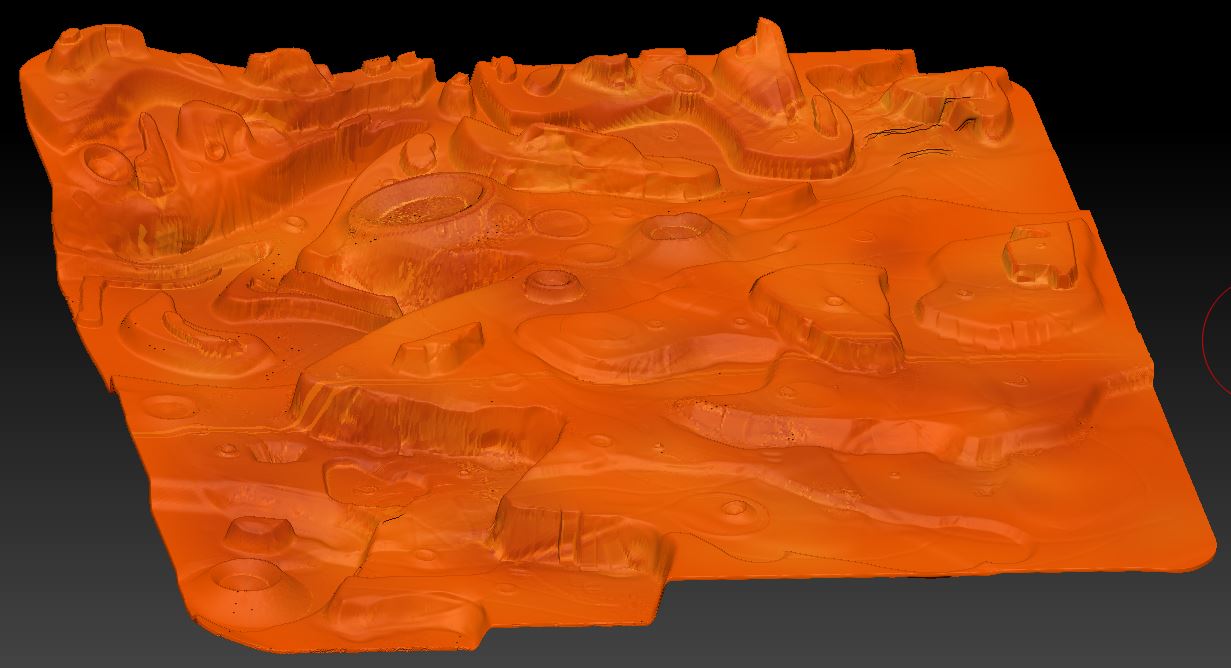
One thing is the seam across the middle, but what is really bothering me is how the light and dark areas are reversed, look at the bottom of the canyon walls to see what I mean. Isn’t that strange! It is a very dense mesh with Zbrush’s planar UV mapping applied at this resolution without subdivision levels. If I try other UV mapping methods zbrush runs out of memory and crashes, so I can’t change that. I was able to reproduce the exact look of the texture in the polypaint by flipping the normals:
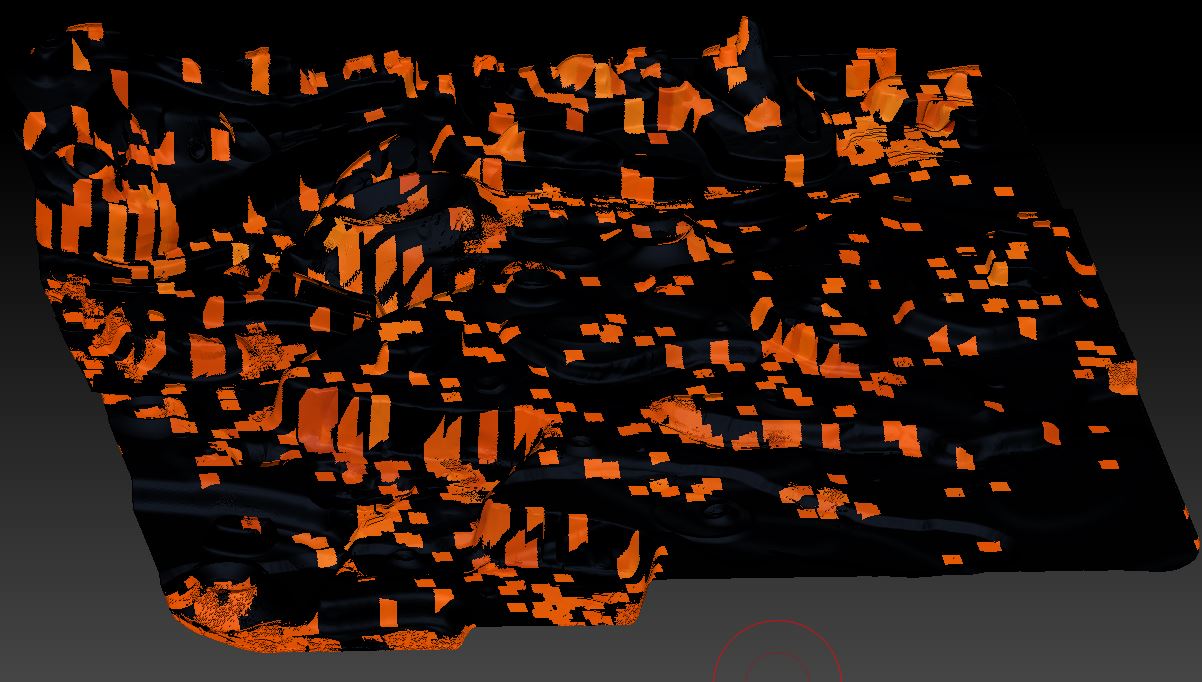
I then thought that I might get the correct texture by creating it from this inverted mesh, following the same weird logic, but that didn’t work either. When I tried to use texture from polypaint I got this messed up texture:
Any idea how to fix this? I don’t care about the seam, just the color changes. Does anyone know exactly what is happening here? Is there a way of reversing what is being done to the texture, perhaps in photoshop?
Attachments