ZBrushCentral

texture, displacement, and normal map anomalies

What am I doing wrong?

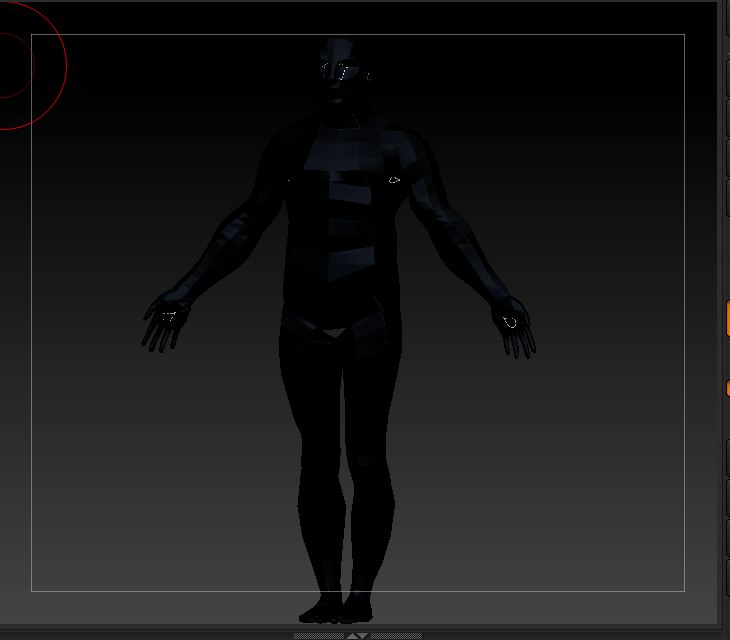
The result of New From Masking texture map creates a black texture map, and both the former and Create Normal Map leave the model all black with white dots, and the opposite from Create DispMap. See pix below if helpful.
The actual normal, and displacement maps look okay, so maybe I shouldn’t care, except where the text map is concerned.

text map dispmap

Attachments
texture map example.JPG

displacement map example.JPG

Any functions involving deriving a texture or alpha directly from masking in R2 are currently bugged.

As a work around, invert the mask on your object, fill it with dark color (Color>Fill Object) with RGB, or MRGB pressed on the top shelf. This will fill your formerly masked portion with polypaint color, from which you can create a texture (Texture Map>Texture from Polypaint)with that color information, that you can save and from which you can further apply as a mask (masking>By Intensity), or convert to an alpha. Likewise you can simply mask from the polypaint directly.

Thanks for the workaround Spyndel

Please forgive my delayed response, and thank you for the tip!