ZBrushCentral

Texture applying problem please help

I am trying to apply texture on image plane follow Jason Walsh tutorial but on Mac 3.12 version I have nothing happend after i choose psd. Photoshop file from import menu. Texture was selected but image plane still in fast shaded material without any texture on it.
Is there Mac problem or I did something wrong???

Attachments
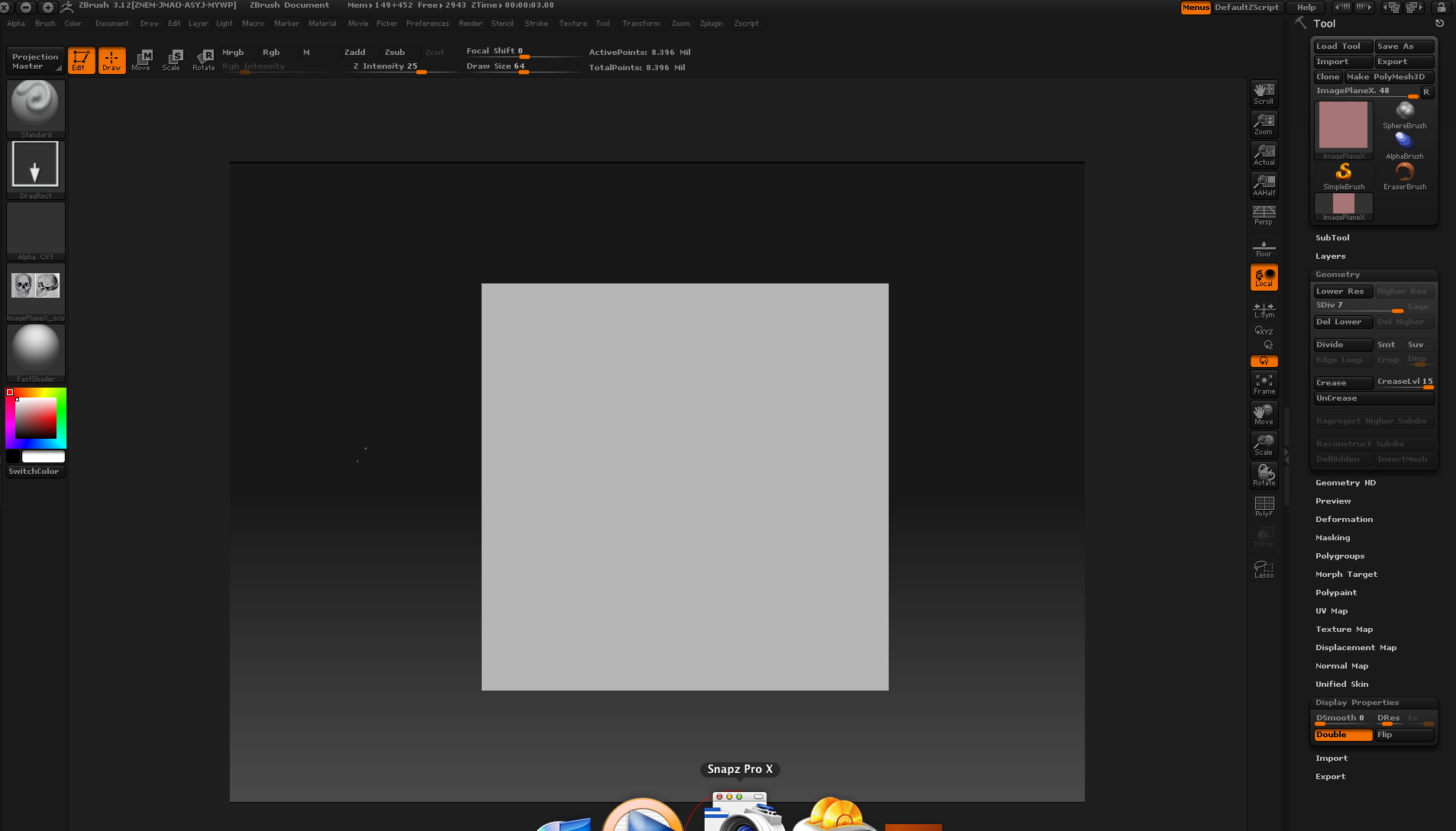
001.jpg

I’m having the same problem using Mac 3.12.
Trying to work thru Chapter 1 tutorial in Scott Spenser’s book Character Creation. There just has to be something I’m overlooking when importing the planks.psd as texture for the door. The polymesh of the door doesn’t “automatically” become textured as the instructions state it will.

Help greatly appreciated.

If you invoke Projection Master and drop the tool, you can let Projection Master assign a texture to your tool (I don’t grasp how this works at all) and then - with the drag-rect stroke, you can apply the imported texture to the tool, pick up the tool and exit Projection Master -
and now I can proceed with the tutorial.
There must be an easier way to accomplish applying a texture - but this does seem to work.

SS