ZBrushCentral

Texture after Decimating Subtool

Hi there,

When I use decimation Master on my object, it’s painted texture disappears.
All I’m left with is either a white or black matcap. I’ll import the .obj into Maya and am unable too reapply the zbrush texture as I normally would had I never done the decimation. Is there any solution to this, or what am I doing wrong to lose the texture? Any suggestions will be highly appreciated. Thanx a tonne in advance…

Paul

ps-would it help if I uploaded some pics of this?
Are you remembering to turn on the option in the Decimation Master settings to keep the UV’s?

Hello,

I’d like to 1st thank you guys for your help and suggestions.
I guess I managed to fix that first Decimation texture issue.
However it’s been replaced by a new one. Decimation Master
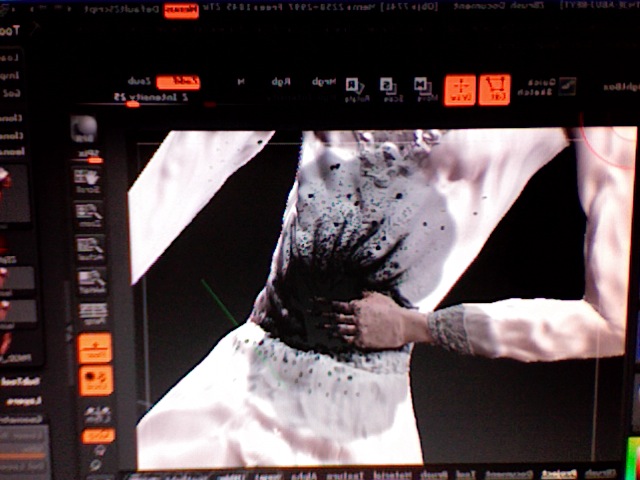
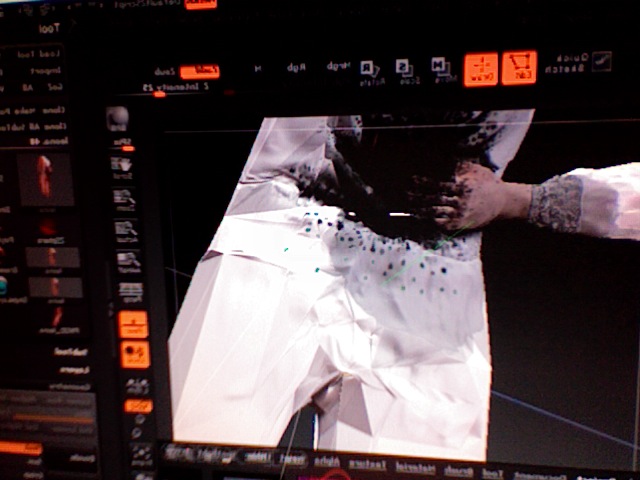
once the decimation takes place creates some strange effect
by creating a really blocky triangulated distorted version of the
original mesh. Here are some pics I uploaded, please forgive the
graphic nature of these pics. They are for a suspense film.

The 4th pic is how I’d like it too look once properly decimated.
Anybody have any idea what this problem is? Strange thing being is
even after it makes these images super blocky, the number of polygons
does NOT decrease!!

Thanks

Paul

Attachments

Photo 3.jpg

Photo 4.jpg