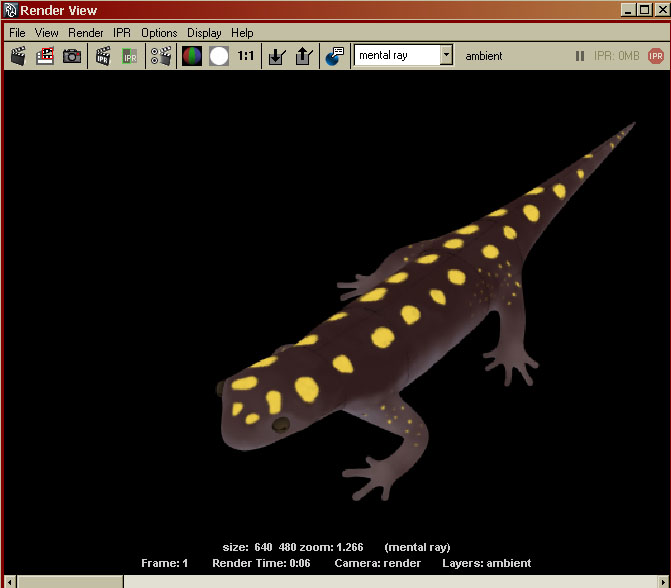
I’ve never had this issue. My eyeballs and body texture is looking screwed up when I zoom out where the uv seams are. It’s not as noticeable up close but really, what the hell is going on here? I’m stumped.
I used Zbrush 3.5 for the texturing. Like I said I’ve ever had this problem. I tried pressing Fix Seam in the uv settings but that does jack.
Please someone help.
Attachments