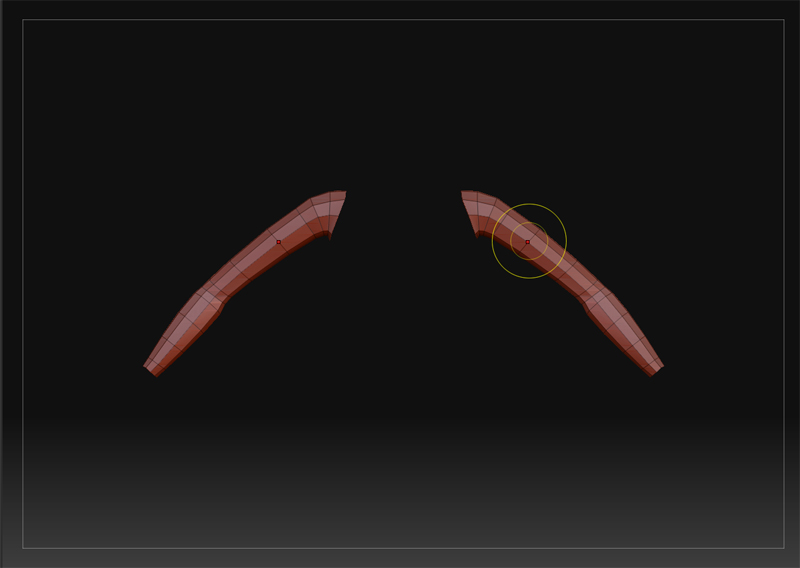
Hi I’m Snacuum, you’re probably not surprised that my first post is asking for help and you’ve probably seen this problem before. It’s another Symmetry problem, YAY!
basically I have a asymmetrical mesh as shown here:
[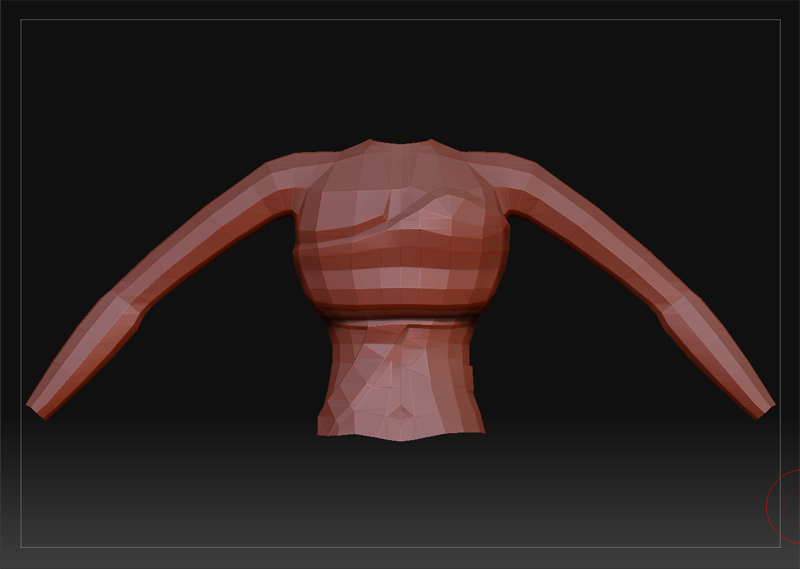 ]
]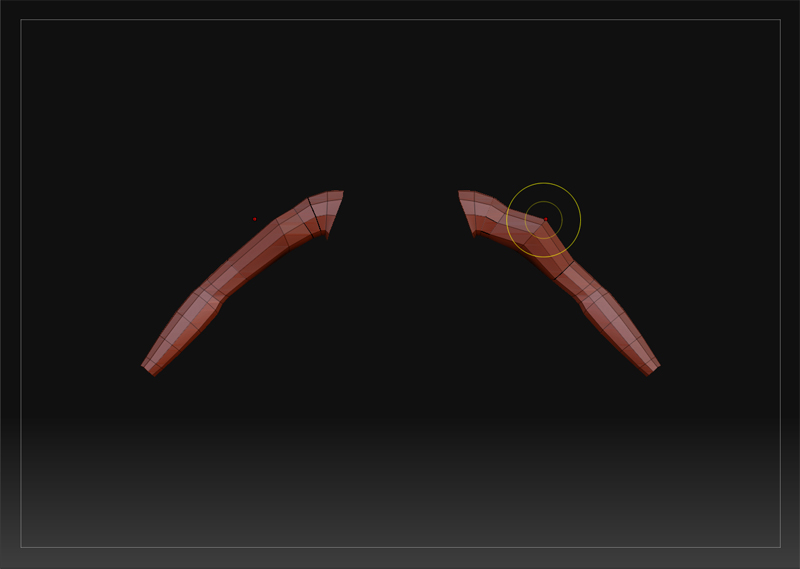
As you can see the effects of my edits do show on both sides but they follow the exact same movements rather than reversing X like you can see I’m trying to do. You can also see that my symmetry reference point on the left does not follow the lefts new topology. I have tried to change and reset the pivot but that doesn’t work either
This is my first Zbrush Sculpt, so I hope i’ve only stumbled onto a newbie problem.
Attachments