Hello Everyone,
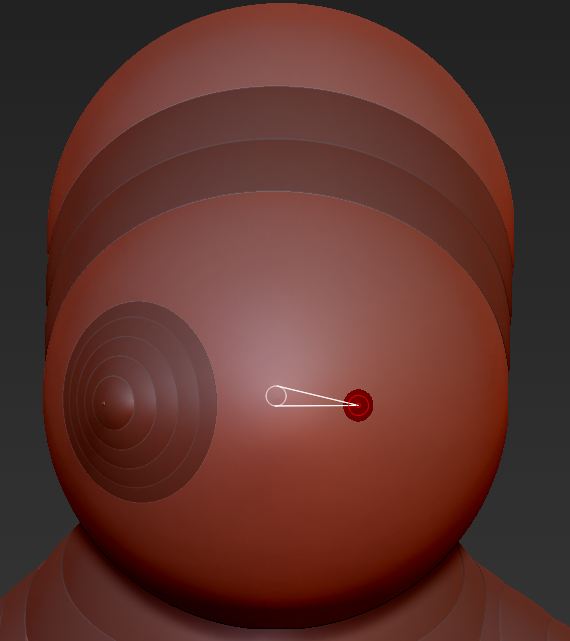
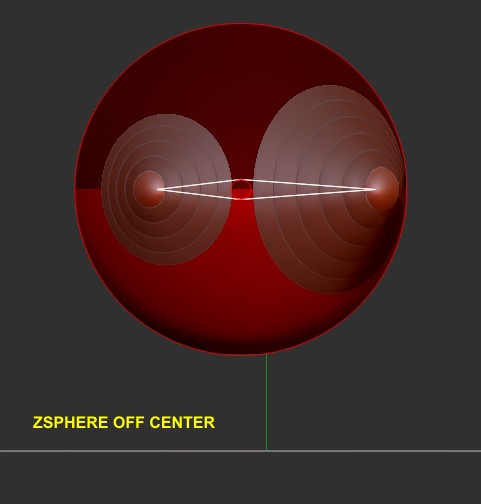
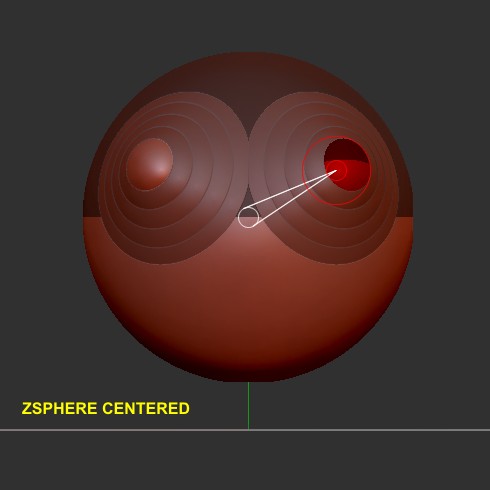
I attached two images to demonstrate this symmetry problem.
I have only X-symmetry turned on in mirror mode. I’m simply trying to add two zspheres symmetrically to the “base” zsphere. As illustrated in the first image, in Edit/Draw, as soon as I click to add the two zspheres, the zspheres to be added are different sizes, and they are not placed evenly on the base zsphere.
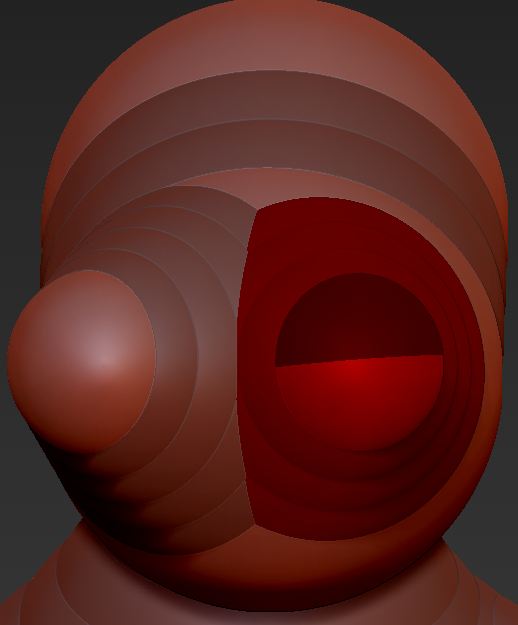
I can use the Shift key to draw them out to the same size; however, as illustrated in the second image, they still are misaligned.
Adding two zspheres symmetrically should be ridiculously simple. But not in ZBrush. Does anyone know how to make this work?
Thanks,
DocPit
Attachments