Okay I need help, because I’m about ready to throw Zbrush out the window. This is the SECOND time this has happened since I’ve gotten Zbrush. I’ve been sculpting for over 3 hours in Symmetry mode then I go to model a different area, and now my entire line of symmetry of my mesh is messed up and I cannot get it back.
I’ve basically lost all my work and it’s very frustrating. Why did this happen and how can I save parts of my mesh that are still intact!? :mad: :mad: :mad: :mad: :mad: :mad: :td: :td: :td: :td: :td:
[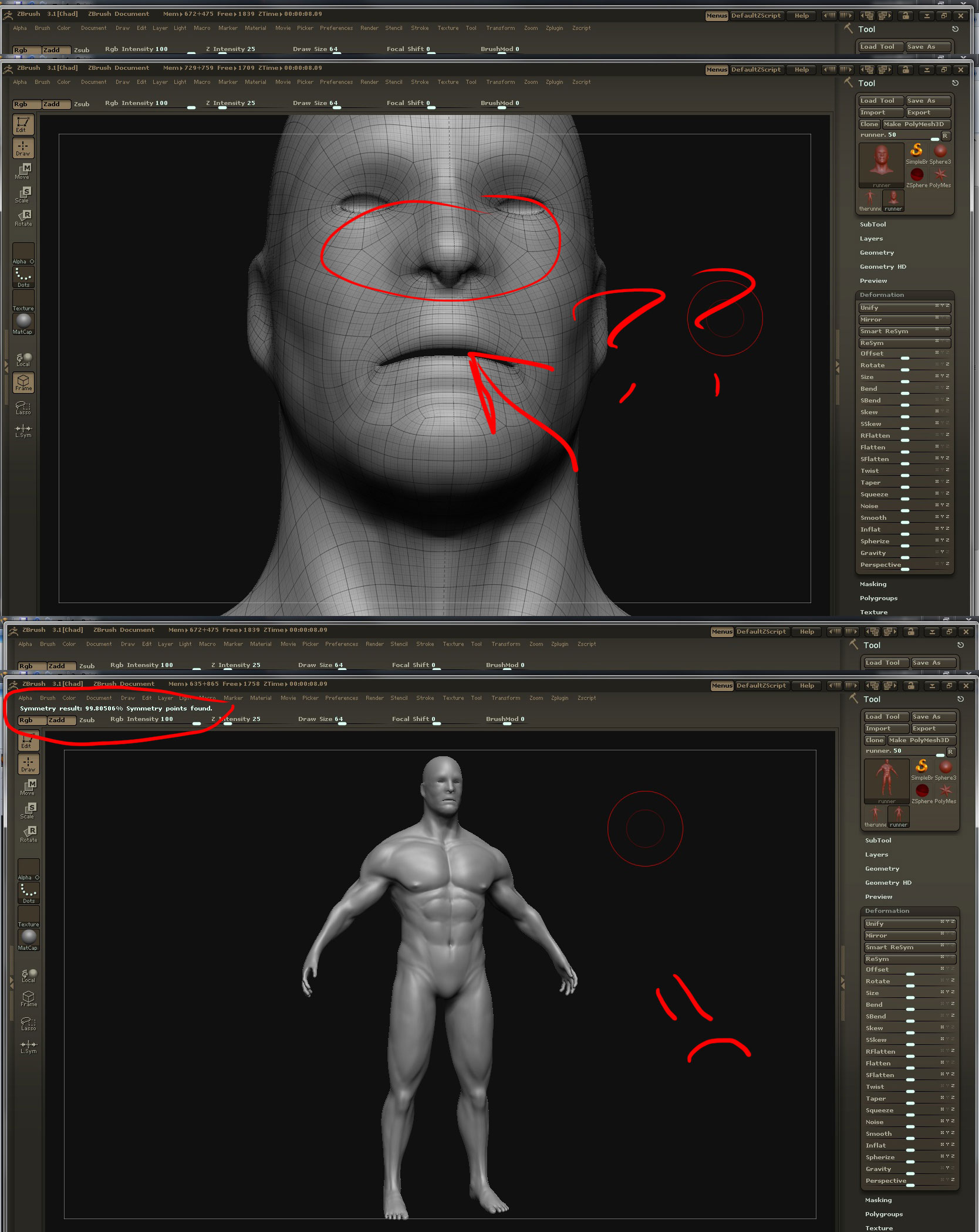 ]
]