ZBrushCentral

Symmetry lost: how to set a good (!) new pivot point?

In order to sculpt a face of an insect, I want to use symmetry, but the model does not seem to be in the correct position in order to sculpt left and right identical.
In a tutorial it is suggested to hide part of the model to set a new pivot point which is used to set the new orientation of the model, but that did not work.
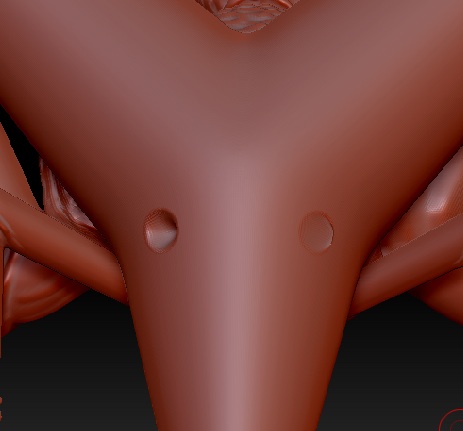
To show the problem, I have added two pictures of the model.

Attachments
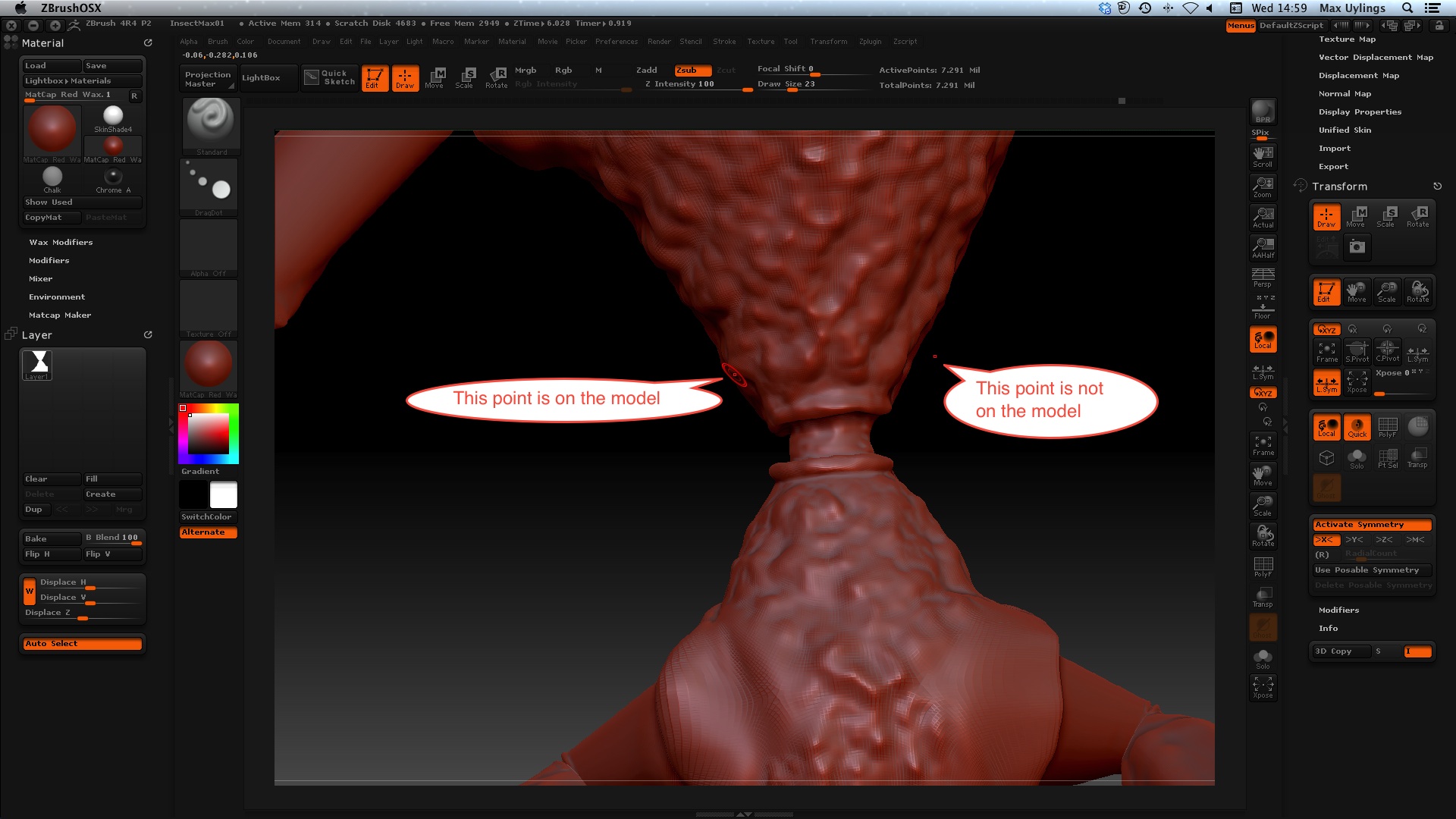
Symmetry Problem 1 of 2.jpg

Symmetry Problem 2 of 2.jpg

maybe you should try this:

http://www.youtube.com/watch?v=RdfMWLvkduw

If you don’t have it, very useful. http://www.zbrushcentral.com/showthread.php?161588-quot-Axis-quot-Plugin-for-ZBrush-4r2

3 methods suddenly come to mind:

A) Transform-> activate Local Symetry and hit Set Pivot, works most of the time, hit Clear Pivot when done

B) simply use Plugins -> Transpose Master (ctrl hold the mouse over some buttons to understand how it works) to move all you subtools to more or less the right spot… (use Draw->floor for example as guidelines)

C) if thats not enough, you can go to Tool->Geometry->modify Geometry->mirror and weld X y z

and then even project detail back should you need some unsymetrical stuff to be kept intact