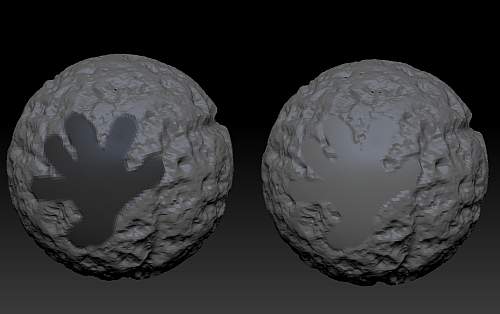
Hi, I am new here and I would ask you something about a problem I’ve found with “Surface Noise”. I’ ve followed the tutorial about it but something goes wrong with mask and noise. I create a mask with the maskpen and I “Apply to the Mesh” the chosen noise but Zbrush applies it to the whole object. Have you ever heard about this?
What I observe is with the “noise” button on you get a preview (like a “bump map” (note there is no distortion around the surface profile). If you remove your mask at this preview point, you will see that maps over the entire mesh.
However, if you leave your masking intact and press “Apply to Mesh” which is the button at the bottom of the surface subpalette, it turns into a displacement and respects the masked area…nothing is displaced under the mask.
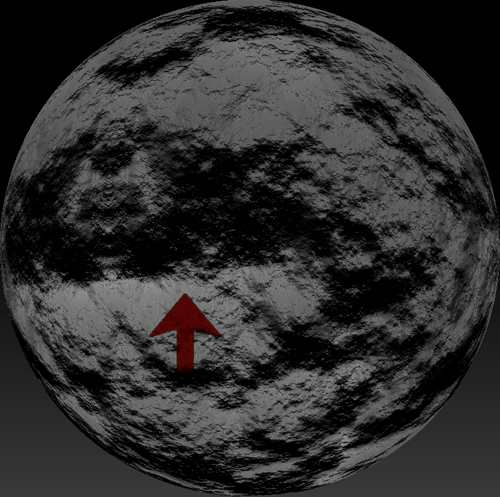
Here is a pic of the preview stage which highlight the seam of the noise texture image wrapped around the mesh prior to my hitting “Apply to Mesh” to create the displacement.
Attachments