I have a high poly model of around 20 mil polygons, which has been split up in Maya prior to going into Zbrush. I want to subdivide all the parts together and polypaint as one as well as some sculpting. I am new to this, but every time I try to subdivide ( after merging all visible ), each subtool begins to seperate from each other. Any ideas? Thanks in advance.
tool.geometry.crease.crease
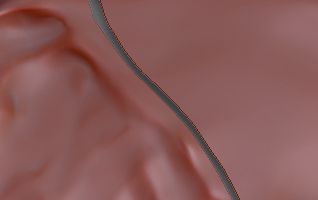
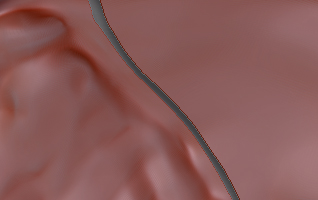
Thank you for that and I tried it, but it still looks like this image
Dutchart
Attachments
that happens sometimes when “smt” (smooth) is turned on, if you don’t need the smoothing you can turn off smt and it should divide without breaking. if you need the smoothing on, you can also try clicking on “weld points” in the geometry palette, then subdividing.
Trying to poly paint and sculpt across the sub tools, but subdividing gets me the result you see : (
I appreciate all the suggestions! I am afraid none of them worked though. I still have separation between each subtool just like in the image above. Not sure what else to try. I have the full-blown 4r6, but it is not working at this point. Any ideas as to why?
a full screenshot with the subtool and geo palettes expanded can help to figure out what’s going on.
Adjust the Crease slider and it should work.
Are you saying to use crease prior to subdividing? If so, what is a good setting to try? Thank you