Hi.
How do you make a subtool transparent? Like a lens or window or bottle?
Thanks!
~S.~
Hi.
How do you make a subtool transparent? Like a lens or window or bottle?
Thanks!
~S.~
In subtool Left of the Eye there is 2 circles passing through each other … press that. then you need to go to Tools panel and Display properties. and click BPR Transparensy. then Render and click Transparensy.
under render Transparency you have some options for refaction etc.
Good Luck
/Lepra
Thanks, Lepra! ~T.~
You don’t have to activate the difference icon in the Subtool list anymore. Just ‘BPR Transparent Shading’ in Tool > Display Properties and ‘Transparent’ in Render > Render Properties.
Thanks, Zber!
Any tips in general for working with transparency?
~S.~
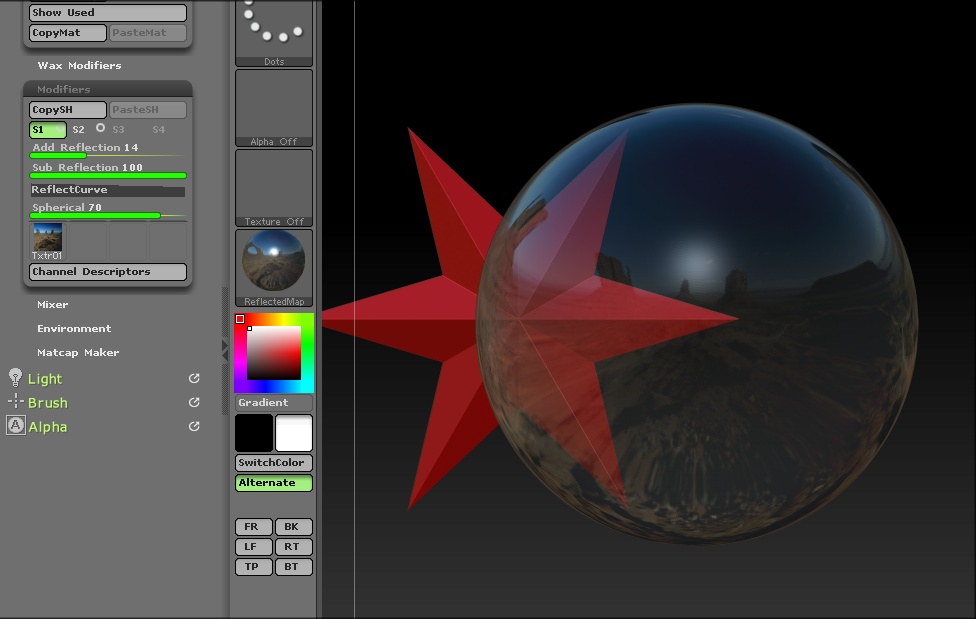
Don’t expect it to render like glass would in another 3D app because it won’t. It’s basically just transparency. I found that the settings in Render > BPR Transparency don’t really do anything, except for the ‘Strength’ slider. Refract hasn’t worked since version 3.5. Even then, it wasn’t that great. Use a material with a reflected map on it such as the ‘ReflectedMap’ material in Standard Materials palette. That will give you a not too bad glass like effect. You can change the reflection map in slot 1 of the material ‘Modifiers’ palette plus make other adjustments.
an example
dear Zber2, there is menue in your last explanation, but I could not find it in my zbrush program.
What pallete is it located ^?
Anatom
If you are referring to the one in the image, it is the ‘Material’ menu and is the ‘Modifiers’ submenu.
Hi, Zber.
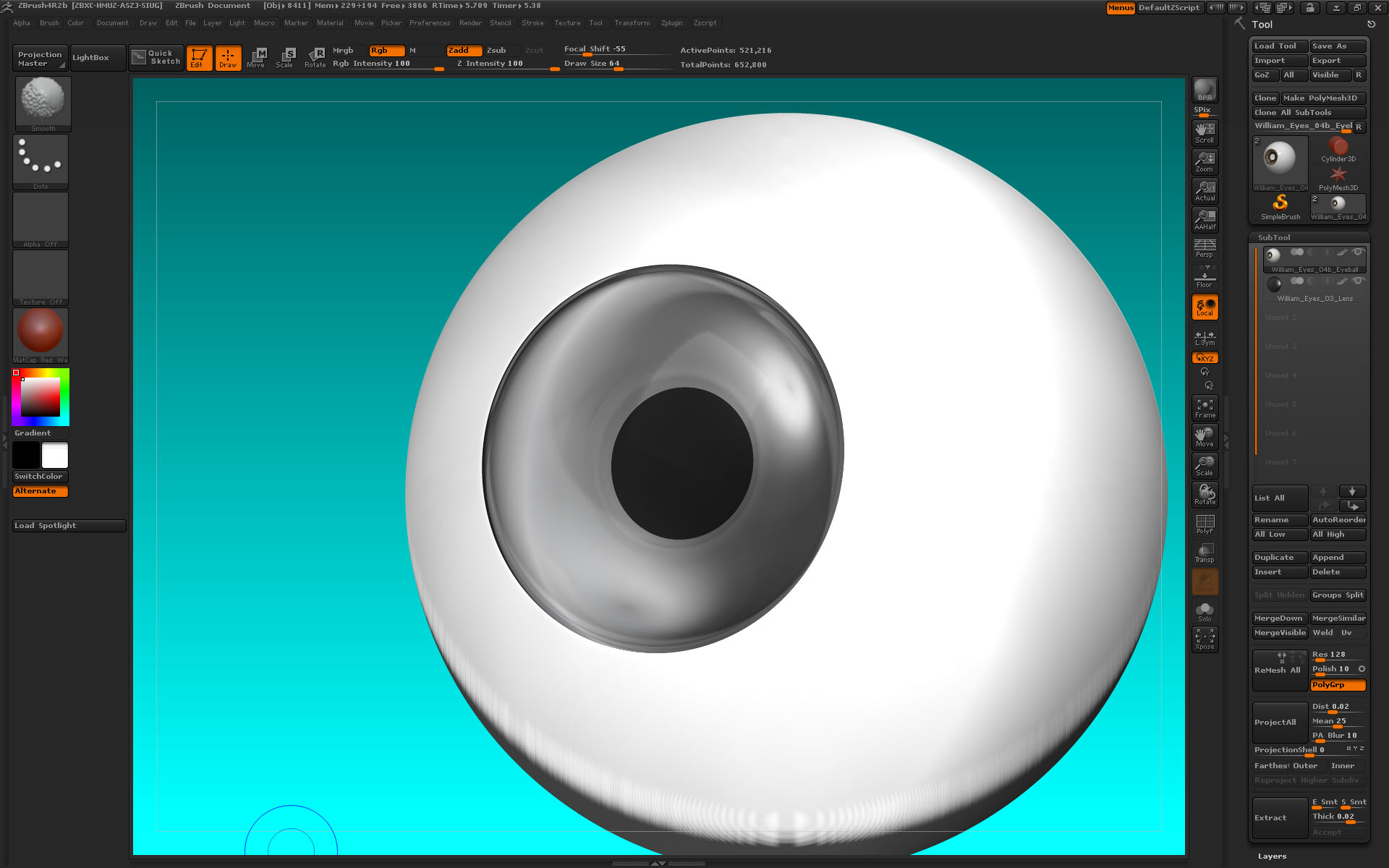
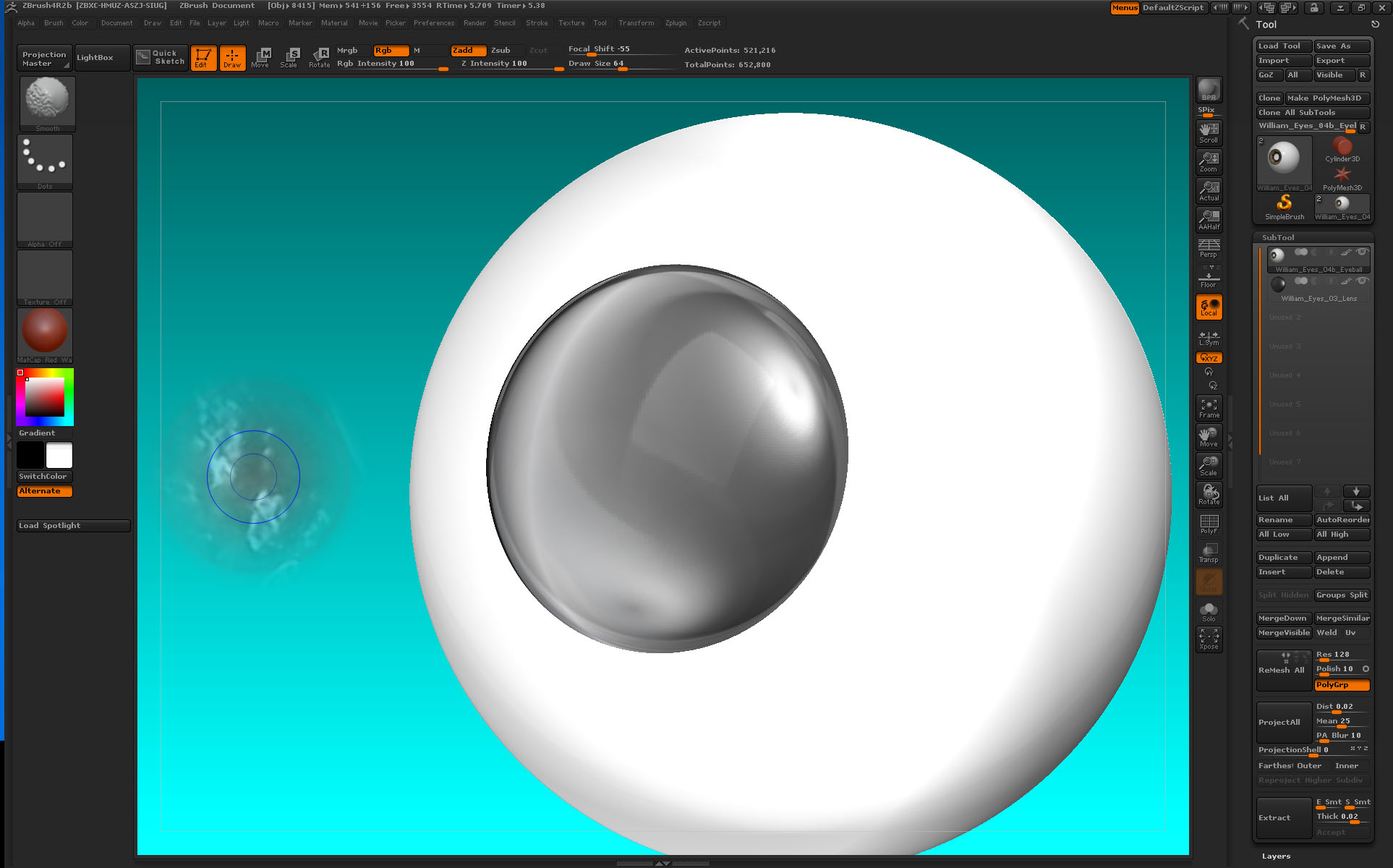
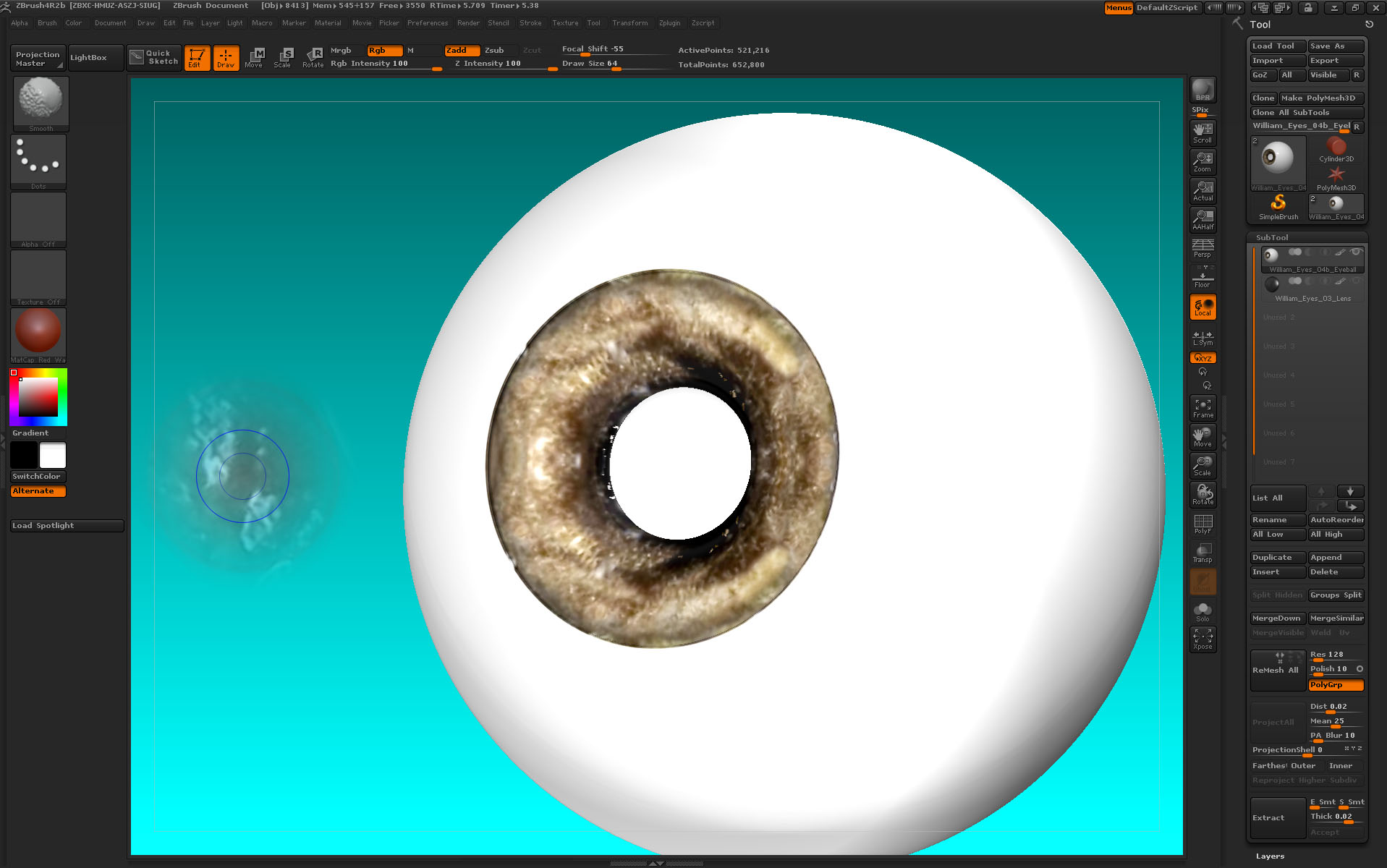
Here are examples of what I want to do. I want an eye in ZBrush with transparency. I have used Spotlight to paint texture onto the iris but when I render it, the painting disappears beneath the transparency of the corneal bulge. How do I see the iris paint through the transparency? Thanks!
~S.~
Hi,