Hi all. Haven’t done much in ZBrush but now i’m getting back into making some new stuff. Right now, I’m working on some shoes and struggling to figure out how to texture and bake shadows(guess this is called “rendering” right?) on each subtool. Also, I was trying to figure out how to add lighting to it like blue and black or something cool and funky xD but I just see the default lighting. Any comments, advice, inspiration, or positive feedback is more than welcome. Thank you. Deuces 
Hello BigK8804,
Here are some links  :
:
Please see here for more infos about texturing in Zbrush:
http://www.pixologic.com/docs/index.php/Texture_Painting
http://www.pixologic.com/docs/index.php/Texture_Palette
I´m not sure what you mean by “bake shadows(guess this is called “rendering” right?”
But here are some infos about rendering and the render palette in general:
http://www.pixologic.com/docs/index.php/Rendering_The_Big_Picture
http://www.pixologic.com/docs/index.php/Render_Palette
Here you´ll find everything about lighting (light type, placement, shadows etc) in Zbrush and the lighting palette:
http://www.pixologic.com/docs/index.php/Lighting
http://www.pixologic.com/docs/index.php/Light_Palette
You said “I was trying to figure out how to add lighting to it like blue and black or something cool and funky xD but I just see the default lighting.”
Cool, funky and quick  -->
-->
Simply click and drag from the… erm - the “box” (–> 1.)- to any point on the canvas, the color palette or the interface to select the color on that point.

Oh and something important to know:
MatCap materials do NOT respond to the lighting. They have a light-map baked in. I guess you can edit the light map if you want to change it but I´ve never done that – therefore I can´t tell you something about that.
If you have any other questions feel free to ask.
PS: This could be also very helpful for you
http://www.pixologic.com/docs/index.php/Materials_and_SubTools
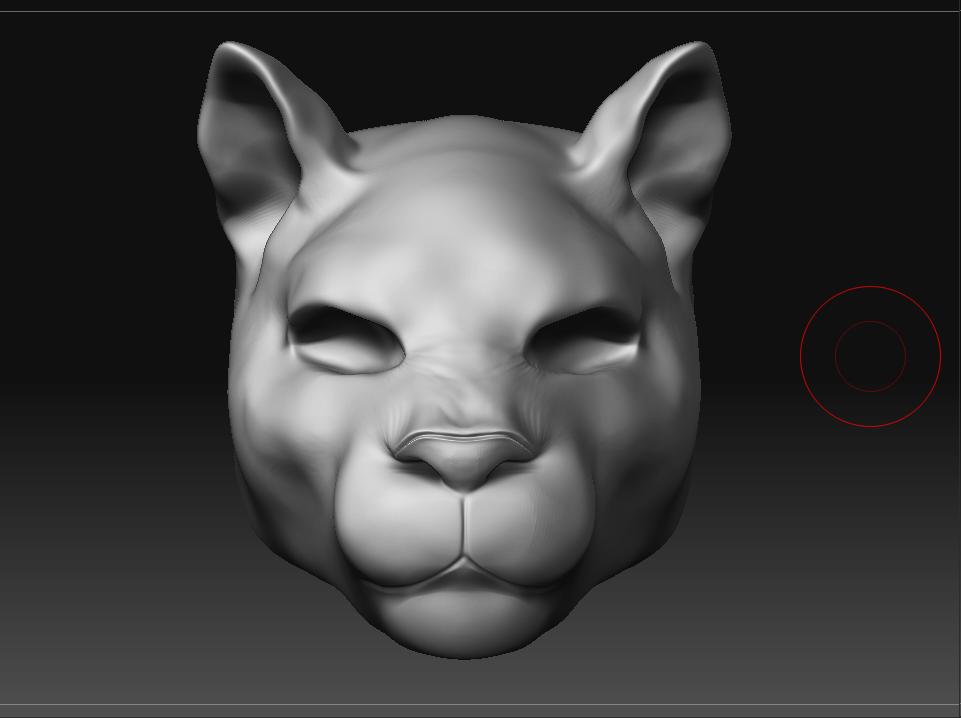
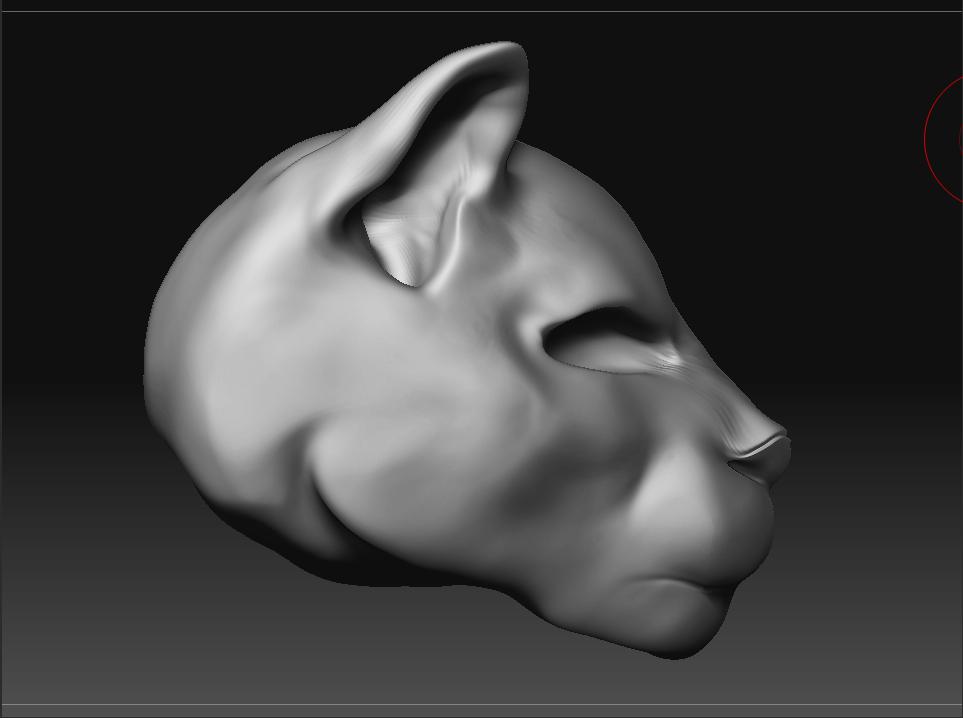
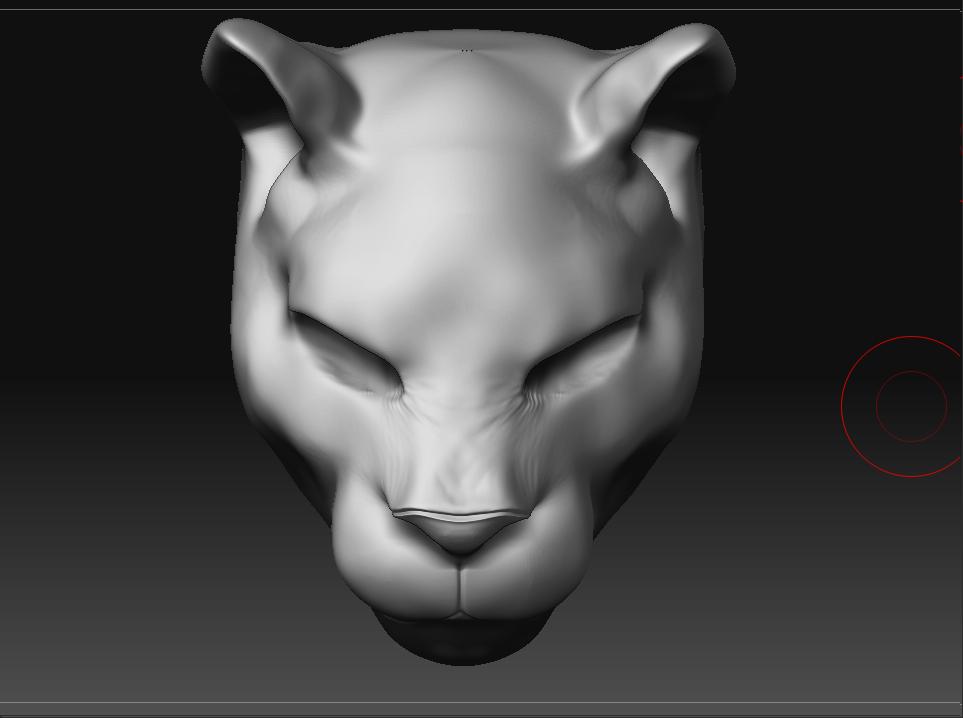
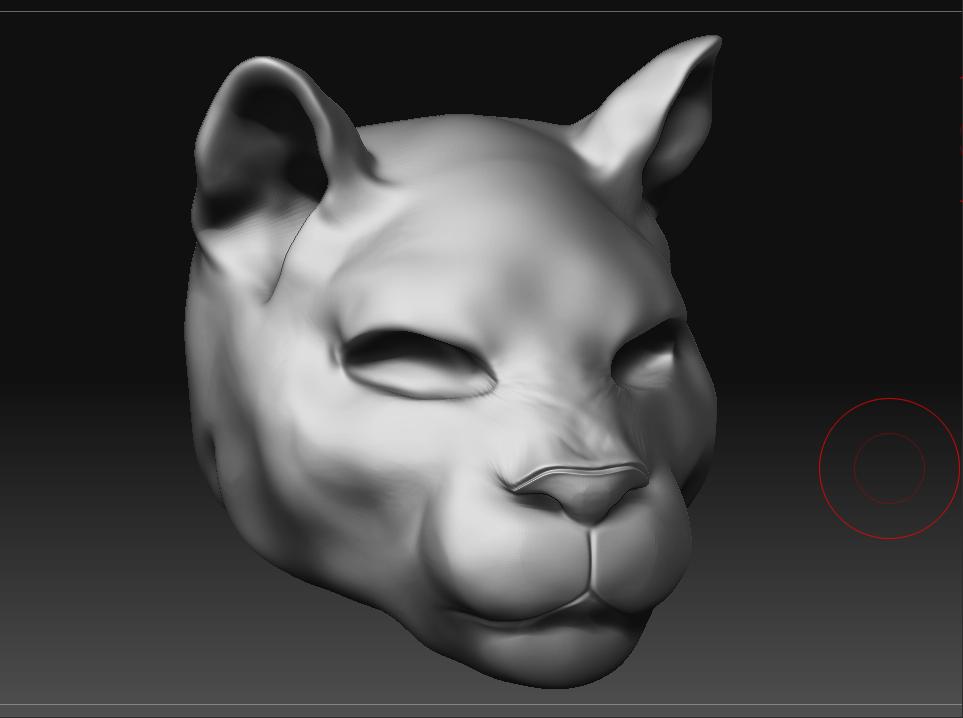
Wow, thank you so much for your help Mo  . Oh, what I meant by “baking textures” was having the light and shadows that I see on the sculpty to be on the texture. I’m trying to put a texture like…lets say leather on the shoe, and on top of the leather to give it a realistic look, the light and shadows. Then after, I’d like to export it out of ZBrush, if that makes sense lol so the leather and the lights/shadows is on one texture…haha hope I’m making sense. But thanks again this is a really big help for me. Your sculpts are awesomee and was inspired to do one also heh :), my 2nd sculpt since Clucky…but here it is.
Attachments
Hi there.
Baking textures is not possible in zbrush.
There was a plugin and a workaround to get a material onto the texture
but it didnt work well.
cheers
Okay, thanks Disco 